01
Adult-only outfit preview
Use the page presets to set the main creative direction before adding smaller custom notes.
Use AI Bikini Generator to preview realistic bikini, swimsuit, and beach outfit styles on your own adult photo before you shop, pack, or plan content.
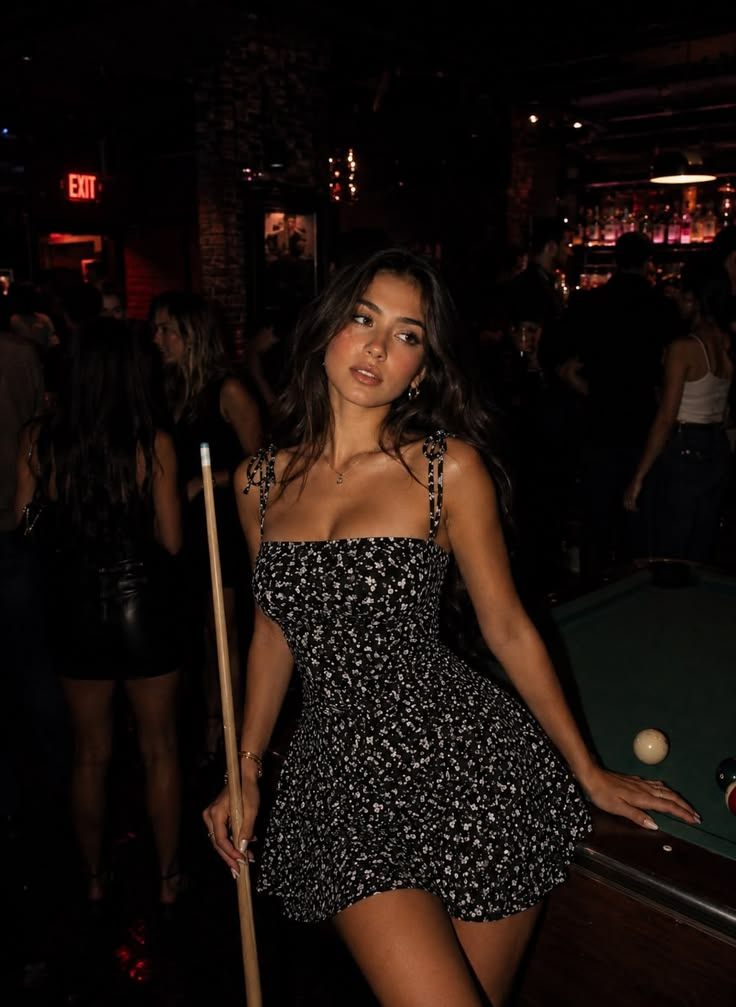 Before
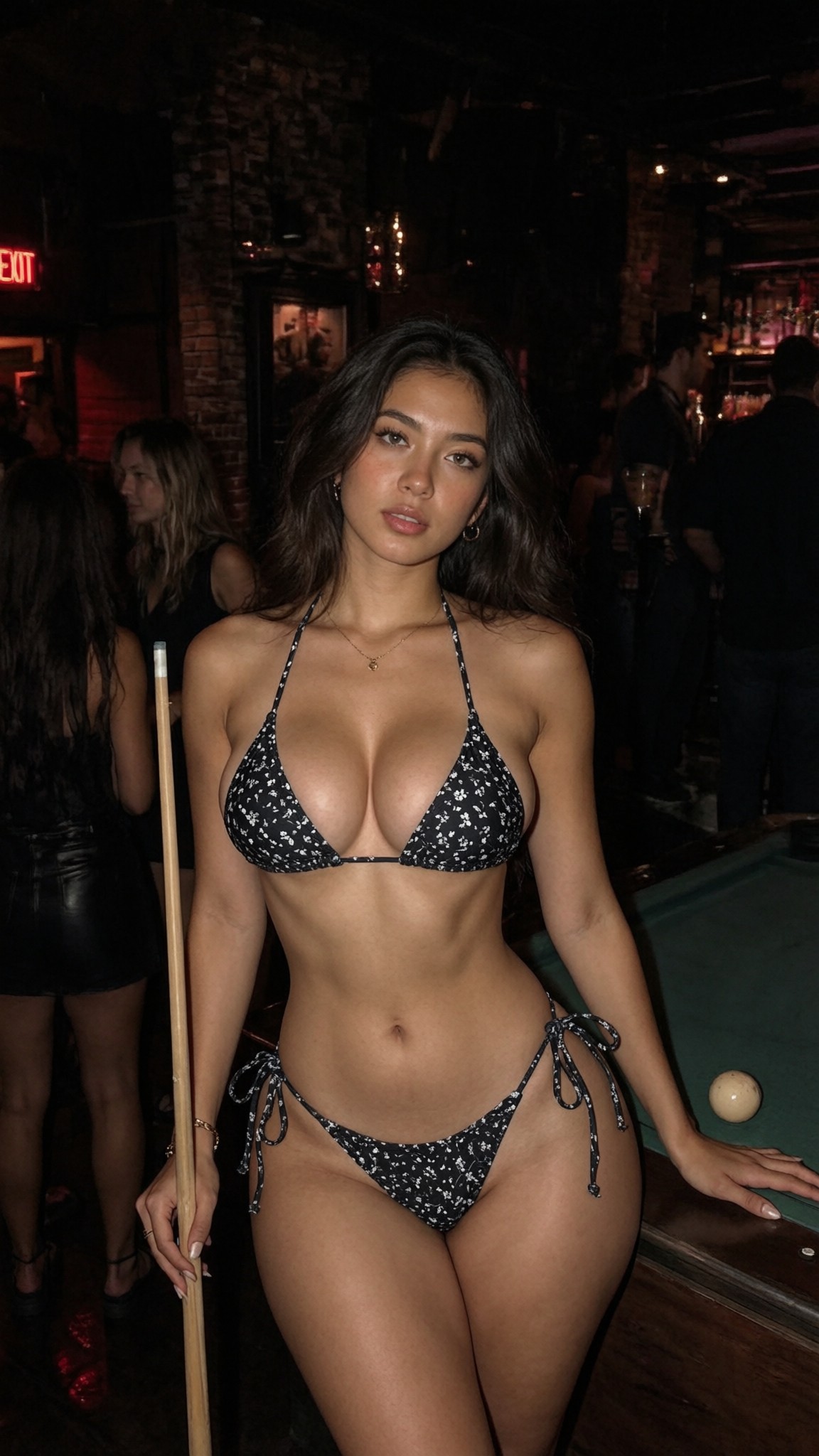 After
AfterThese four confirmed swimwear comparisons show triangle string and bandeau high-leg bikini directions across outdoor and mirror-photo references.
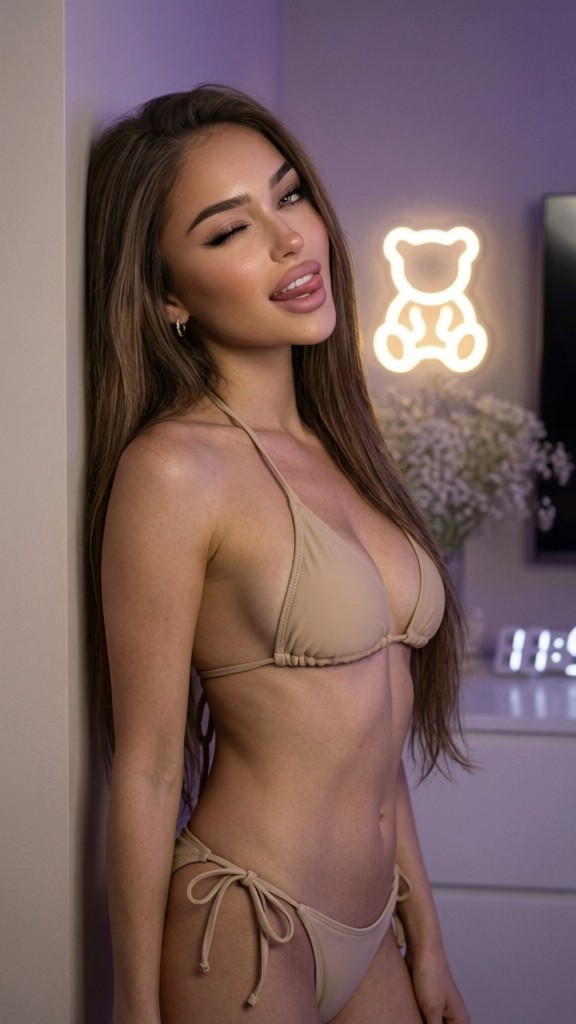

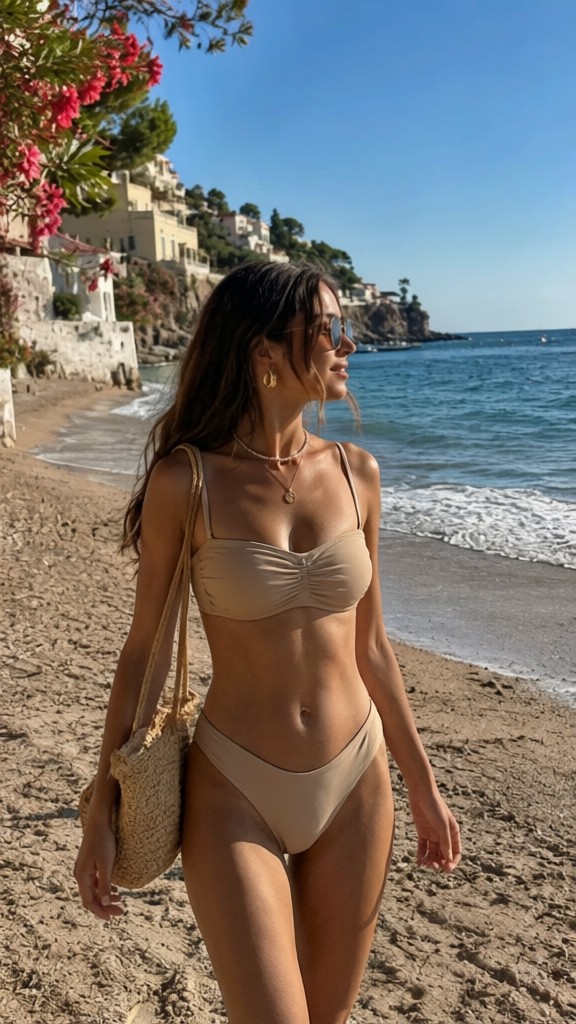
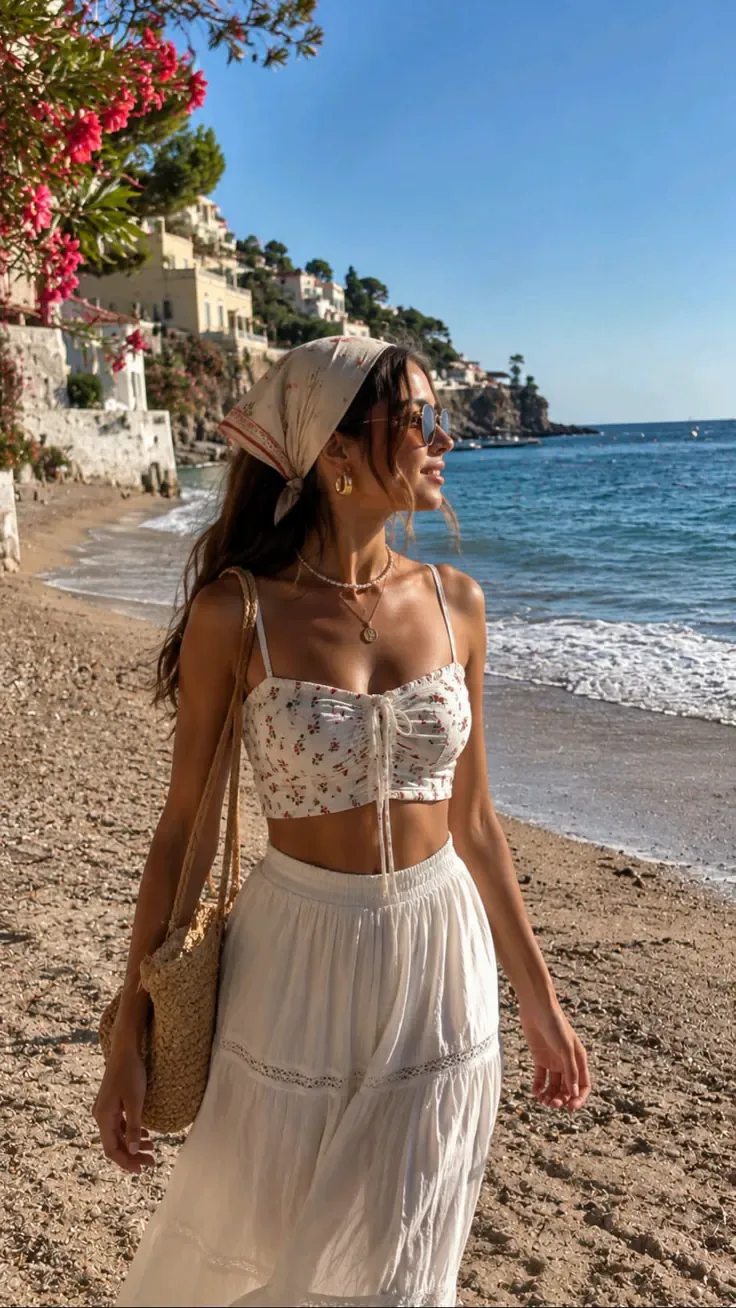
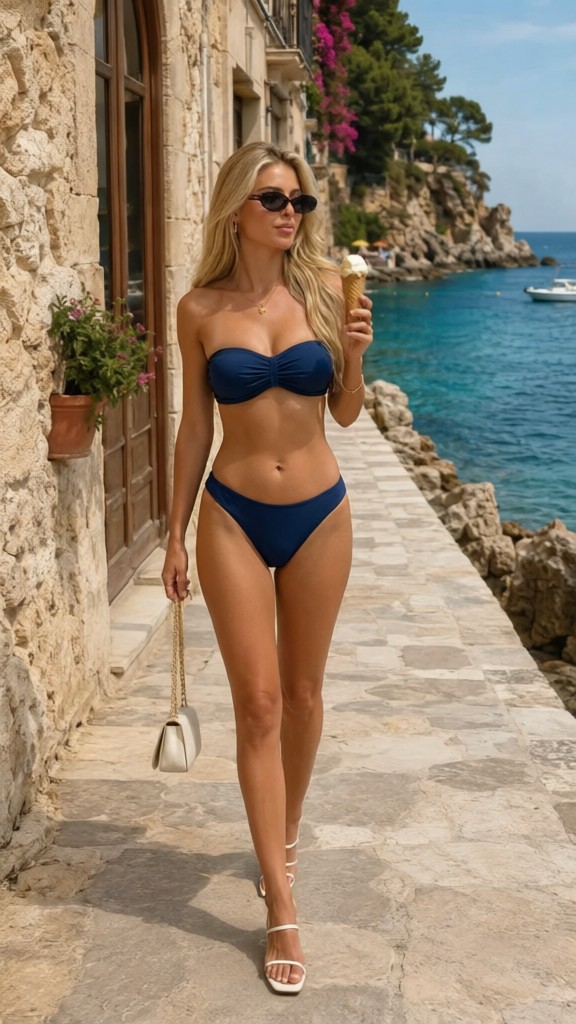
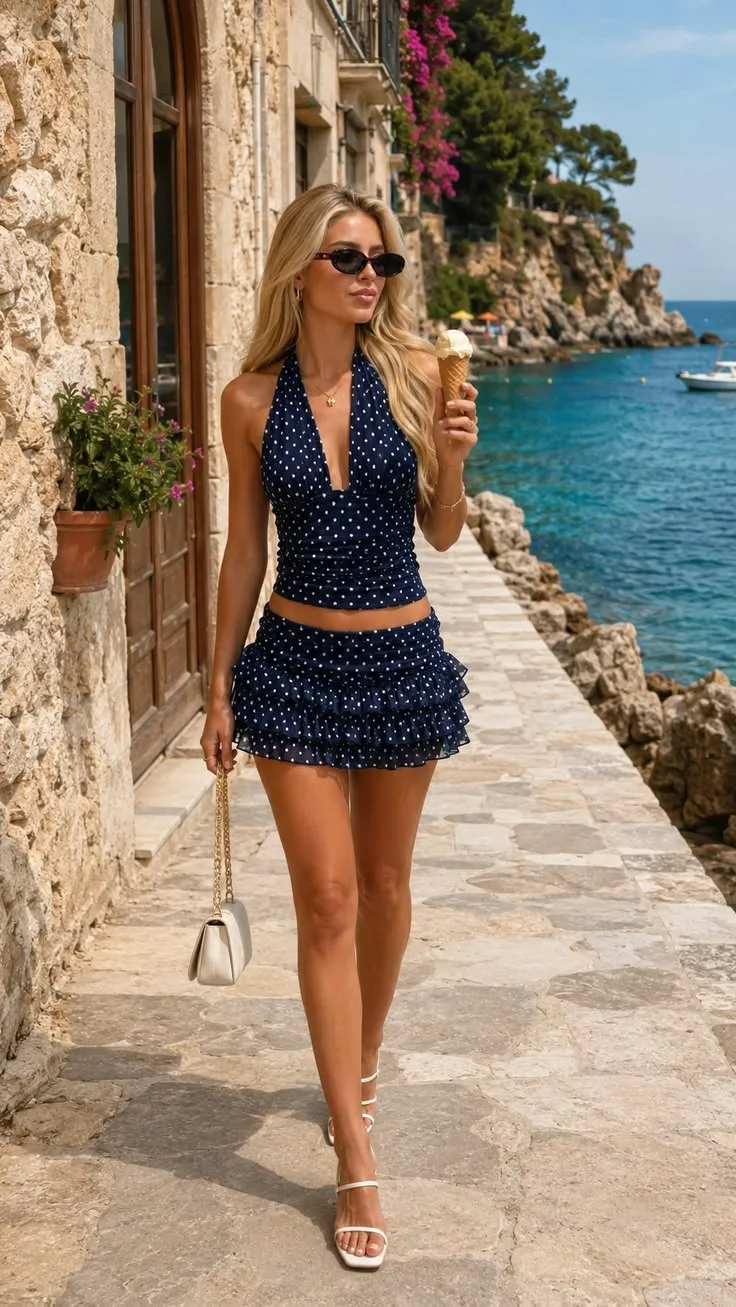
AI Bikini Generator is a focused adult swimwear try-on tool for previewing bikini, swimsuit, and beach outfit directions on a supplied photo. It helps compare common shopping choices like triangle string tops, tie-side bottoms, bandeau tops, high-leg bottoms, and vacation-ready swimwear moods while keeping the person, pose, proportions, lighting, and scene context recognizable. It is useful when you want a bikini try on, swimsuit try on, virtual swimwear try on, or swimwear style preview that feels grounded in an actual photo instead of a generic model shot.
That makes it different from a body editor, body-shape app, broad outfit swapper, or fantasy image generator. The goal is not to change identity, judge someone’s body, create sexualized imagery, or invent an unrealistic beach scene. The result is best used by adults for consensual style planning, online shopping shortlists, vacation packing, creator content planning, ecommerce moodboards, and practical beach outfit preview decisions; it is not a fit guarantee, body transformation tool, exact brand replica, or replacement for trying on real swimwear. For a related edit, use AI Outfit Try-On when the next version needs a different cleanup or adjustment.
Use the page presets to set the main creative direction before adding smaller custom notes.
Match the uploaded image, preset, and final use case so the result feels intentional rather than over-edited.
Keep identity, safety, and practical output limits in mind when choosing how far to push the effect.
Tip: 01
Use only adult photos with clear body posture; the bikini preview is intended for swimwear planning, not sexualized transformation.
Tip: 02
Pick Triangle Tie-Side for a classic string swimwear preview, or Strapless Bandeau when you want a cleaner no-shoulder-strap direction.
Tip: 03
Mention fabric color, strap shape, or tropical print preference, but avoid asking the tool to change body size or identity at the same time.
Tip: 04
Use a full or three-quarter body photo in fitted clothing so the generated swimsuit can follow the original pose and lighting plausibly.
Upload your own adult photo and compare triangle string, tie-side, bandeau, or high-leg swimsuit try on directions before committing to a purchase.
Preview a vacation-ready triangle or bandeau beach outfit on the same body shape and pose you already know before the trip.
Test how tie-side and high-leg bikini directions feel visually before ordering something more minimal, strapless, or coverage-focused.
Swap the swimwear style preview on an existing scene so you can test a different beach, pool, resort, or creator-content vibe without reshooting the whole setup.
Use a clear adult photo to compare bikini, swimsuit, and beach outfit directions before shopping, packing, or planning content. Pick the cut and mood you want, generate the try-on preview, then check fit lines, coverage, proportions, and vacation styling.
Start with a standing or three-quarter adult image where the torso, waist, hips, shoulders, arms, and current outfit edges are visible enough for a natural bikini filter or swimsuit try on preview.
Tip: Simple poses, unobstructed outfits, and even lighting produce cleaner shopping previews than seated angles, heavy cover-ups, or photos where the swimwear area is hidden.
Choose Triangle Tie-Side for a simple string beach look, or Strapless Bandeau for no-shoulder-strap swimwear styling.
Tip: Use Triangle Tie-Side for classic beach outfit preview ideas and Strapless Bandeau for poolside, resort packing, and travel moodboards.
Create the bikini try on, then compare strap placement, waistline, coverage, skin edges, pose, lighting, and body proportions before saving or rerunning another style.
Tip: Rerun with a different preset before making shopping, packing, or content planning decisions, especially if the first swimsuit try on changes the pose too much.
“It made it easier to compare a triangle string direction against a bandeau option before I packed.”
“I wanted to know whether a tie-side bikini or a bandeau cut felt more like me. The preset structure gave me a fast answer.”
“Using one photo to test a few bikini directions was much faster than trying to imagine the differences from product pages alone.”

Remove unwanted text, photo stamps, subtitles, date stamps, labels, and simple watermarks from photos with AI.

Use a Braces Filter online to preview realistic braces on your own selfie before an orthodontic visit.

Whiten teeth in selfies and smile photos with an AI teeth whitening filter that keeps the result natural.
Standing adult photos, mirror selfies, and three-quarter portraits work best when the torso, waist, hips, and legs are visible enough for a believable bikini filter or swimsuit try on. Heavy layering, crossed arms, or tight crops usually make the result less consistent.
Yes. That is one of the main use cases for a virtual swimwear try on. Start with one preset, save the result, then run the same photo again with Triangle Tie-Side or Strapless Bandeau.
No. It is better for visualizing general bikini direction, support level, color mood, beach outfit preview, and styling on your own image. Treat it as a try-on mockup, not an exact product guarantee.
This route is written for adult, consensual bikini try on and swimsuit try on previews only. It is positioned around shopping, styling, vacation planning, packing lists, and content planning use cases, not explicit, non-consensual, or age-inappropriate content.
Yes. Many users use the AI bikini generator as a swimwear style preview before packing for a beach trip, planning a resort wardrobe, deciding which swimsuit direction to buy, or testing a summer content concept before scheduling a shoot.
Yes. The page now uses real generated comparison images for its showcase and use-case cards. Direct same-photo outfit-swap edits can still be more sensitive to model safety rules than standalone example generation.
Upload a clear adult photo and compare bikini, swimsuit, and beach outfit directions that feel closer to what you actually want to wear, buy, pack, or plan.