01
Storybook Portrait
Best for selfies, clean portraits, and warm profile-image transformations.
Turn your photo into Disney-style animated art with AI for portraits, couples, pets, families, and profile images.
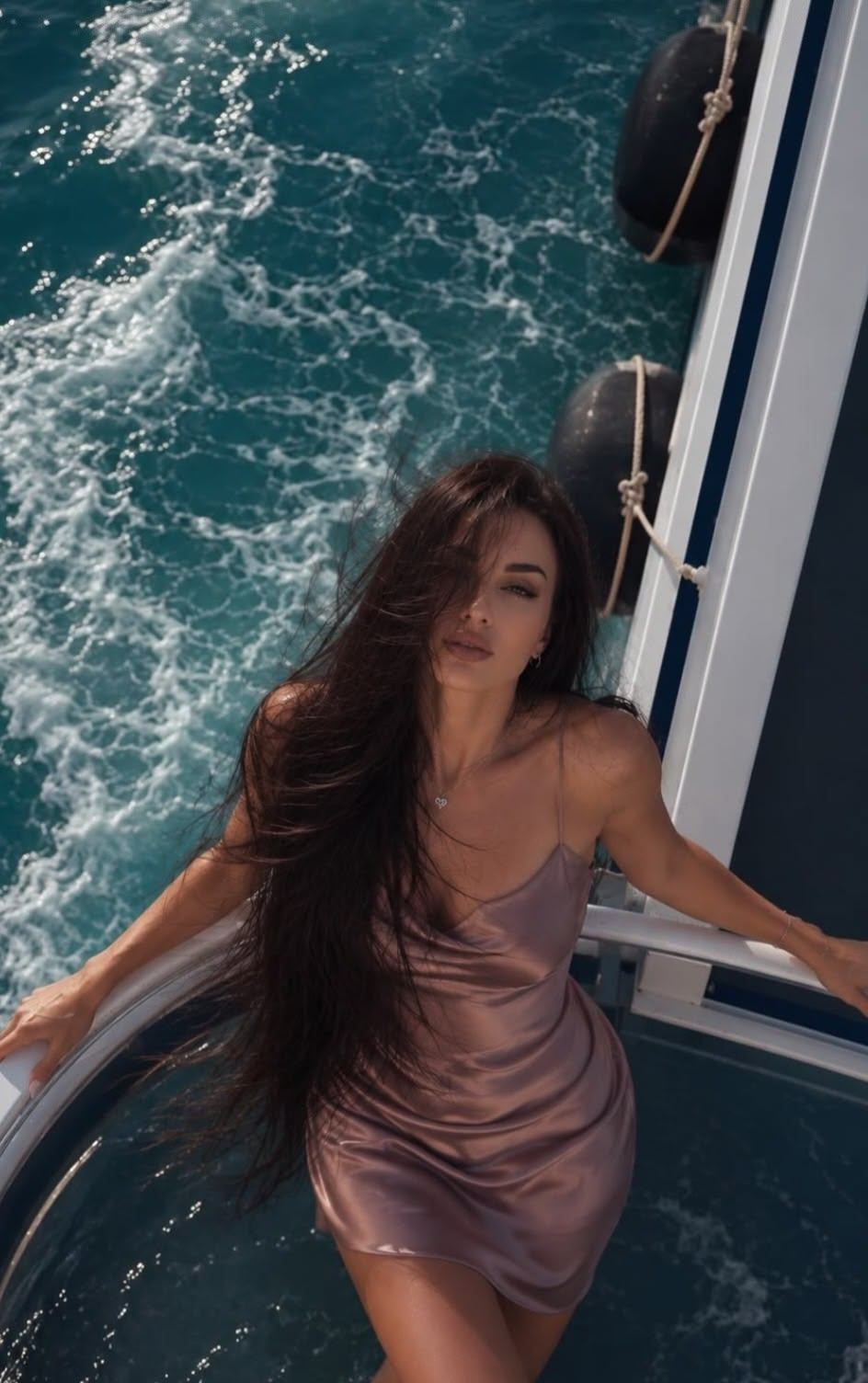 Before
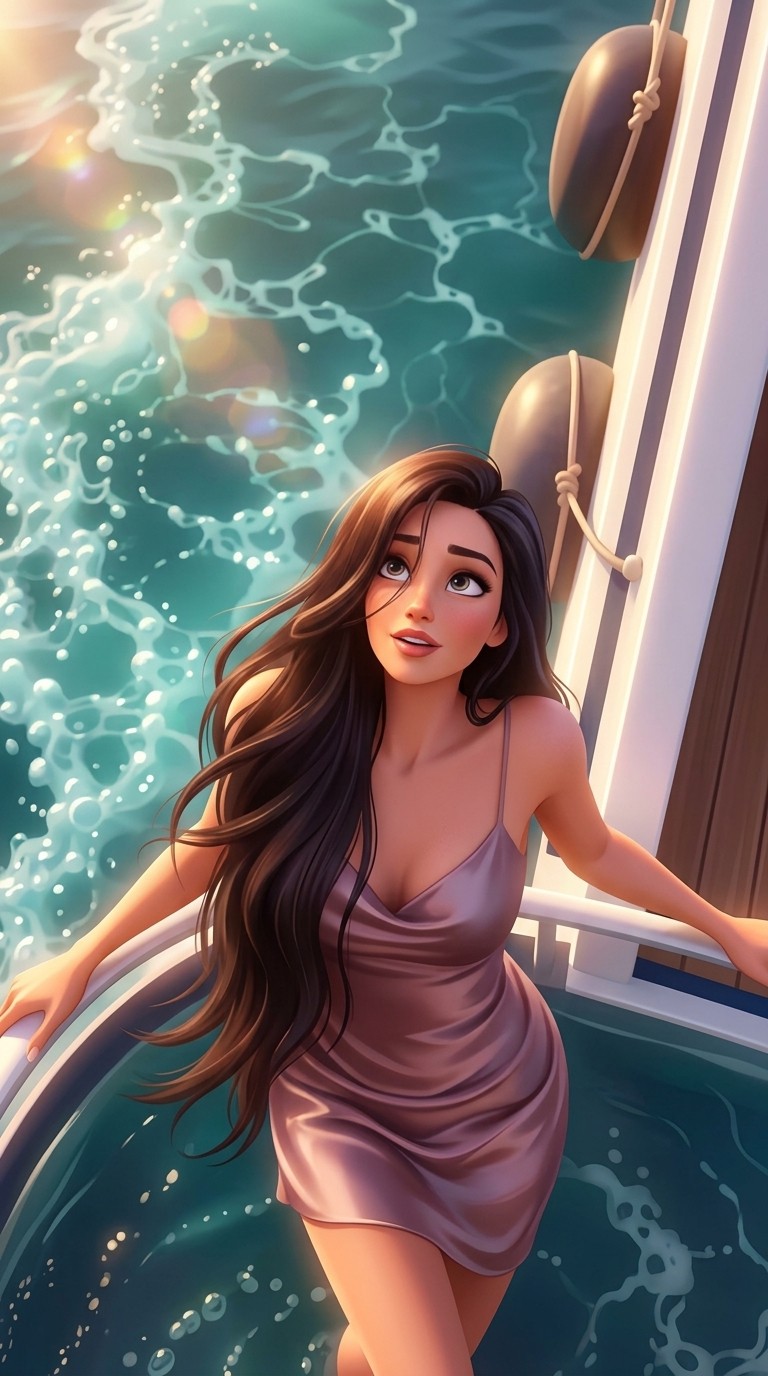 After
AfterA compact set rendered with Disney Style AI Generator: portraits, pets, and couples keep their readable likeness while the scene turns warmer, rounder, and more storybook. Drag or swipe to compare the fairytale cartoon effect without losing the source photo.
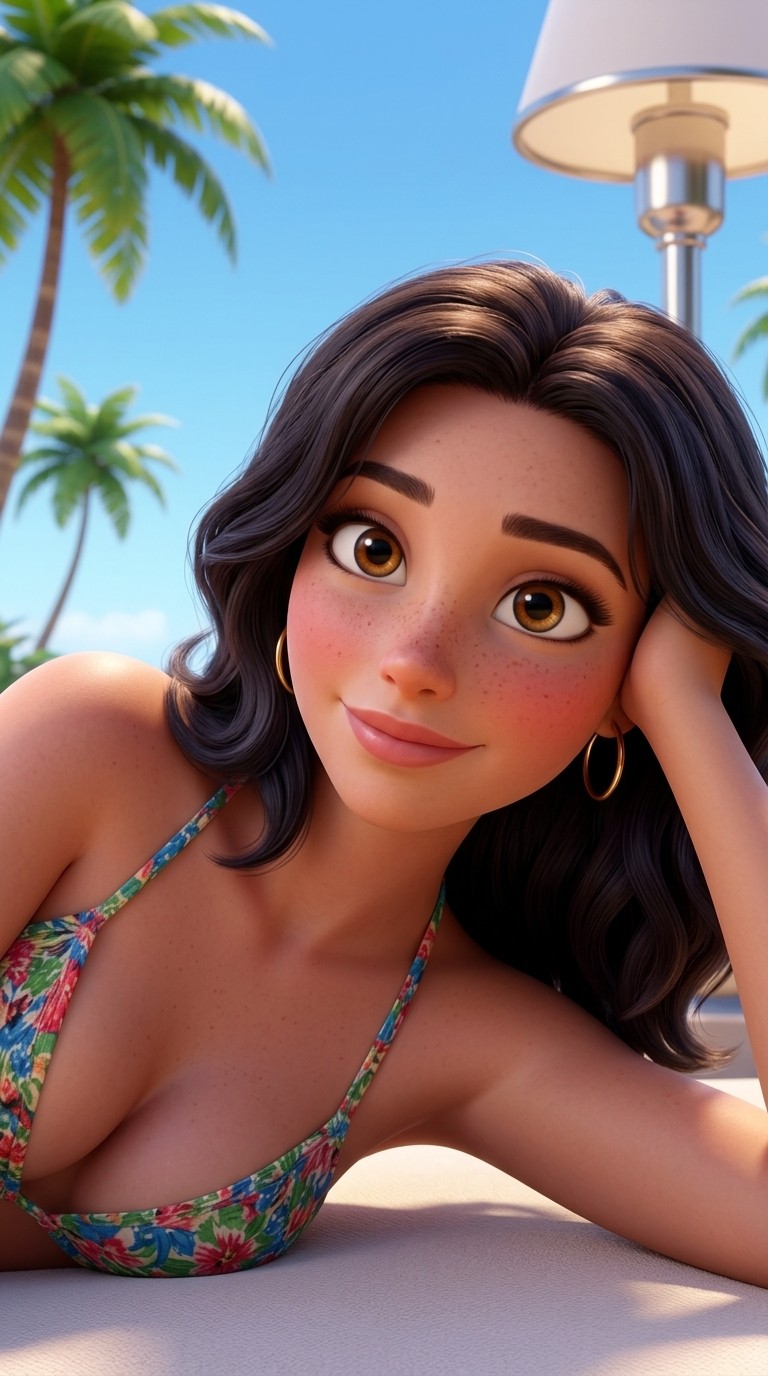
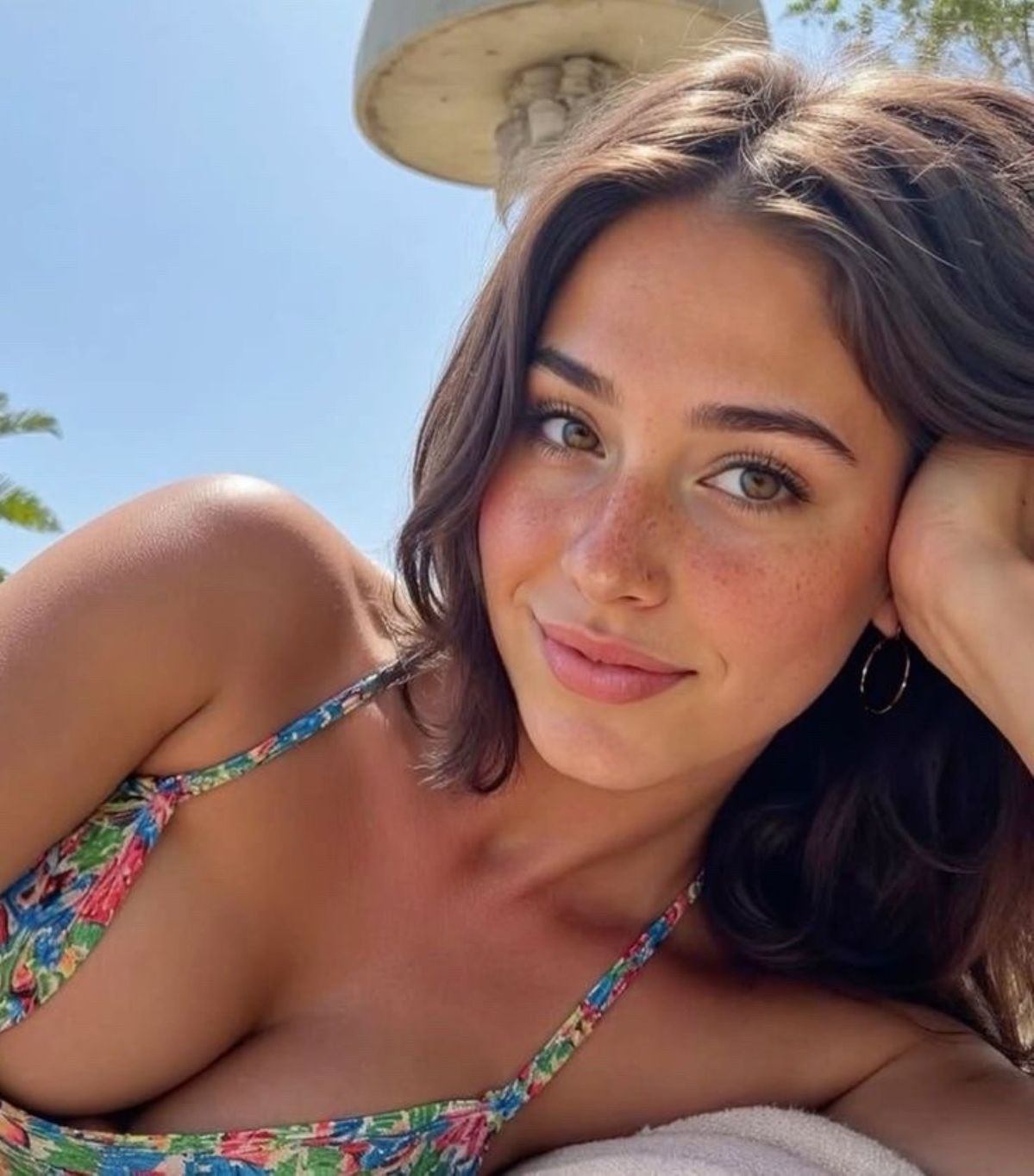
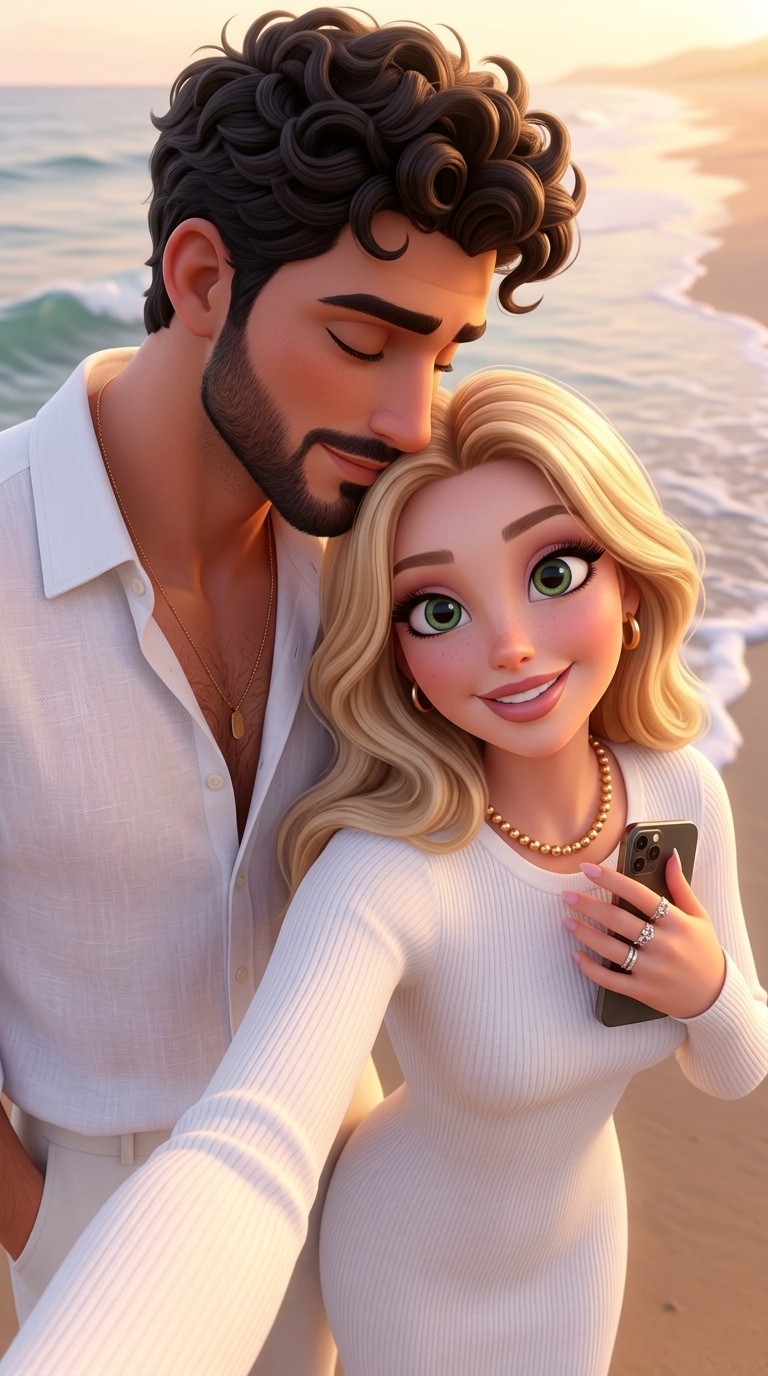
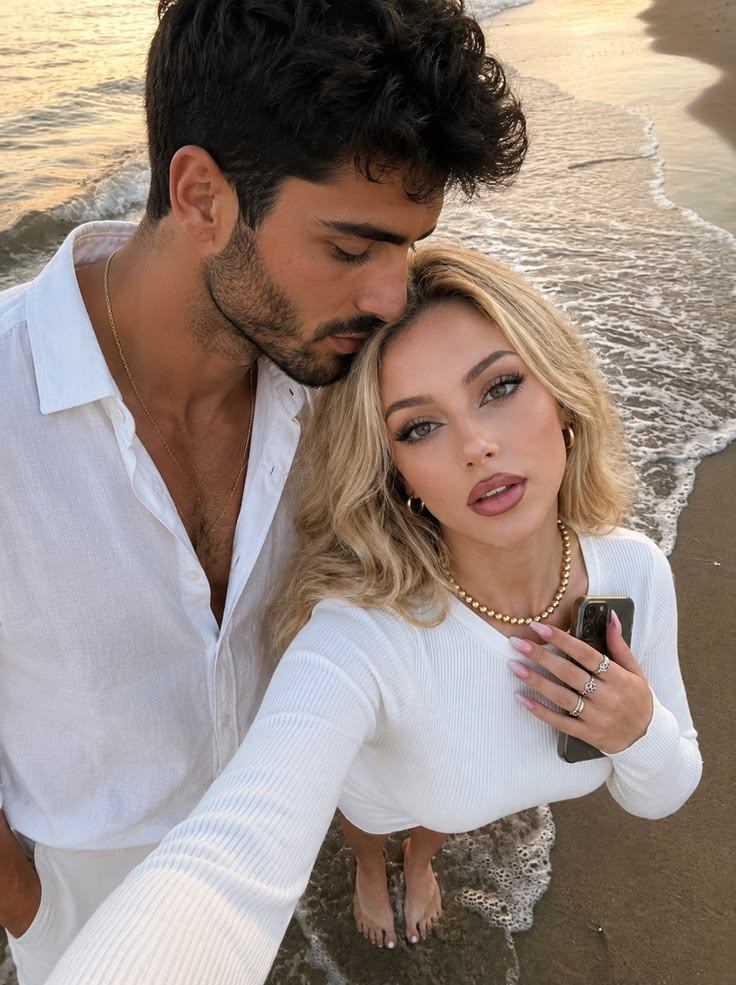
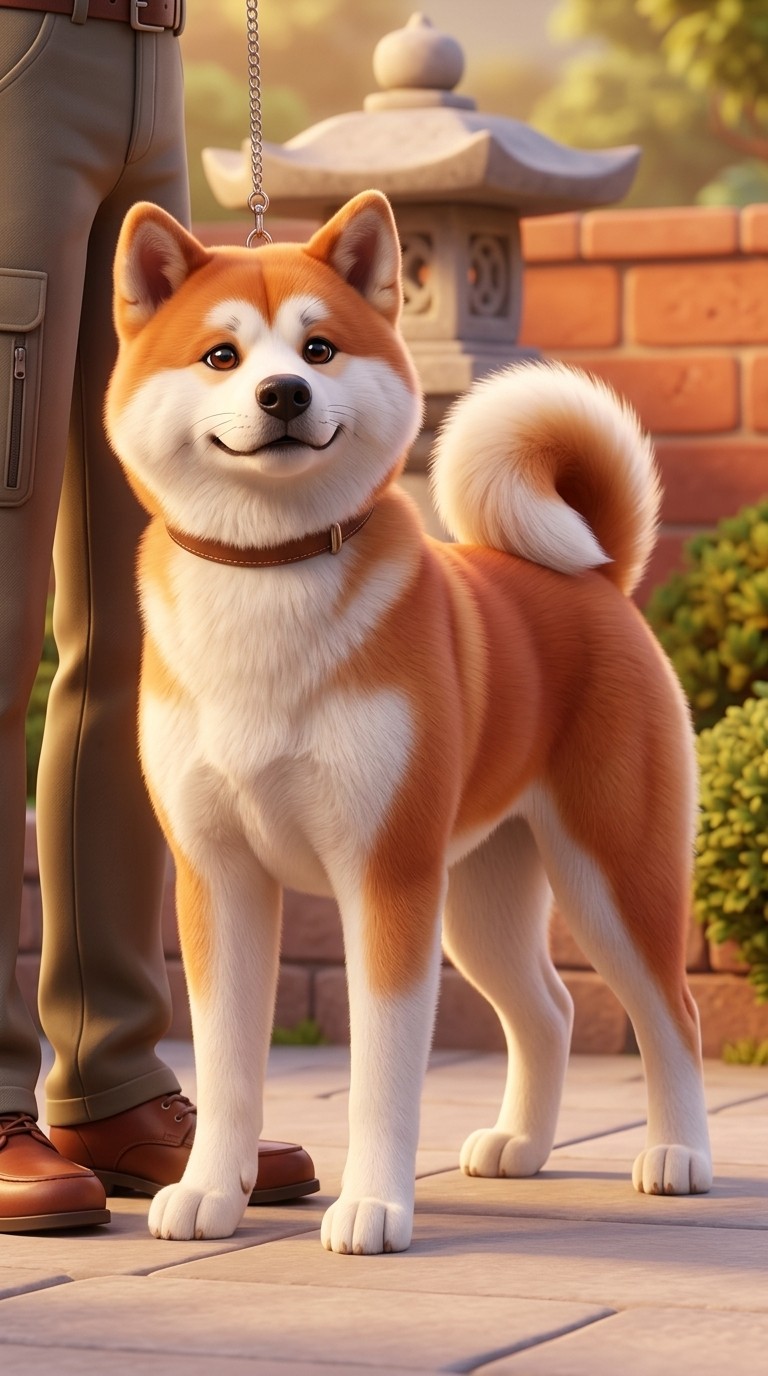
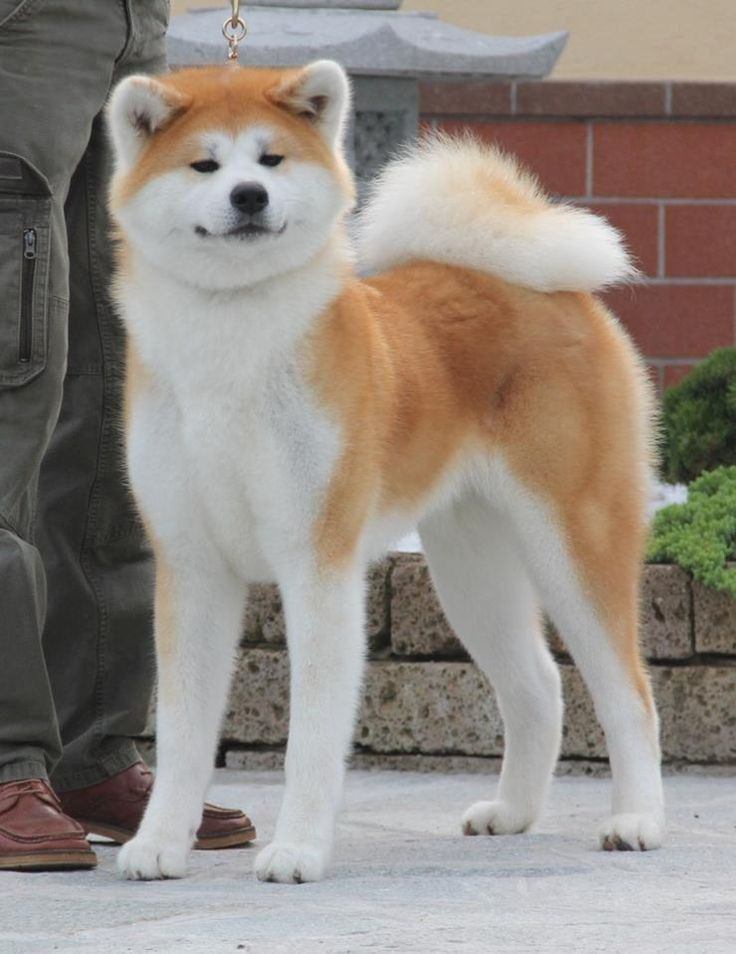
Disney Style AI Generator is a photo-to-animation tool for people who want a Disney style result without copying official characters, logos, scenes, or posters. Upload a selfie, couple photo, family picture, pet portrait, or costume image, then use it like a Disney filter that turns the source into an original storybook character, animated movie portrait, fairytale cartoon effect, cartoon princess style portrait, or 3D cartoon portrait while keeping the person, pet, pose, outfit cues, and overall composition recognizable.
It also defines the safe creative boundary: this page uses inspired fairytale and family animation style visual language, not official Disney affiliation, endorsement, or production. A basic cartoon filter may flatten every photo into the same look, while a text-only generator may invent a new face or scene. This workflow starts with your uploaded image and asks AI to preserve identity first, then add rounded character design, expressive eyes, warm cinematic color, gentle fantasy lighting, and a polished animated-film mood that feels original rather than a replica. For a different visual treatment, try AI Disney Poster when the same idea should move into another style direction.
Best for selfies, clean portraits, and warm profile-image transformations.
Best for elegant fairytale portraits with softer royal warmth.
Best for anniversary keepsakes, wallpapers, and couple art from photos.
Tip: 01
Choose storybook, fairytale, pet sidekick, or 3D cartoon portrait directions rather than requesting a specific official character or movie frame.
Tip: 02
Use clear faces and simple group compositions so the animated-film polish does not replace the people, pets, or relationships in the source photo.
Tip: 03
Keep costumes and props original; avoid logos, franchise outfits, and packaging-style references that make the image look like licensed material.
Tip: 04
For family or couple keepsakes, review each face separately because cartoon eyes and expressions can drift when several subjects share the frame.
Turn a selfie into a polished animated movie portrait for TikTok, Discord, YouTube, or personal profiles without losing the person behind the photo.
Transform a couple photo into Disney-style animated art for anniversary gifts, lock screens, wedding microsites, or social posts.
Convert a dog or cat photo into expressive Disney-style pet art for profile cards, gift prints, social posts, or sticker concepts.
Turn a portrait into a softer fairytale image with graceful lighting, rounded animated features, and a polished profile-ready finish.
Create a Disney-style image in about a minute. Upload a clear photo, choose the animated direction that matches your use, then review the subject details before downloading.
Start with a portrait, couple image, family photo, costume picture, or pet shot where the faces, pose, and major outfit or fur details are easy to see.
Tip: Simple framing and visible eyes usually translate best into a storybook character or animated movie portrait.
Use Storybook Portrait for general portraits, Princess Glow for cartoon princess style warmth, Fairytale Couple for duo keepsakes, or Pet Sidekick for companion character art.
Tip: Pick the preset based on the final use: avatars want clearer faces, while keepsakes can lean more cinematic and family-animation styled.
Create the artwork, then check face shape, eye expression, hair, outfit cues, pet markings, and background clarity before saving the Disney filter-style result.
Tip: If the result feels too stylized, rerun with a lighter prompt and a clearer instruction to preserve the original composition.
“This kind of portrait direction works well for profile art because it keeps the face recognizable but feels much more polished than a basic cartoon filter.”
“The family keepsake example is the kind of result people actually want for invites or giftable images from a real family photo.”
“The pet-sidekick version keeps the dog recognizable while making it feel playful enough for stickers and social posts.”

Convert photos into clean pixel art online with AI for avatars, pets, products, and retro poster looks.

Turn your selfie or portrait into a tasteful vintage pin-up poster with AI.

Turn any pet photo into printable AI artwork in seconds.
A Disney Style AI Generator is a photo transformation tool that turns a real uploaded image into Disney-style animated art with storybook lighting, family animation style polish, and a more magical character look while trying to keep the original subject recognizable.
Yes. This app is designed for uploaded selfies, portraits, couple photos, family pictures, and pet images. The prompt is written to keep the uploaded subject readable rather than replacing it with a random character.
It works like a Disney filter in the everyday search sense: upload a photo and get an animation-inspired transformation. The output is framed as original fairytale cartoon art rather than an official Disney product or a replica of a specific character.
Use clear, well-lit photos where the main person, couple, family, or pet is easy to see. Strong face visibility and simpler framing usually produce better animated transformations than crowded or heavily blurred images.
The prompt aims for a photo-derived animated movie portrait with identity preservation, storybook lighting, and subject-specific styling rather than flattening the image into a generic cartoon effect.
Yes. The Princess Glow option is tuned for softer fairytale color, graceful lighting, and cartoon princess style polish while still avoiding copies of existing characters or official artwork.
Yes. The default prompt supports a dimensional 3D cartoon portrait direction with rounded forms, character-sculpted depth, glossy material polish, and family-film lighting when that look fits the source image.
No. This is an independent AI tool for original image transformation using inspired fairytale and animation visual language. It is not affiliated with, endorsed by, or produced by Disney or Pixar.
Yes. The current showcase and use-case images are confirmed before-and-after assets generated for this shipped pass using Gemini 3.1 Flash Image Preview on the official provider route.
That is one of the main intended use cases. The page is framed around profile pictures, couple keepsakes, family invite art, pet portraits, and friendly giftable images built from your uploaded photo.
Upload a portrait, couple photo, family picture, or pet image to generate an original Disney-style animated version with AI.