01
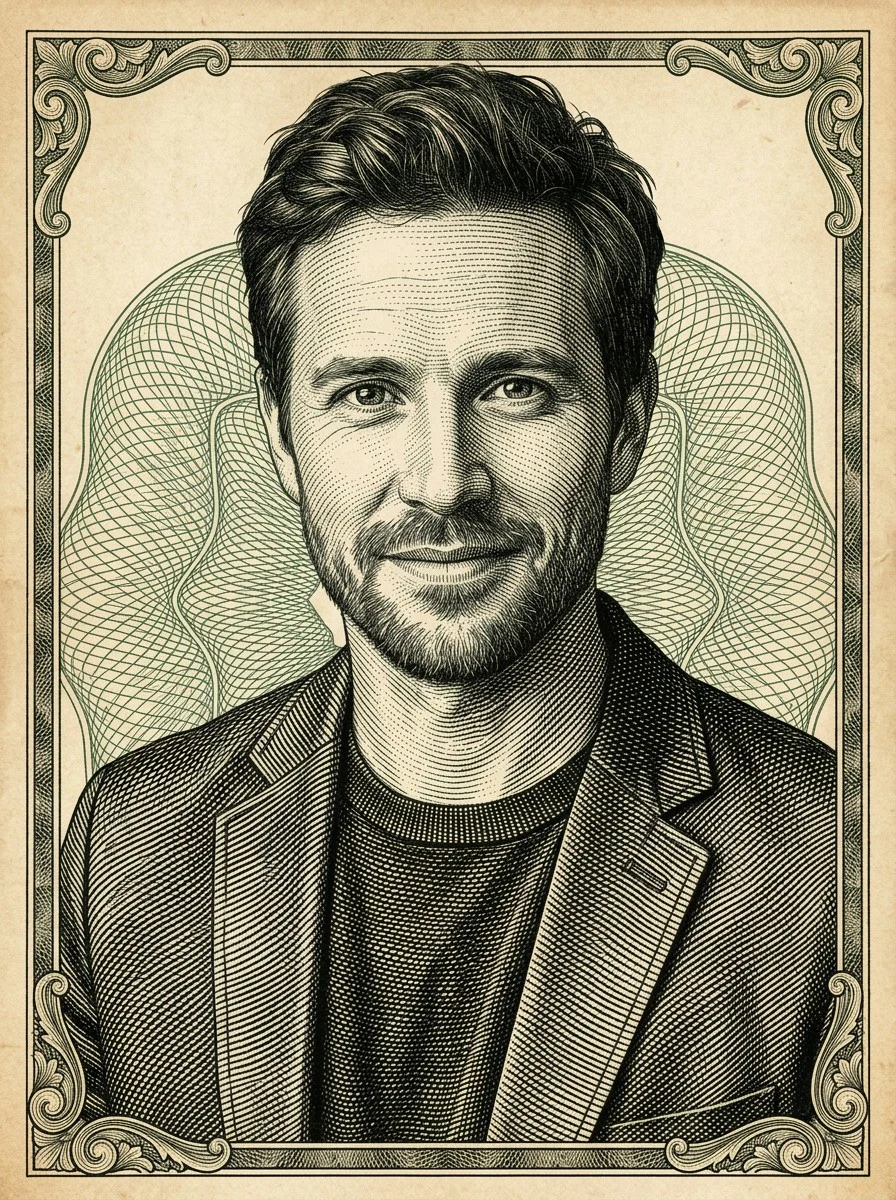
Classic Banknote - portrait first
Dense curved hatching, aged paper, and green-black ink for creator avatars, banknote portrait studies, profile portraits, and editorial headshots.
Turn photos into dollar engraving style art with AI, using banknote portrait hatching, currency engraving lines, green ink, and fictional money engraving effect detail.
 Before
 After
AfterA compact set rendered with Dollar Engraving Style — hatching, border ornament, guilloche art rhythm, and green-black ink move across portraits, pets, packaging, and badges without pretending to be real currency. Hover or swipe to compare each finish.
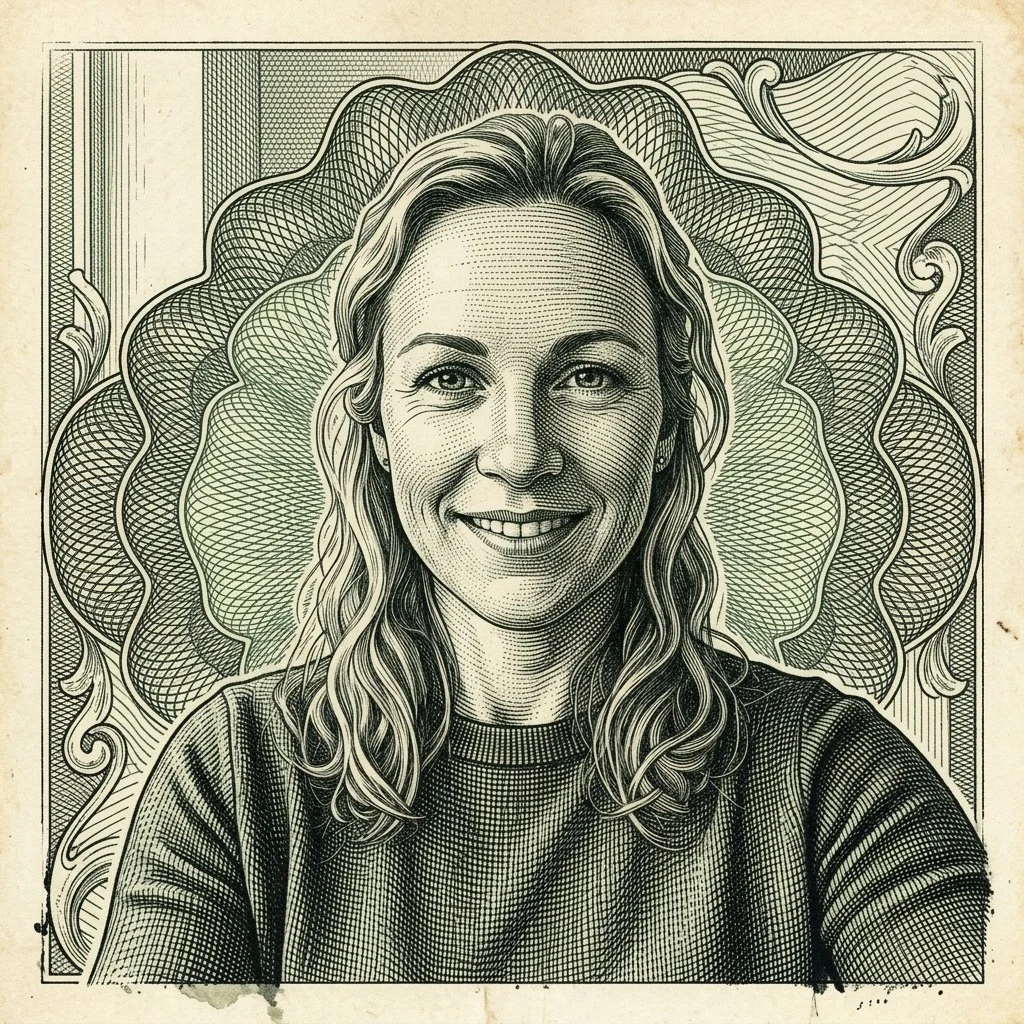

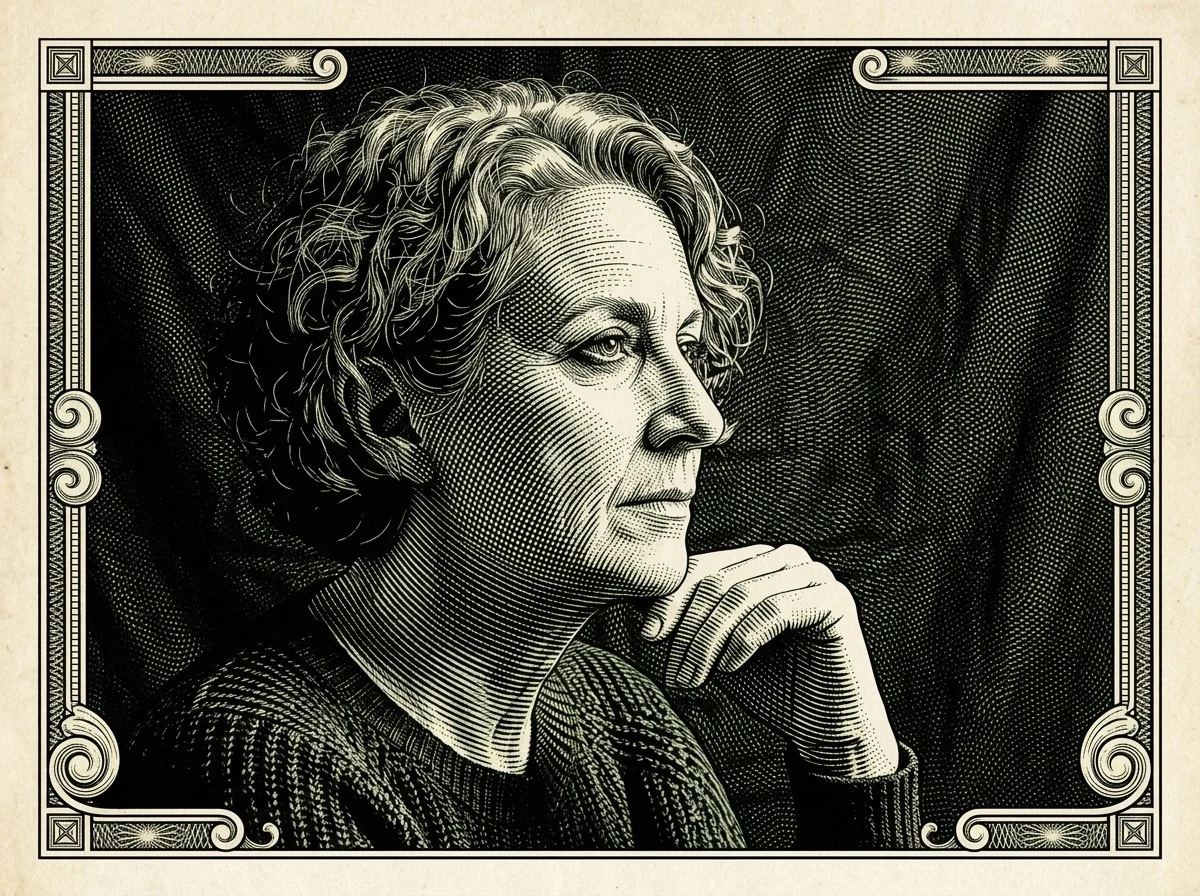
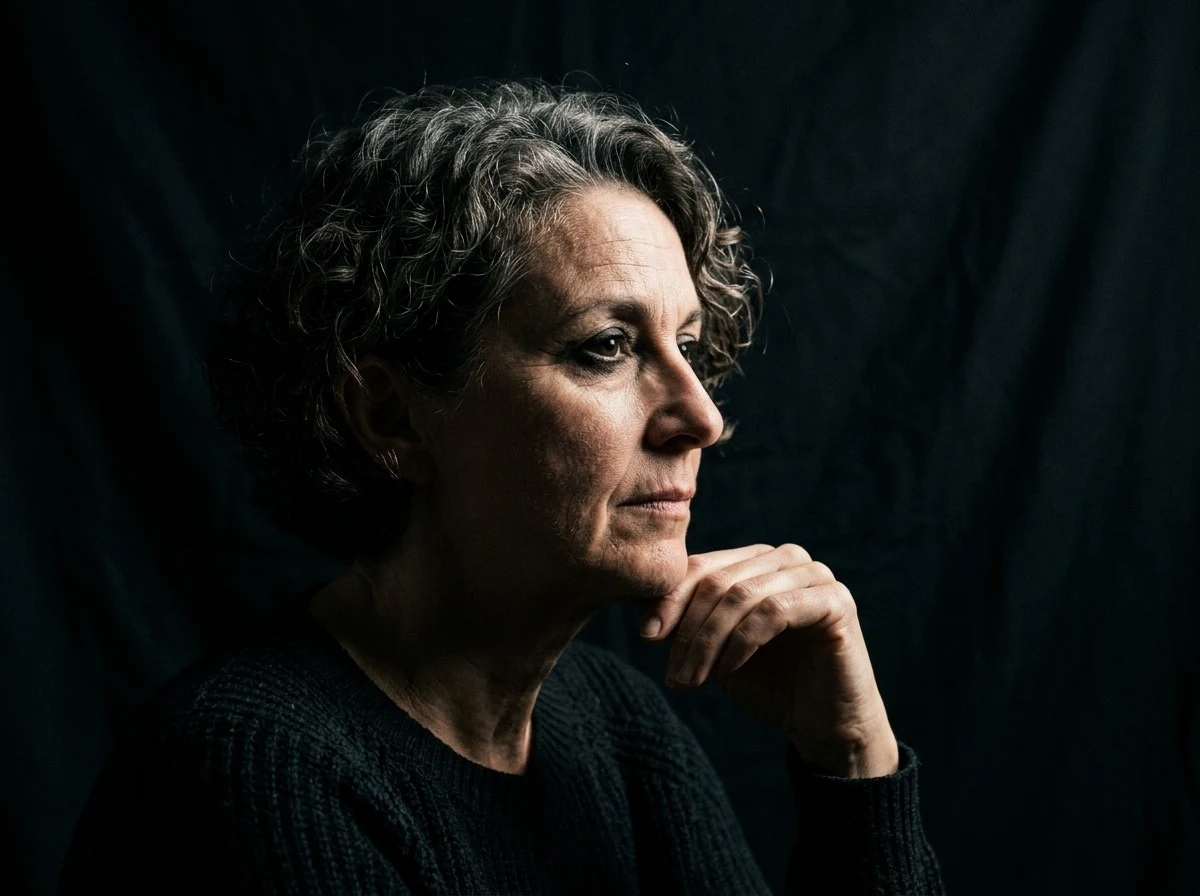
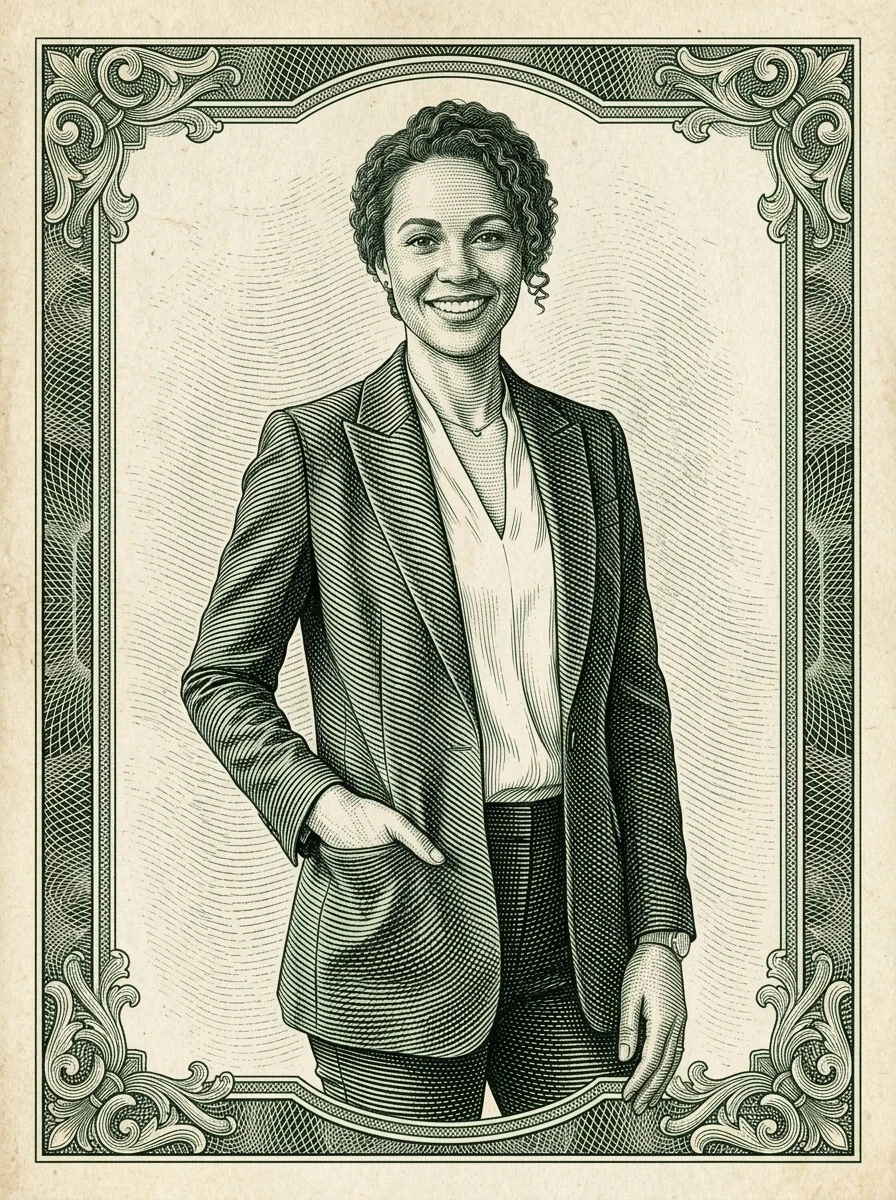
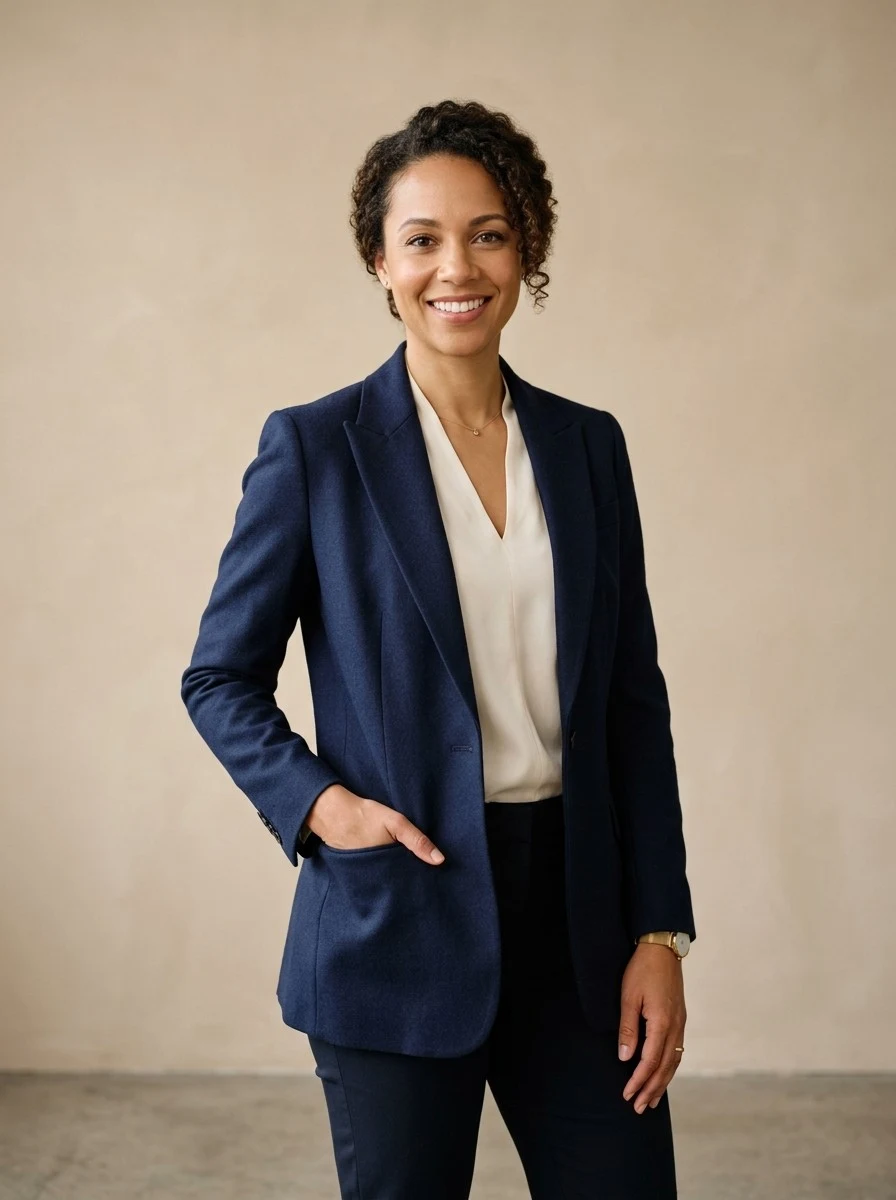
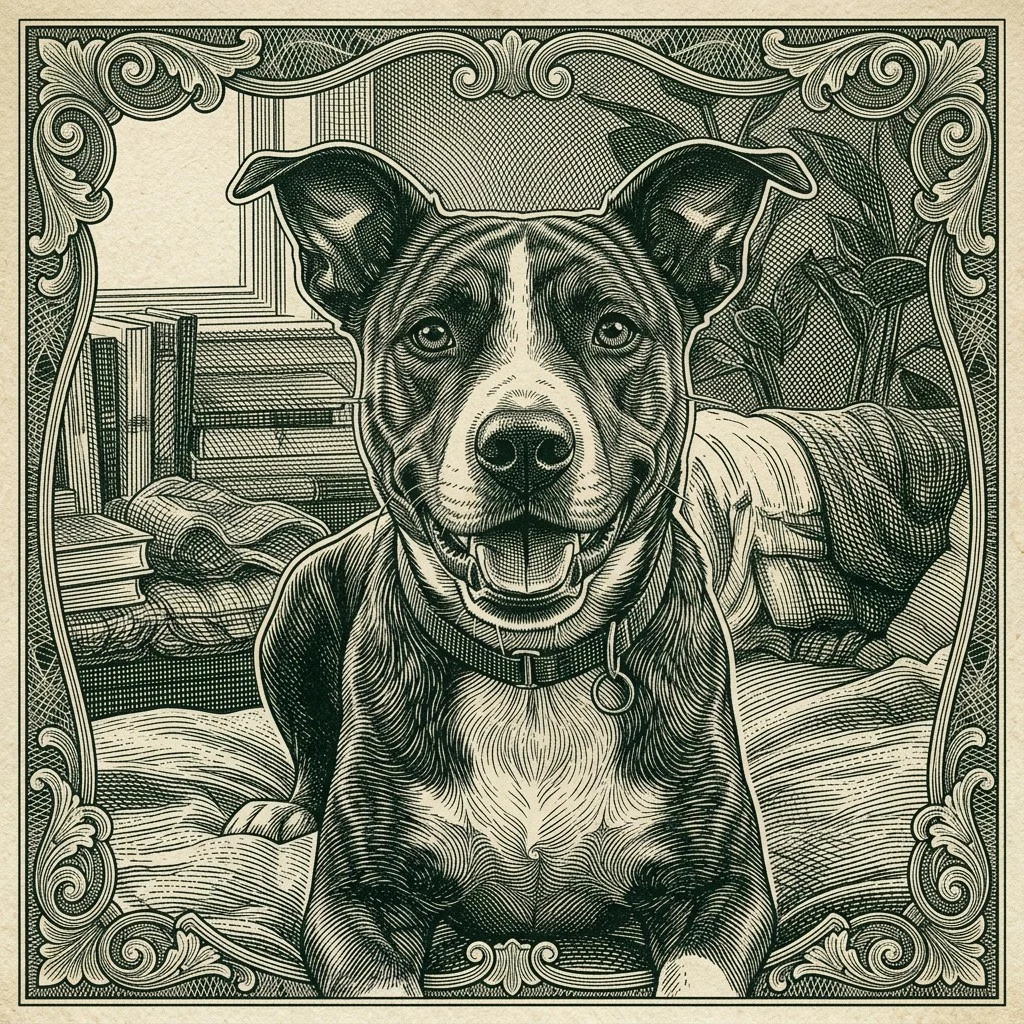
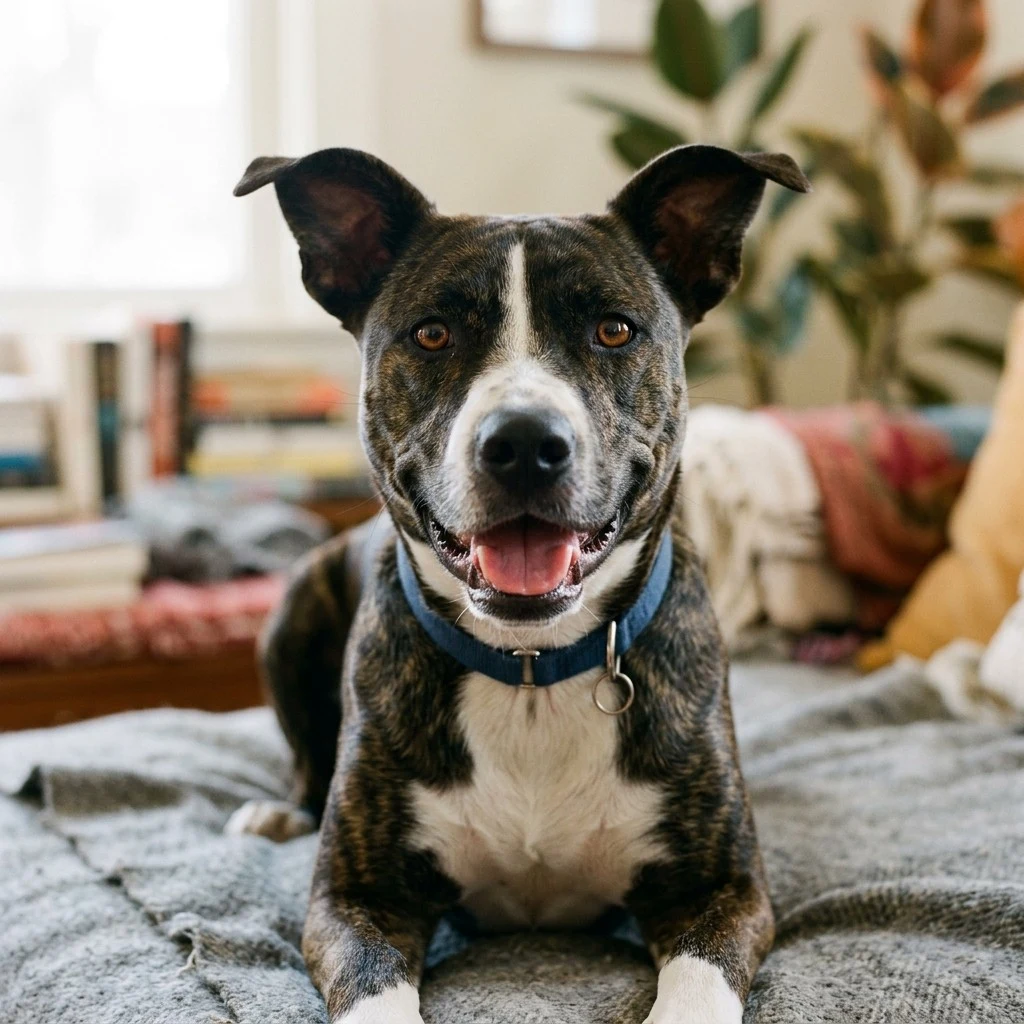
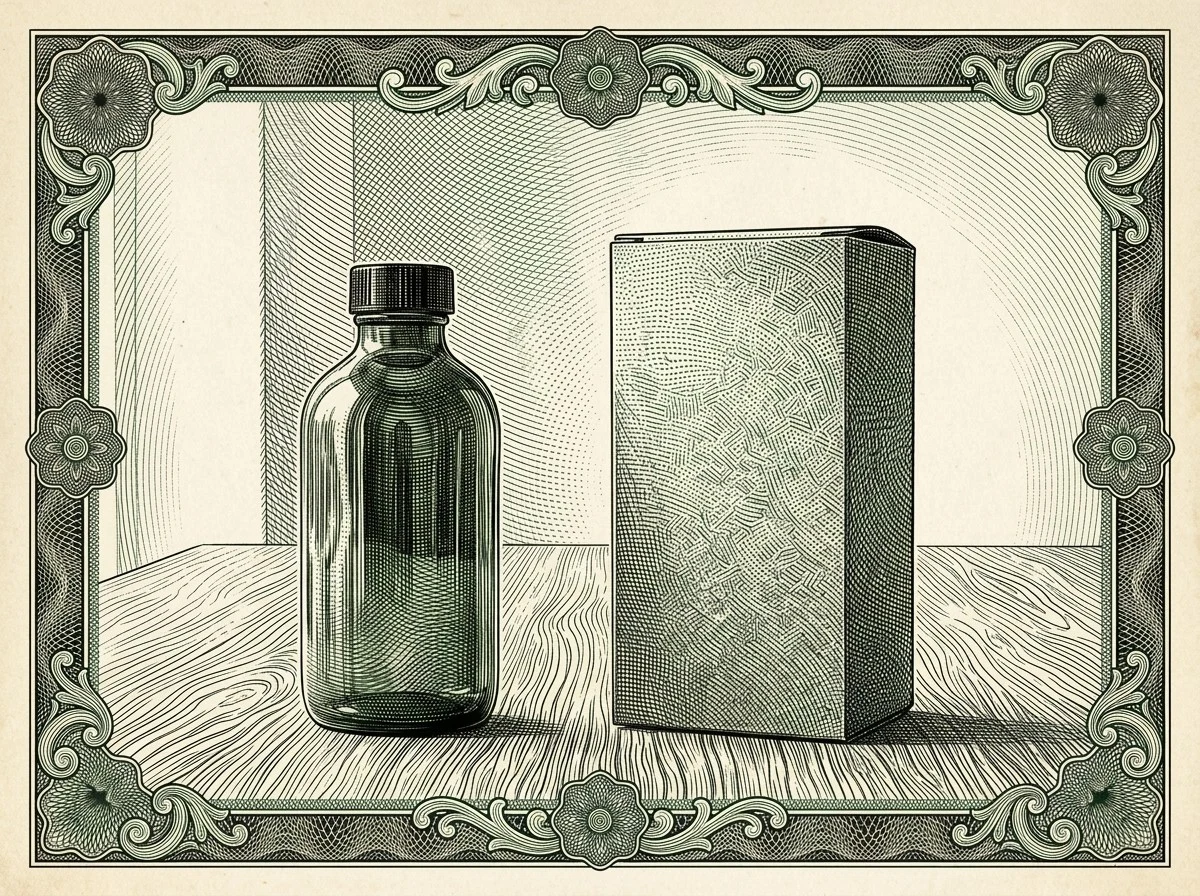
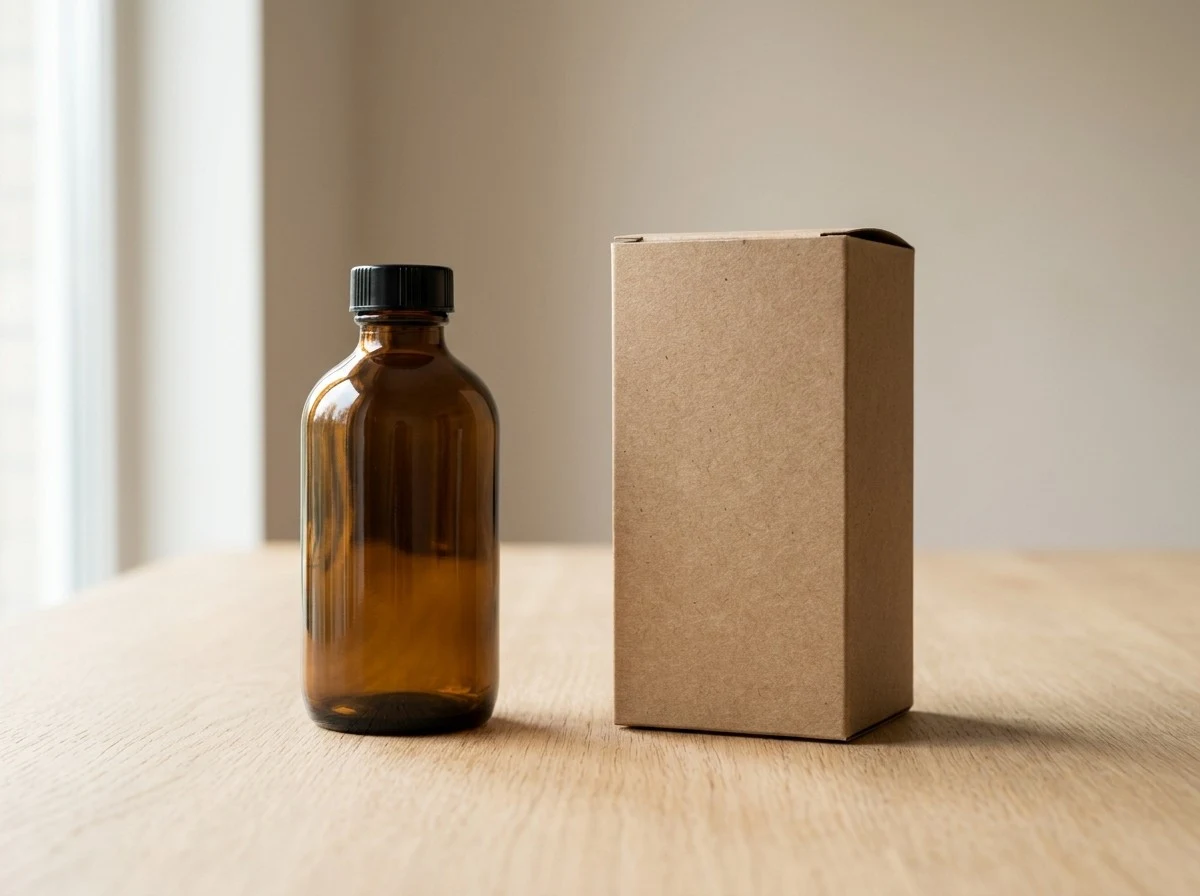
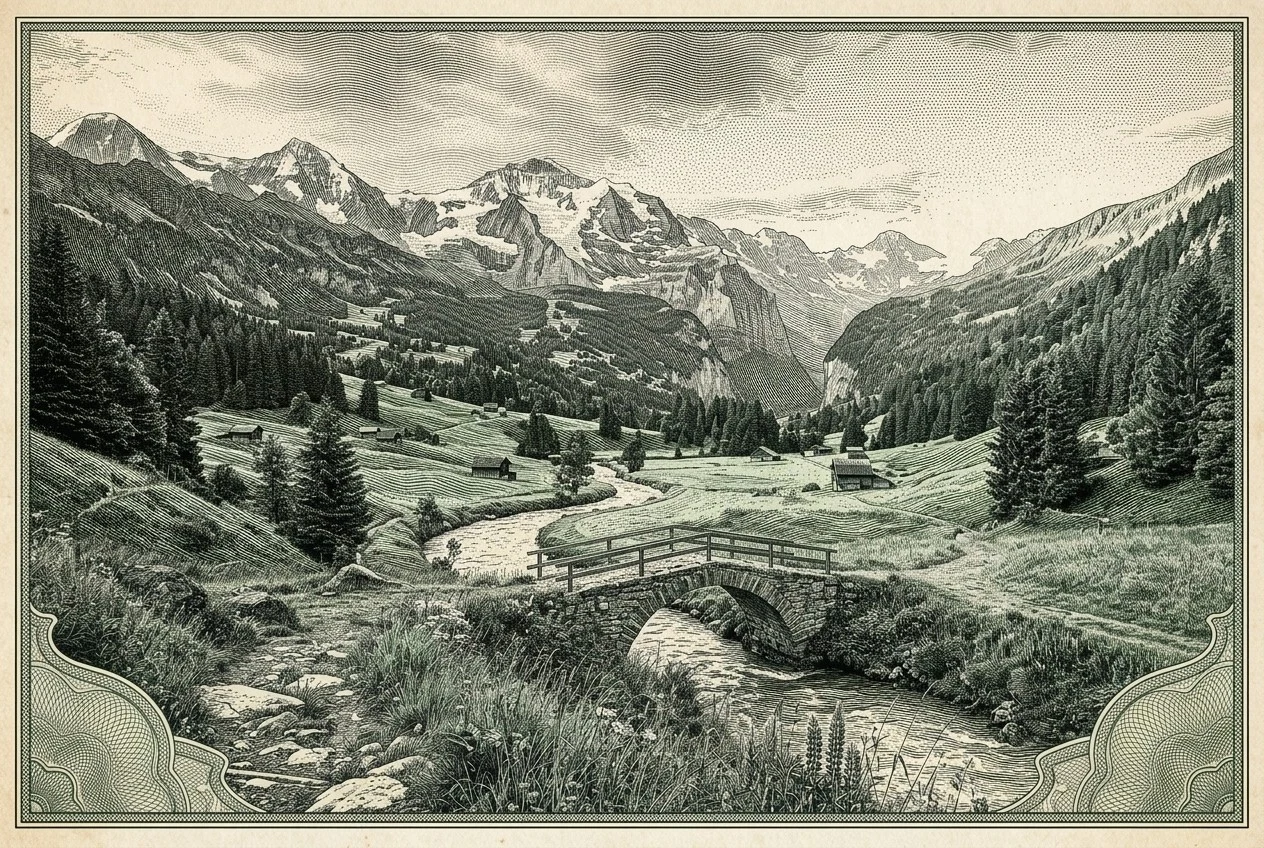

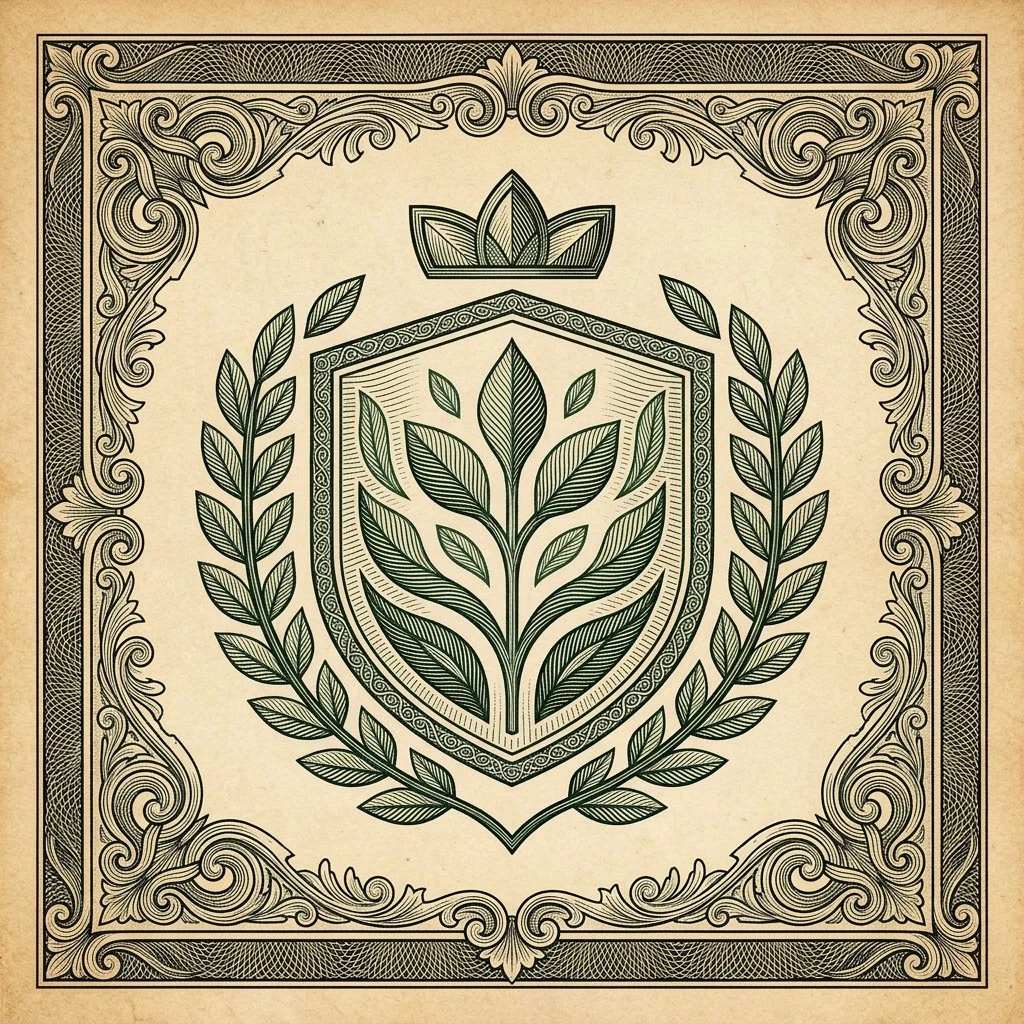
Dollar Engraving Style turns one uploaded image into a fictional banknote-inspired artwork, not a bill template. It is made for portraits, creator avatars, pets, products, badges, and scenic posters that need a money engraving effect: dense hatching, crosshatching, green-black ink, aged paper, line engraving detail, and ornamental guilloche art texture while keeping the original subject and silhouette readable.
That makes it different from a sketch filter, which usually flattens the photo into outlines, and different from an editor that asks you to build borders by hand. Vofy applies an intaglio-style currency engraving treatment around the existing image, whether you are making a banknote portrait, an engraved portrait poster, or a dollar bill style graphic, while avoiding denominations, serial numbers, official seals, watermarks, and real currency layouts. The result stays decorative, fictional, and poster-ready. For a different visual treatment, try Charcoal Sketch Generator when the same idea should move into another style direction.
Dense curved hatching, aged paper, and green-black ink for creator avatars, banknote portrait studies, profile portraits, and editorial headshots.
A cleaner monochrome line engraving pass for zines, thumbnails, event artwork, and print-style graphics that need stronger contrast.
Decorative border rhythm, guilloche art patterning, and readable silhouettes for bottles, merch concepts, packaging references, and fictional emblem art.
Tip: 01
Start with a high-contrast subject and a clean silhouette.
Tip: 02
Use Black Ink when fine hatching or line engraving gets too busy.
Tip: 03
Keep the result decorative; avoid real denominations, official seals, or bill layouts.
Tip: 04
Use Classic Banknote for a banknote portrait, Label Art for products, and Pet Engraving for animal likeness.
Turn a face or founder portrait into a recognizable green-black engraved portrait profile image without building a fake bill.
Use controlled hatching, currency engraving texture, and aged paper for editorial artwork, zines, thumbnails, and event graphics.
Mock up vintage label art for bottles, coffee bags, merch, and brand studies while keeping the product shape clear.
Render pets, emblems, and scenic images as fictional engraved prints with a collectible dollar bill style and ornamental mood.
Most dollar engraving style images take about a minute. Start with one clear portrait, pet photo, product shot, emblem, or scenic image, then choose the banknote portrait, line engraving, or currency engraving finish that matches your final graphic.
Start with a portrait, pet photo, product image, badge idea, or landscape where the subject shape, highlights, and shadows are easy to read as an engraved portrait or ornamental print.
Tip: Simple lighting and a strong main subject help the linework stay crisp instead of turning muddy.
Use Classic Banknote for portraits, Green Currency for dollar-inspired color, Black Ink for cleaner line engraving posters, Ornate Frame for guilloche art borders, Pet Engraving for animals, or Label Art for packaging concepts.
Tip: Pick the preset around the final use, not only the color palette.
Create the image, then compare the subject likeness, silhouette, hatching density, border detail, money engraving effect, and absence of real currency markings before downloading or trying another preset.
Tip: If the engraving becomes too busy, rerun with Black Ink or a simpler crop.
“The black ink preset gets close to the vintage engraving texture I want for editorial graphics without making the image look like a real bill.”
“Green Currency is exactly the profile-picture look I was after: recognizable face, aged paper, and lots of fine line detail.”
“The label art direction is useful for quick brand studies because it keeps the product readable while adding engraved ornament.”
Upload a clear image, choose an engraving preset, and generate the result. The app restyles the photo with banknote-inspired hatching, crosshatching, aged paper, guilloche art texture, and green-black ink while trying to preserve the subject.
No. Dollar Engraving Style creates fictional decorative artwork. The prompt avoids readable denominations, serial numbers, official seals, government emblems, and real banknote layouts.
That is the goal. The default prompt asks the model to preserve identity, pose, expression, silhouette, clothing cues, and composition while changing the rendering style into an engraved portrait.
Yes. Use Pet Engraving for animals and Label Art for products, packaging references, or badge concepts. Clear shapes and readable details work best.
High-contrast portraits, centered pets, clean product shots, and simple scenes work best for banknote portrait or currency engraving results. Very blurry images, crowded group photos, tiny faces, and low-light photos make fine hatching harder to control.
A pencil sketch usually uses loose strokes and paper shading. Dollar engraving style focuses on controlled intaglio-like line engraving, dense hatching, green-black currency ink, guilloche-style security-print texture, and a fictional dollar bill style finish.
Yes. The page uses generated showcase and use-case comparisons created for this app, while the prompt still avoids readable denominations, serial numbers, official seals, and real banknote layouts.
New models, prompt notes, and one visual idea worth saving - delivered every Friday.


