01
Cap and Gown Portrait
Use this direction when the main goal is a polished senior-style portrait with cap, gown, tassel, and clean ceremony lighting.
Turn a selfie or portrait into a polished AI graduation photo with cap, gown, diploma, and senior-portrait styling.
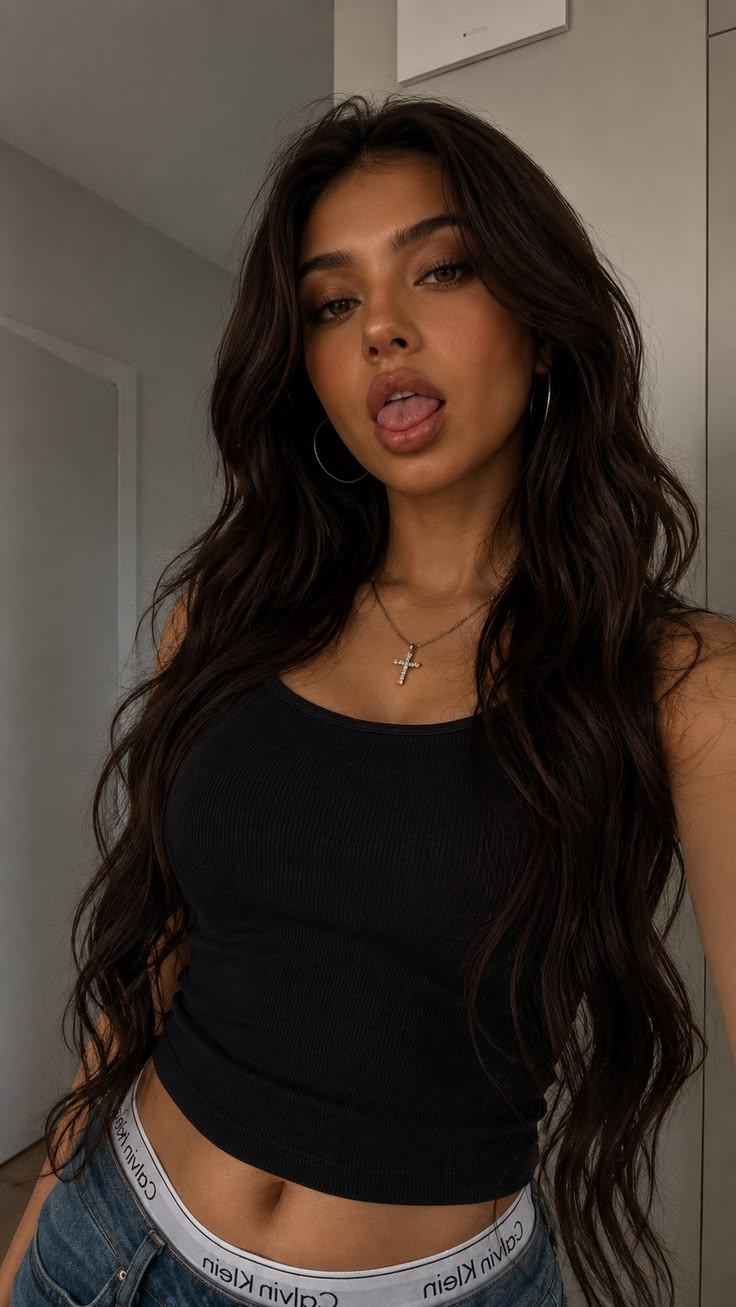 Before
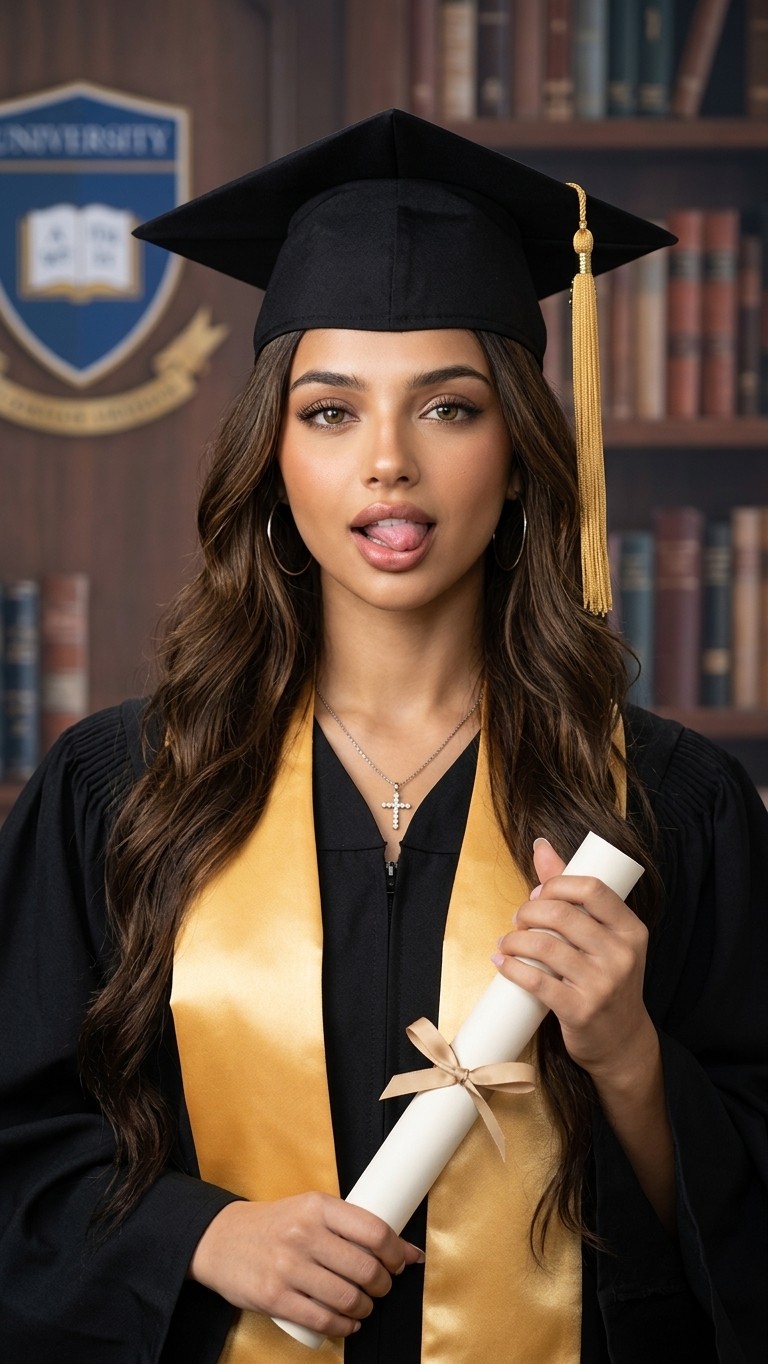 After
AfterFour graduation-photo examples built around the details that matter: recognizable identity, cap angle, gown shape, portrait light, and a polished finish for announcements or keepsakes.
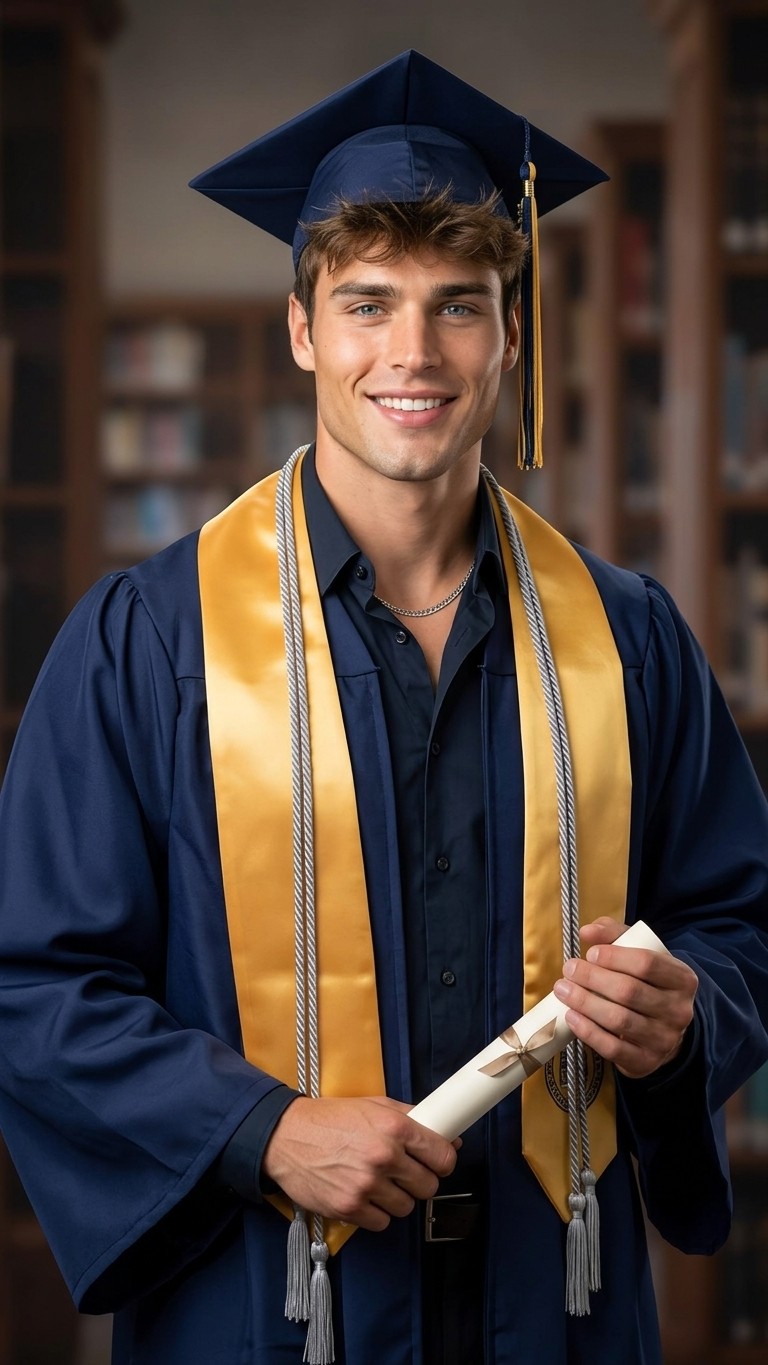
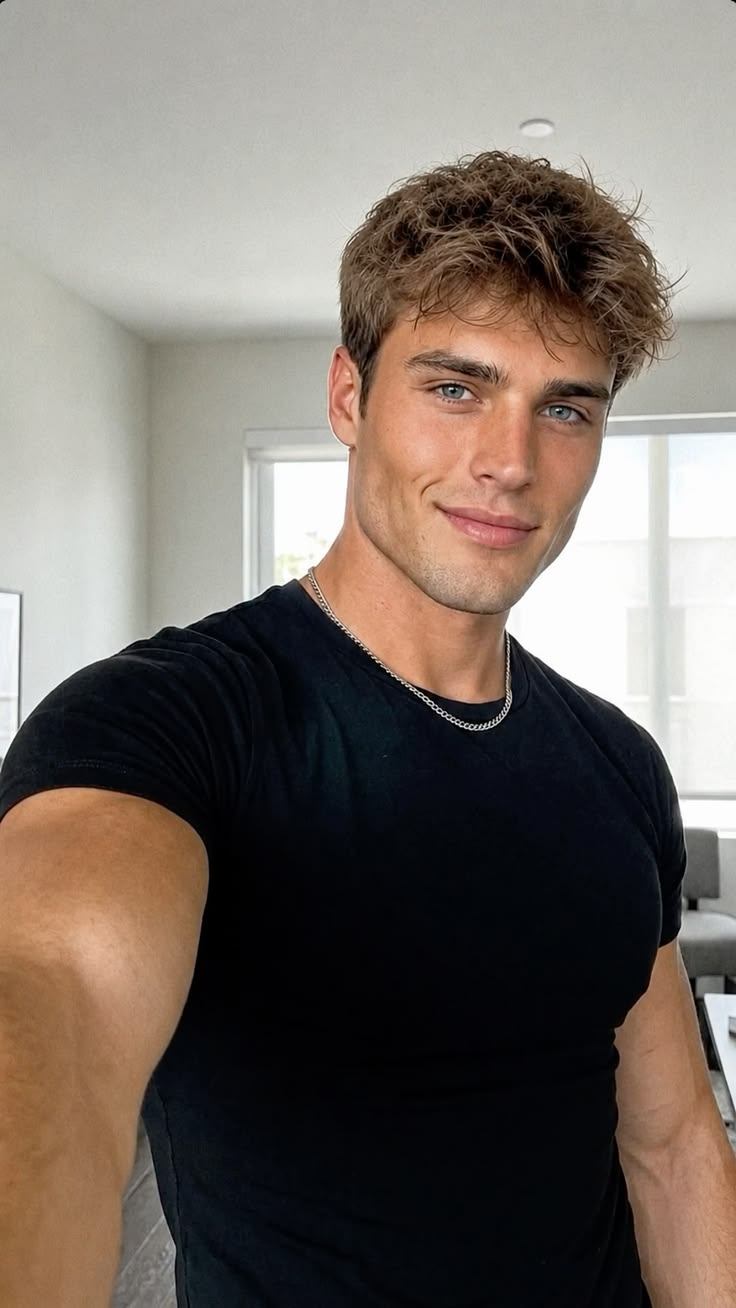
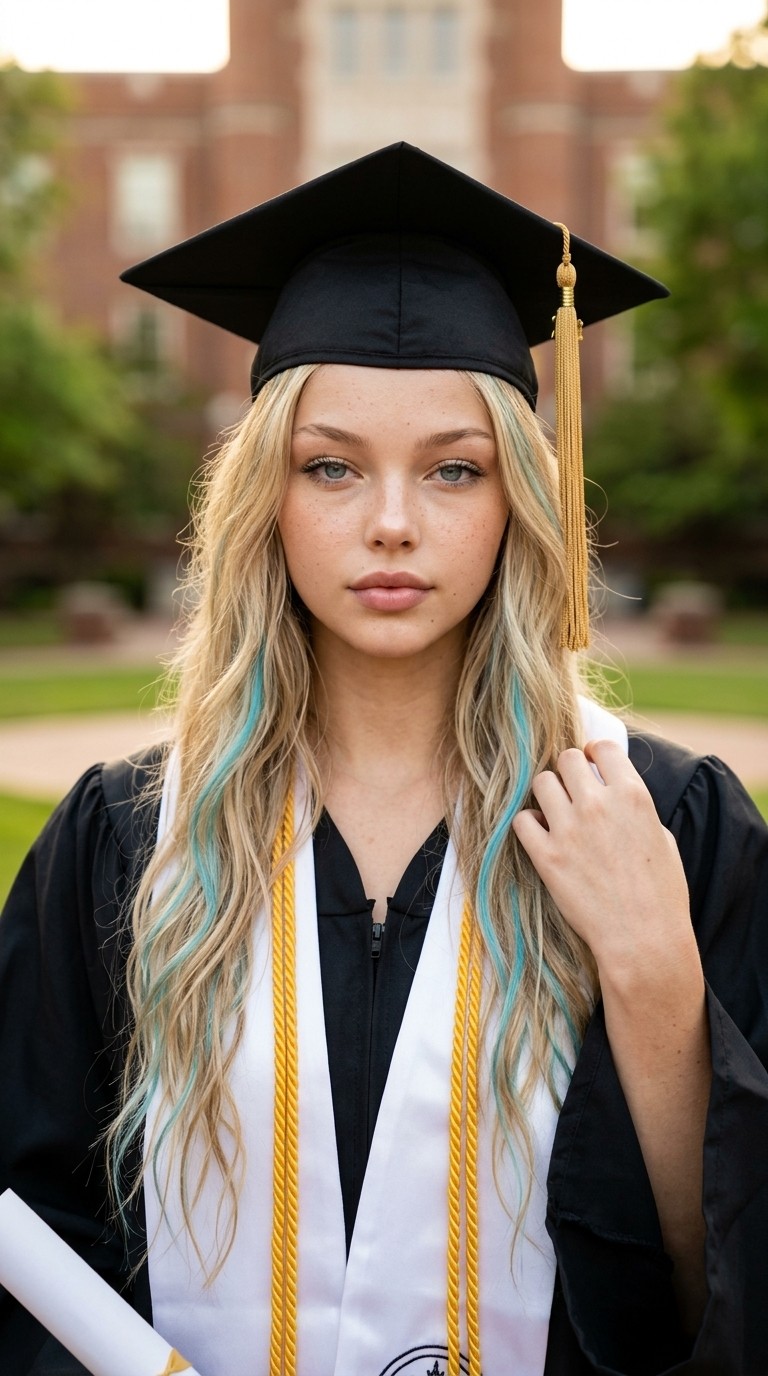
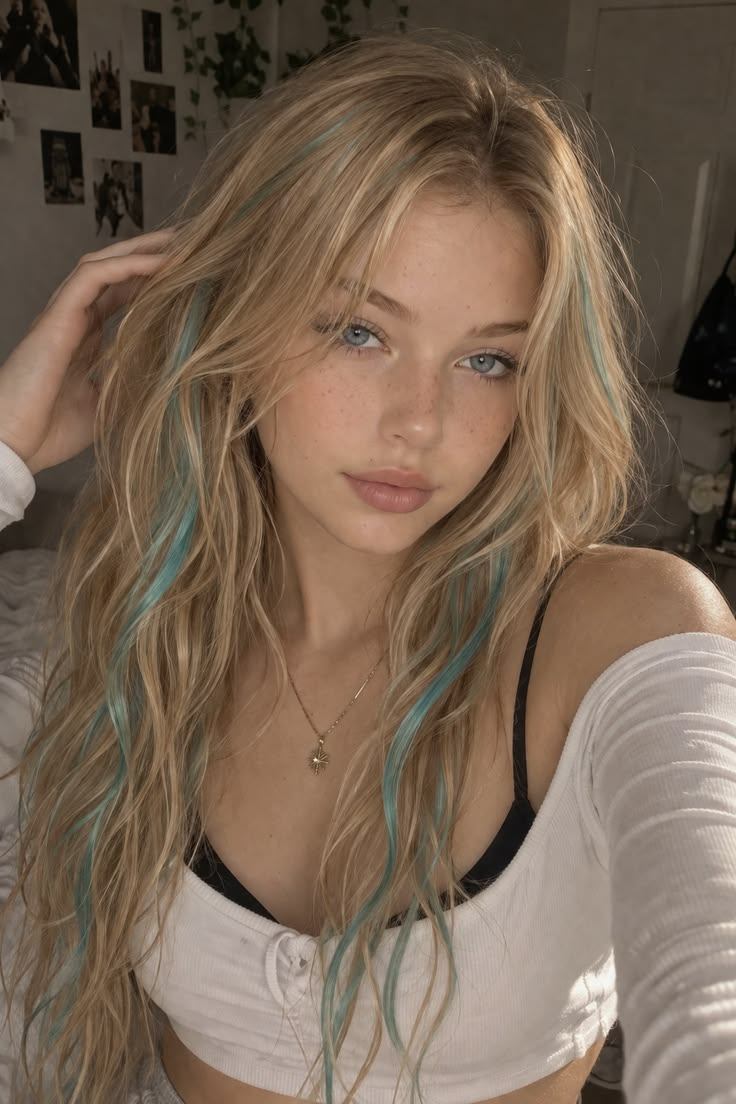
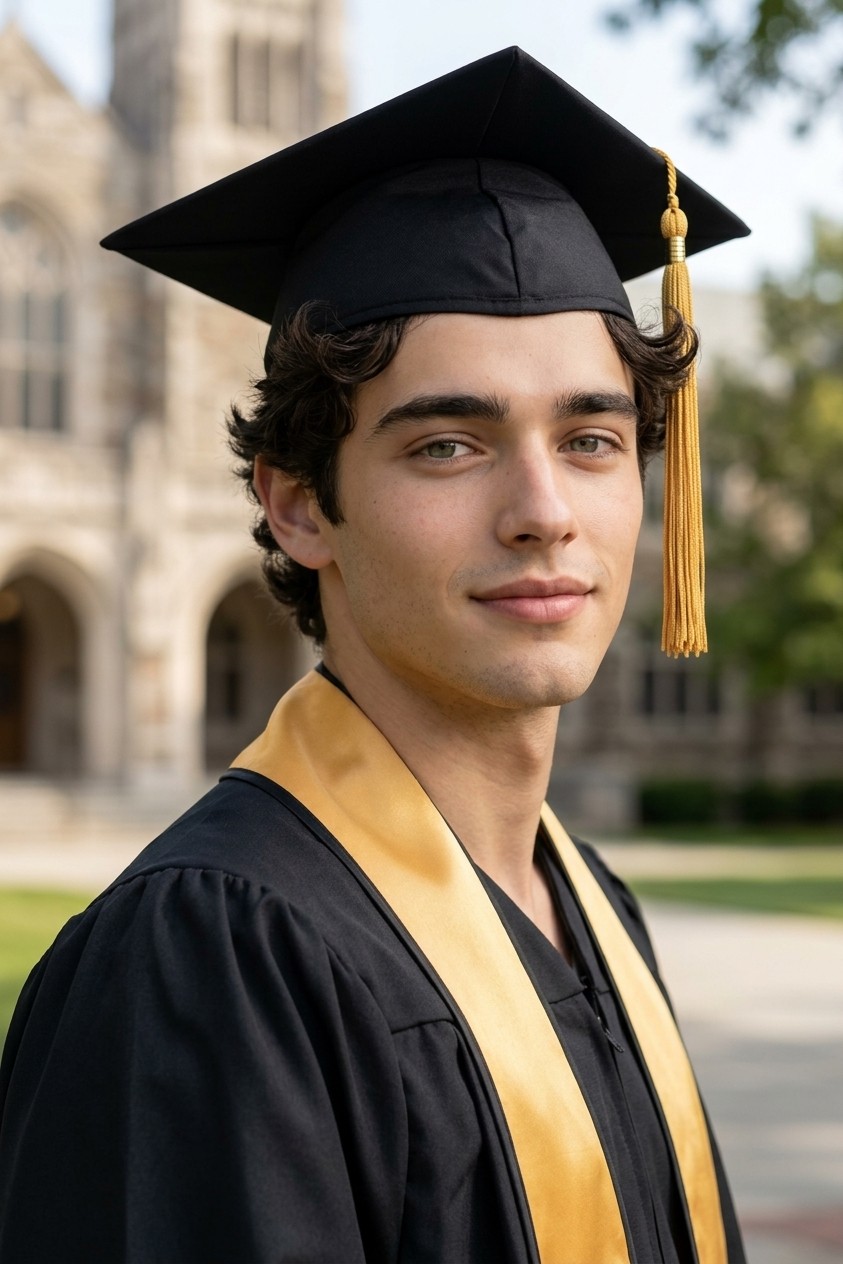
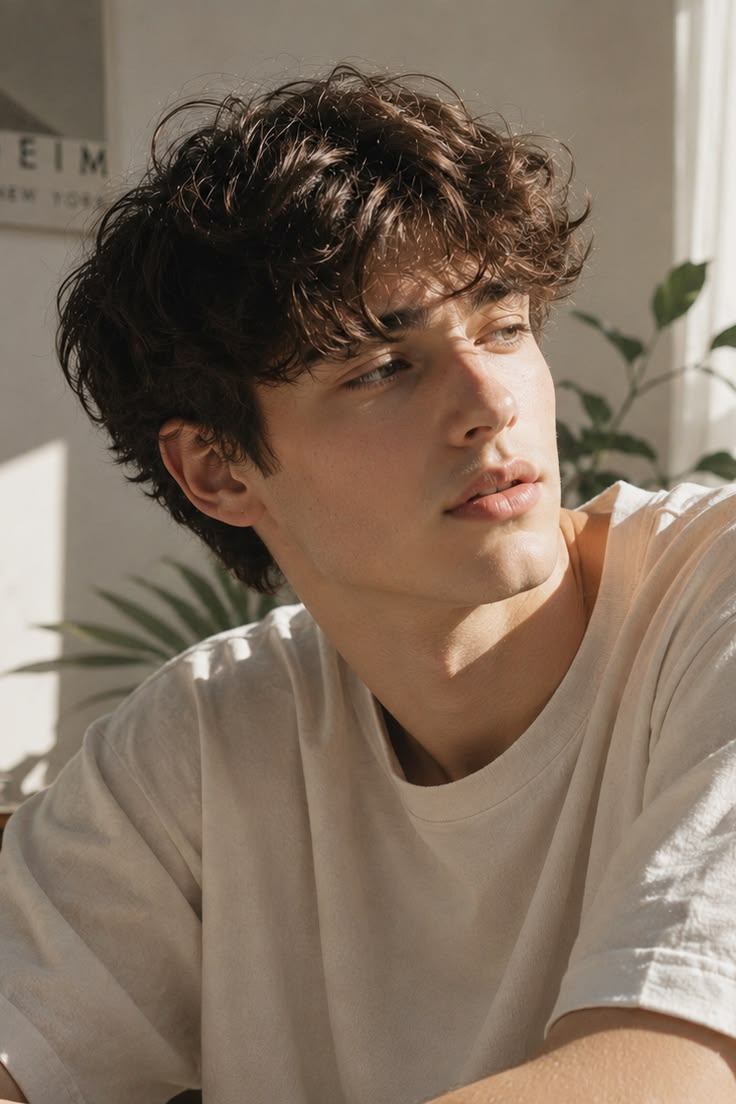
Graduation Photo turns an existing selfie or portrait into an AI graduation photo with cap, gown, tassel, diploma cues, and cleaner senior portrait lighting. It helps create a believable graduation portrait when you need a cap and gown photo, diploma portrait, graduation announcement photo, family keepsake, profile update, or visual plan for a future graduation photoshoot while keeping the same person recognizable.
It also clarifies what this graduation photo workflow is not. It is not an official school portrait service, a replacement for required academic regalia, or a guarantee that every stole, logo, cord, hand, and diploma detail will be exact. Unlike an AI yearbook effect, it focuses on current graduation styling rather than retro nostalgia, so clear upper-body photos work best when you want a polished senior portrait or campus ceremony look. For a different visual treatment, try AI Portrait Generator when the same idea should move into another style direction.
Use this direction when the main goal is a polished senior-style portrait with cap, gown, tassel, and clean ceremony lighting.
For family posts or announcement drafts, prioritize a recognizable face, balanced framing, and celebratory but not overcrowded props.
Treat cords, stoles, logos, diplomas, and school-specific regalia as visual drafts, not official academic documentation.
Tip: 01
Start with an upper-body portrait where shoulders and neckline are visible enough to place a gown naturally.
Tip: 02
Use neutral ceremony language if you do not need a specific school color, crest, or stole.
Tip: 03
Inspect hands, tassels, diploma text, and cords carefully before using the image in formal announcements.
Tip: 04
Avoid presenting AI graduation edits as proof of attendance, credentials, or official school photography.
Turn a square portrait or selfie into a cleaner graduation announcement photo for Instagram, graduation cards, or text-message announcements.
Create a polished graduation portrait parents can print, frame, or compare before choosing a final photo package.
Start from a casual selfie when you missed the polished senior-portrait window but still need a usable graduation image quickly.
Use an updated graduation photo for LinkedIn, alumni groups, class pages, or a quick profile-picture refresh after commencement.
A ceremony-style portrait usually takes about 1 minute. Start with a selfie or portrait that has face detail and upper-body room, then match the graduation look to the announcement, keepsake, or social post.
Use a selfie, campus portrait, family snapshot, or upper-body photo with visible face detail and enough space for a cap, gown, stole, or diploma.
Tip: Avoid tight face crops if you want the cap, gown, stole, or diploma to show without crowding the composition.
Use Classic Cap and Gown for ceremony portraits, Senior Portrait for announcements, Campus Portrait for school atmosphere, Honor Stole for academic detail, or Diploma Pose for keepsakes.
Tip: Choose Senior Portrait for announcement photos, Diploma Pose for keepsakes, and Campus Portrait when the background should feel school-specific.
Generate a few graduation-photo variations, then check face likeness, cap angle, tassel position, gown collar, stole text area, hands, and diploma placement before downloading.
Tip: Rerun if the cap, tassel, gown collar, or diploma looks misplaced, since those details carry the graduation signal.
“Graduation Photo gives me a fast first draft when I need a visual that feels more deliberate than a normal upload.”
“The preset-first workflow is useful for testing campaign directions before spending time on manual edits.”
“It keeps the workflow simple: start with the image, choose the look, then refine the result only if the scene needs it.”
Create custom 3D text, bubble letters, neon titles, and logo-style word art from a short phrase with AI.

Upload a couple photo or two partner photos, then create AI wedding photos in gothic, golden garden, 1920s ballroom, or beach destination styles.

Create graffiti murals, spray-letter pieces, stencil posters, and street-art concepts from text or an optional reference image with AI.
Yes. The default prompt is written to add realistic graduation-photo styling such as cap, gown, tassel, stole, diploma cues, and more polished portrait lighting while keeping your face recognizable.
Yes. The broader graduation-photo prompt works for either. It combines classic cap-and-gown styling, senior-portrait polish, campus cues, and honor-stole details into one default direction.
No. This app is aimed at present-day graduation-photo intent: cap-and-gown portraits, senior portraits, and announcement images. It is separate from retro yearbook styling.
That is one of the main use cases. The default prompt includes announcement-ready framing and diploma-pose cues so the result feels closer to a modern grad card or social post image.
Not necessarily. It is best treated as a quick graduation-photo generator for drafts, sharing, or creative use. If your school or printer has strict requirements, you should still check those separately.
New models, prompt notes, and a single piece of work worth lingering on — quietly delivered every Friday.