Seedance 2.0 Consistent Character: Advanced Techniques for Multi-Shot Identity Control
Master consistent character generation in Seedance 2.0 with advanced multi-reference techniques, identity anchoring, and cross-shot stability for professional AI video production.

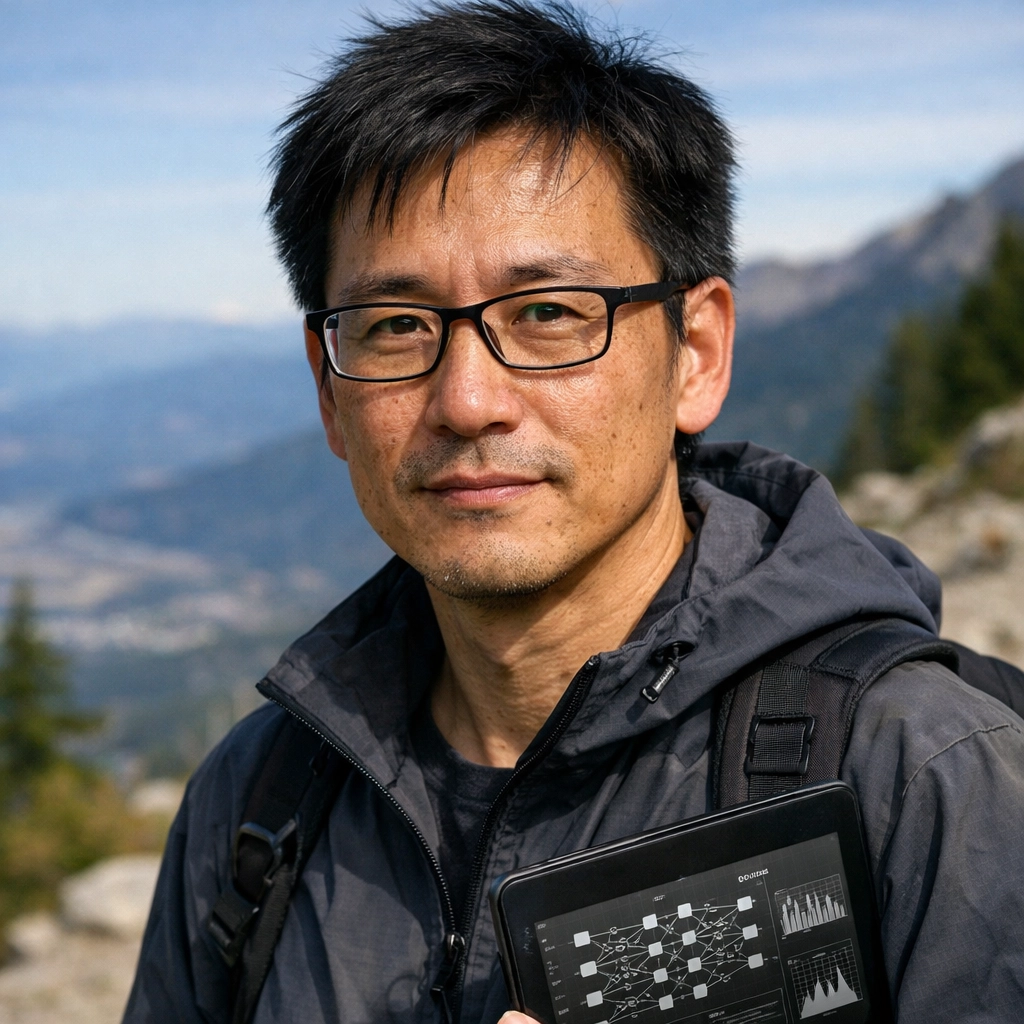
Seedance 2.0's consistent character feature represents a significant leap in AI video generation—the ability to maintain the same character identity across multiple shots, angles, and scenes. For creators building narrative content, character-driven stories, or multi-scene productions, this capability changes what's possible with AI video.
This guide covers advanced techniques for consistent character AI in Seedance 2.0, including multi-reference workflows, identity anchoring strategies, cross-shot stability optimization, and practical solutions for complex production scenarios.
What Makes Seedance 2.0's Character Consistency Different
Seedance 2.0 supports up to 5 consistent characters per generation, with each character maintaining identity across different:
Angles and perspectives — Front view, profile, 3/4 angle, over-the-shoulder shots
Lighting conditions — Natural daylight, indoor lighting, dramatic shadows, backlit scenes
Expressions and emotions — Neutral, smiling, serious, surprised, contemplative
Actions and movements — Walking, talking, gesturing, running, sitting
Scene contexts — Indoor, outdoor, different environments, costume changes
This level of consistency enables narrative storytelling, character-focused content, and multi-shot sequences that were previously difficult or impossible with AI video tools.
Core Concept: Multi-Reference Identity System
Seedance 2.0's consistent character system works through reference image anchoring. Each uploaded reference image receives a tag (@Image1, @Image2, etc.) that you reference in prompts to maintain identity.
Single Character Workflow
For one character across multiple shots:
- Upload high-quality reference image
- Use @Image1 tag in all prompts
- Vary action, angle, and scene while keeping identity anchor
Multi-Character Workflow
For multiple characters in the same scene or across different scenes:
- Upload reference images for each character
- Assign clear tags (@Image1, @Image2, @Image3)
- Reference specific tags in prompts for each shot
- Maintain consistent tagging across your production
The key insight: identity is image-led, not text-led. The reference image defines who the character is, while your prompt defines what they're doing.

Advanced Technique 1: Identity Anchoring Strategies
Identity anchoring is how you connect your prompt to the reference image. Different scenarios require different approaches.
Minimal Anchoring (Simple Scenes)
For straightforward single-character shots with clear action:
The character from @Image1, walking through a park, natural daylight, medium shot.
This works when the scene is simple and there's no ambiguity about who is performing the action.
Semantic Anchoring (Complex Scenes)
For busy scenes or multiple elements, add one lightweight identifier:
The woman with short black hair @Image1, sitting at a cafe table with laptop, afternoon lighting, shallow depth of field.
The semantic anchor ("woman with short black hair") reduces ambiguity without redefining facial features.
Multi-Character Anchoring
For scenes with multiple characters:
The man in the blue jacket @Image1 talking to the woman in the red dress @Image2, coffee shop interior, natural conversation, medium two-shot.
Each character gets their own anchor and reference tag, clearly separating identities.

Advanced Technique 2: Cross-Shot Stability Optimization
Maintaining character consistency across multiple shots requires understanding how Seedance 2.0 handles identity reconstruction.
Reference Image Quality Standards
For professional-grade consistency:
Resolution: 2K minimum, 4K preferred Lighting: Even, neutral lighting without harsh shadows Angle: Frontal or slight 3/4 view Expression: Neutral or slight smile Background: Clean, minimal distractions Focus: Sharp focus on facial features Compression: Minimal compression artifacts

The 3-Angle Reference Strategy
For maximum flexibility across shots, create three reference images of the same character:
- Frontal reference — Direct face-on view
- 3/4 reference — Slight angle showing profile
- Profile reference — Side view
Use the reference that most closely matches your target shot angle. This reduces reconstruction errors when the model generates unseen angles.
Motion Control for Identity Preservation
Aggressive motion is the primary cause of character drift. To maintain stability:
Low-risk motion:
- Slow head turns (under 45 degrees)
- Walking toward or away from camera
- Subtle facial expressions
- Controlled hand gestures
High-risk motion:
- Fast head rotation (over 90 degrees)
- Extreme perspective shifts
- Rapid camera movement combined with character movement
- Full 360-degree rotations
For critical shots where identity must remain perfect, minimize motion complexity.

Advanced Technique 3: Multi-Shot Production Workflow
Building narrative content with consistent characters requires systematic workflow planning.
Pre-Production: Character Reference Library
Before generating any shots:
- Create reference images for each character
- Document which tag corresponds to which character
- Plan shot list with specific reference tags
- Identify high-risk shots that may need multiple attempts
Production: Shot-by-Shot Generation
For each shot in your sequence:
Step 1: Define shot requirements
- Character(s) involved
- Action/movement
- Camera angle
- Lighting/environment
- Duration
Step 2: Write structured prompt
- Reference tag(s) for character(s)
- Semantic anchor if needed
- Action description
- Scene context
- Technical specs (angle, lighting, composition)
Step 3: Generate and evaluate
- Generate initial version
- Check character identity consistency
- Verify motion quality
- Assess lighting and composition
Step 4: Iterate if needed
- Adjust prompt for clarity
- Simplify motion if drift occurs
- Refine semantic anchors
- Regenerate until quality meets standards
Post-Production: Consistency Verification
After generating all shots:
- Review character appearance across all shots
- Identify any shots with identity drift
- Regenerate problematic shots with adjusted prompts
- Verify lighting and color consistency
- Edit sequence for narrative flow

Practical Use Cases and Prompt Templates
Use Case 1: Character Introduction Sequence
Building a multi-shot introduction for a character.
Shot 1 (Establishing):
The woman with long brown hair @Image1, standing on a city rooftop at sunset, wide shot, golden hour lighting, cinematic composition.
Shot 2 (Medium):
The woman with long brown hair @Image1, looking out over the city, medium shot, warm sunset lighting, contemplative expression.
Shot 3 (Close-up):
The woman with long brown hair @Image1, close-up of face, soft smile, golden hour lighting, shallow depth of field.
Use Case 2: Dialogue Scene (Two Characters)
Creating a conversation between two characters.
Shot 1 (Two-shot):
The man in the gray suit @Image1 and the woman in the blue dress @Image2, sitting across from each other at a restaurant table, medium two-shot, warm interior lighting.
Shot 2 (Over-shoulder on Character 1):
The woman in the blue dress @Image2, over-shoulder shot from behind the man @Image1, she's speaking, engaged expression, restaurant interior.
Shot 3 (Over-shoulder on Character 2):
The man in the gray suit @Image1, over-shoulder shot from behind the woman @Image2, he's listening, attentive expression, restaurant interior.

Use Case 3: Action Sequence
Maintaining character identity through movement.
Shot 1:
The man in the black jacket @Image1, running through an alley, medium tracking shot, dramatic lighting, urban environment.
Shot 2:
The man in the black jacket @Image1, looking over his shoulder while running, medium shot, motion blur on background, tense expression.
Shot 3:
The man in the black jacket @Image1, stopping to catch his breath, close-up, heavy breathing, dramatic side lighting.
Common Mistakes and Solutions
Mistake 1: Over-Describing Facial Features
❌ Wrong:
The woman with blue eyes, small nose, high cheekbones, and blonde hair @Image1, walking through a park.
✅ Right:
The woman with blonde hair @Image1, walking through a park.
The reference image already contains facial information. Over-describing creates conflicts.
Mistake 2: Inconsistent Semantic Anchors
❌ Wrong:
- Shot 1: "The woman with blonde hair @Image1..."
- Shot 2: "The girl with light hair @Image1..."
- Shot 3: "The character @Image1..."
✅ Right:
- Shot 1: "The woman with blonde hair @Image1..."
- Shot 2: "The woman with blonde hair @Image1..."
- Shot 3: "The woman with blonde hair @Image1..."
Consistent language across shots improves cross-shot stability.
Mistake 3: Mixing Identity and Action
❌ Wrong:
The smiling woman with blonde hair @Image1 walking happily through the park.
✅ Right:
The woman with blonde hair @Image1, walking through the park, smiling, happy expression.
Separate identity anchoring from action description for clearer signal processing.
Mistake 4: Extreme Angle Changes Without Appropriate Reference
❌ Wrong: Using frontal reference image for extreme profile shot.
✅ Right: Using profile reference image for profile shot, or limiting angle to what the reference supports.
Match reference angle to target shot angle when possible.
Technical Optimization Settings
Resolution Selection
- 2K: Standard quality, faster generation, suitable for social media
- 4K: Maximum quality, slower generation, best for professional production
For consistent character work, 4K provides better facial detail preservation across shots.
Thinking Level
- Minimal thinking: Fast generation, good for simple single-character shots
- High thinking: Better composition quality for complex multi-character scenes
Use high thinking for shots with multiple characters or complex spatial relationships.
Aspect Ratio Considerations
- 16:9: Standard cinematic, best for narrative content
- 9:16: Vertical video, social media stories/reels
- 1:1: Square format, Instagram feed
- 4:5: Portrait orientation, social media posts
Choose aspect ratio based on final delivery platform, and maintain consistency across shots in the same sequence.
Advanced: Character Costume and Environment Changes
Seedance 2.0 can maintain character identity even when clothing or environment changes, but this requires careful prompting.
Costume Change Workflow
Reference image: Character in casual clothes
Shot with different costume:
The woman with short black hair @Image1, now wearing a formal business suit, standing in an office, professional lighting, medium shot.
The "now wearing" construction signals a costume change while maintaining identity anchor.
Environment Transition
Shot 1 (Indoor):
The man with the beard @Image1, sitting in a modern office, natural window lighting, medium shot.
Shot 2 (Outdoor):
The man with the beard @Image1, walking on a city street, natural daylight, medium shot.
Maintain the same semantic anchor while changing environment description.
Quality Checklist for Consistent Character Production
Before finalizing any multi-shot sequence:
- All reference images are high quality (2K+, clear facial features)
- Each character has consistent semantic anchor across all shots
- Reference tags (@Image1, @Image2, etc.) are correctly assigned
- Motion complexity is appropriate for shot importance
- Lighting descriptions are consistent within scenes
- No facial feature descriptions conflict with reference images
- Costume/clothing is tracked if it changes
- Shot angles match reference image angles when possible
- All shots reviewed for character identity drift
- Problematic shots identified and regenerated
Comparison: Seedance 2.0 vs Other AI Video Tools
| Feature | Seedance 2.0 | Other AI Video Tools |
|---|---|---|
| Max Characters | 5 per generation | Typically 1-2 |
| Cross-Shot Consistency | High with proper anchoring | Variable |
| Multi-Reference Support | Yes, up to 5 images | Limited |
| Angle Flexibility | Wide range with quality references | Often limited |
| Identity Preservation | Strong with semantic anchoring | Moderate |
| Production Workflow | Designed for multi-shot sequences | Single-shot focused |
Seedance 2.0's multi-character support and reference system make it particularly well-suited for narrative content and character-driven productions.
FAQ
How many characters can Seedance 2.0 handle consistently?
Seedance 2.0 supports up to 5 consistent characters per generation. Each character requires its own reference image and tag (@Image1 through @Image5).
Do I need multiple reference images for one character?
Not required, but recommended for complex productions. Having frontal, 3/4, and profile references of the same character improves consistency when generating shots from different angles.
Can characters change clothes or hairstyles?
Yes, but this requires explicit prompting. Use constructions like "now wearing [new outfit]" while maintaining the same identity anchor and reference tag.
What causes character drift between shots?
Most drift comes from: (1) conflicting facial descriptions in prompts, (2) aggressive motion that forces reconstruction of unseen angles, (3) low-quality reference images, or (4) inconsistent semantic anchors across shots.
Should I use the same prompt structure for all shots?
Use consistent semantic anchors and reference tags, but vary action, angle, and scene descriptions. The identity elements should remain stable while the situational elements change.
How do I handle scenes with multiple characters?
Upload separate reference images for each character, assign clear tags, and reference both tags in your prompt with distinct semantic anchors for each character.
What resolution should I use for character-focused content?
4K provides the best facial detail preservation and is recommended for professional character-driven content. 2K is acceptable for social media or when generation speed is prioritized.
Final Thoughts
Seedance 2.0's consistent character system enables narrative AI video production that wasn't practical with previous generation tools. The key to success is understanding that identity is image-led, not text-led—your reference images define who characters are, while your prompts define what they do.
The techniques in this guide—multi-reference workflows, semantic anchoring, cross-shot stability optimization, and systematic production planning—provide a foundation for professional-quality character-driven AI video content.
Start with simple single-character sequences, master the reference tagging system, and gradually build toward more complex multi-character productions. With proper workflow and attention to identity anchoring, Seedance 2.0 delivers consistent character quality that supports serious narrative work.
Try Seedance 2.0 and experiment with these consistent character techniques in your next production.
Try it yourself on Vofy
Generate AI images and videos with the best models - all in one studio.
Discover More

 Priya Sharma•
Photo to 3D Model with AI: A Practical Guide
Turn a photo into a polished 3D-style model image with Vofy. Learn which photos work best, how to generate, and how to fix common results.

 Alex Harper•
How to Make AI Football Fan Videos From One Photo
Make AI football fan videos from one photo with a fictional Spain goal celebration and an optional Japanese street-interview companion clip.
Seedance 2.0
Seedance 2.0 is ByteDance's multimodal AI video model on Vofy for reference-driven creation and video editing workflows. In the current Vofy setup it supports text-to-video, image-to-video, interpolation, reference-image, multimodal-reference, video-to-video, and video-extension generation at 480p or 720p for 4 to 15 seconds, with optional audio and web-search controls.