01
Clear Water Caustics - readable first pass
Soft blue-green light, gentle ripples, and a natural caustic light effect for portraits, products, pets, and everyday photos where detail should stay protected.
Create through the water style photos with AI water refraction, underwater photo light, glass water distortion, caustics, and a liquid lens look.
 Before
 After
AfterA water-glass gallery built around ripples, caustic light, water distortion, and liquid lens shimmer. Each frame keeps the original subject recognizable while shifting the atmosphere toward pool surfaces, underwater portraits, product refraction, or graphic poster light.


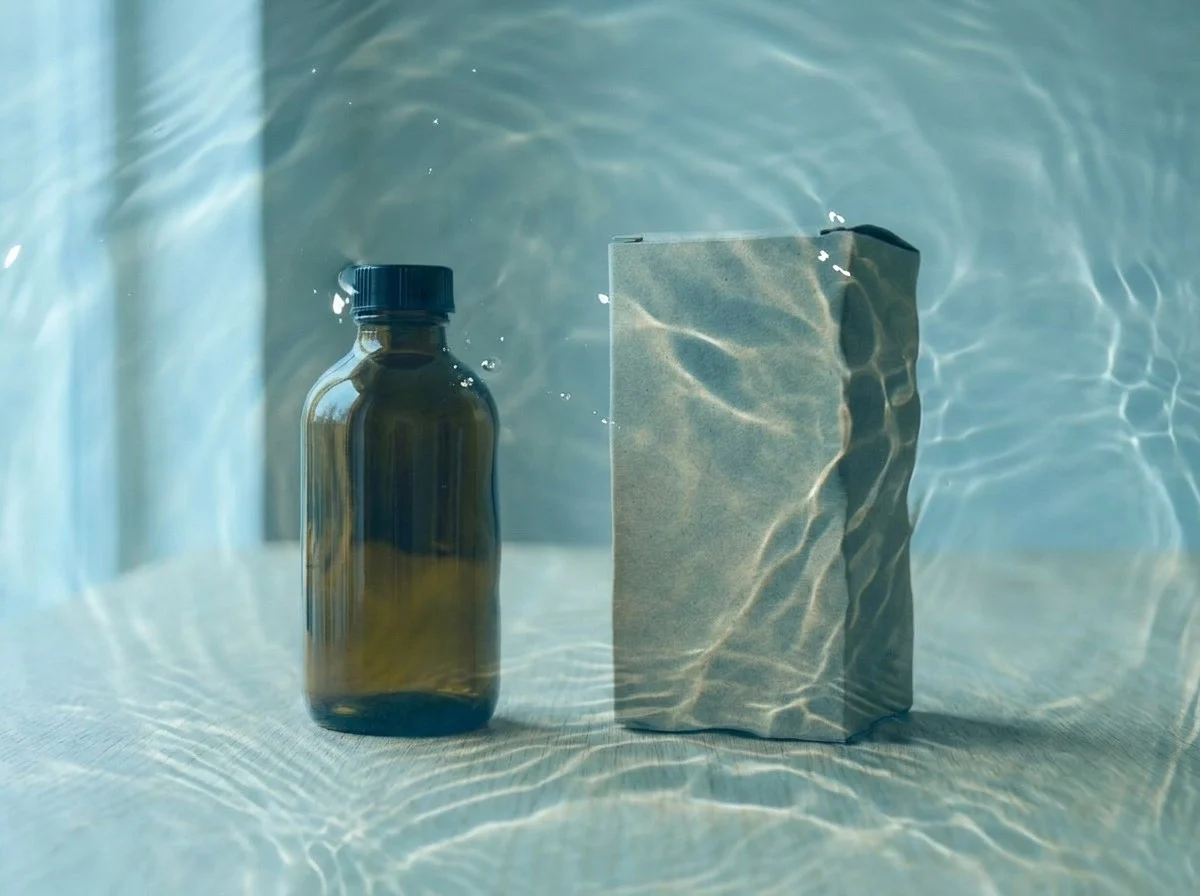
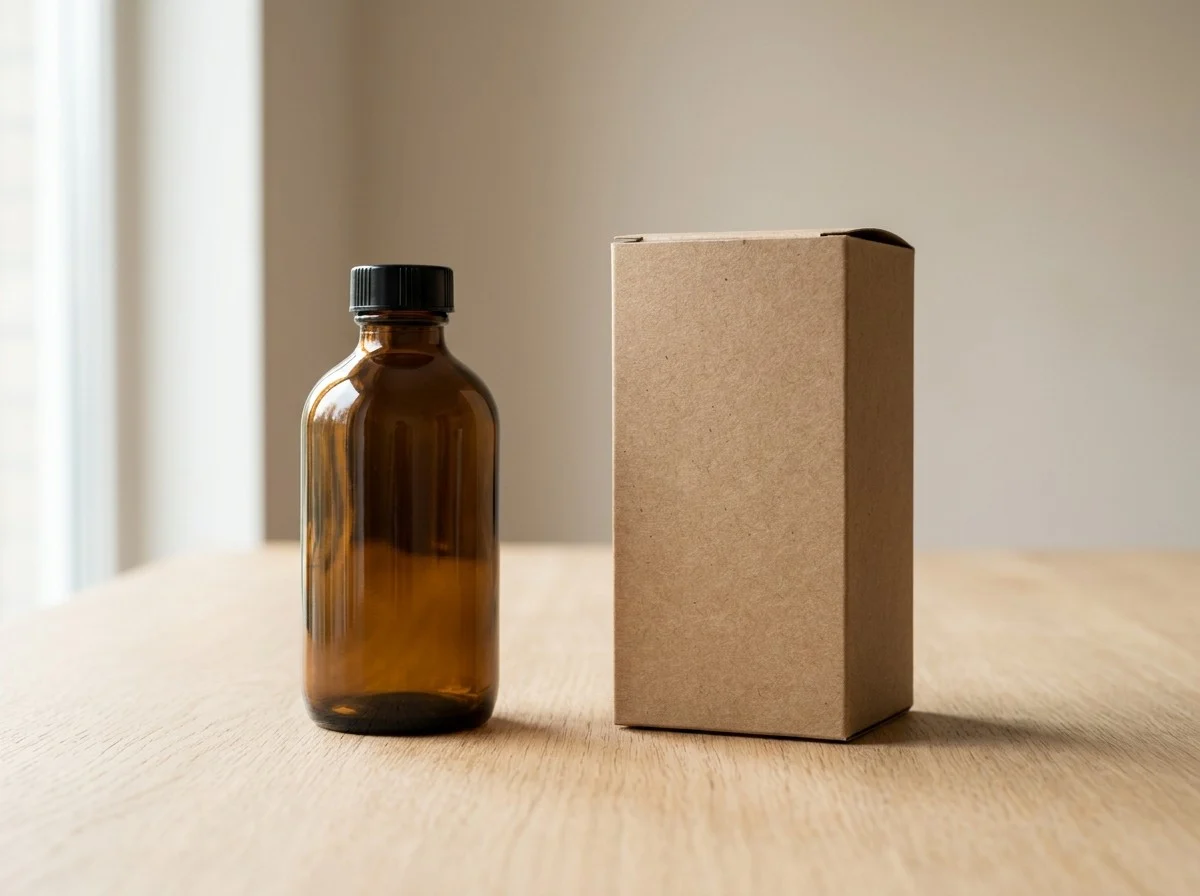
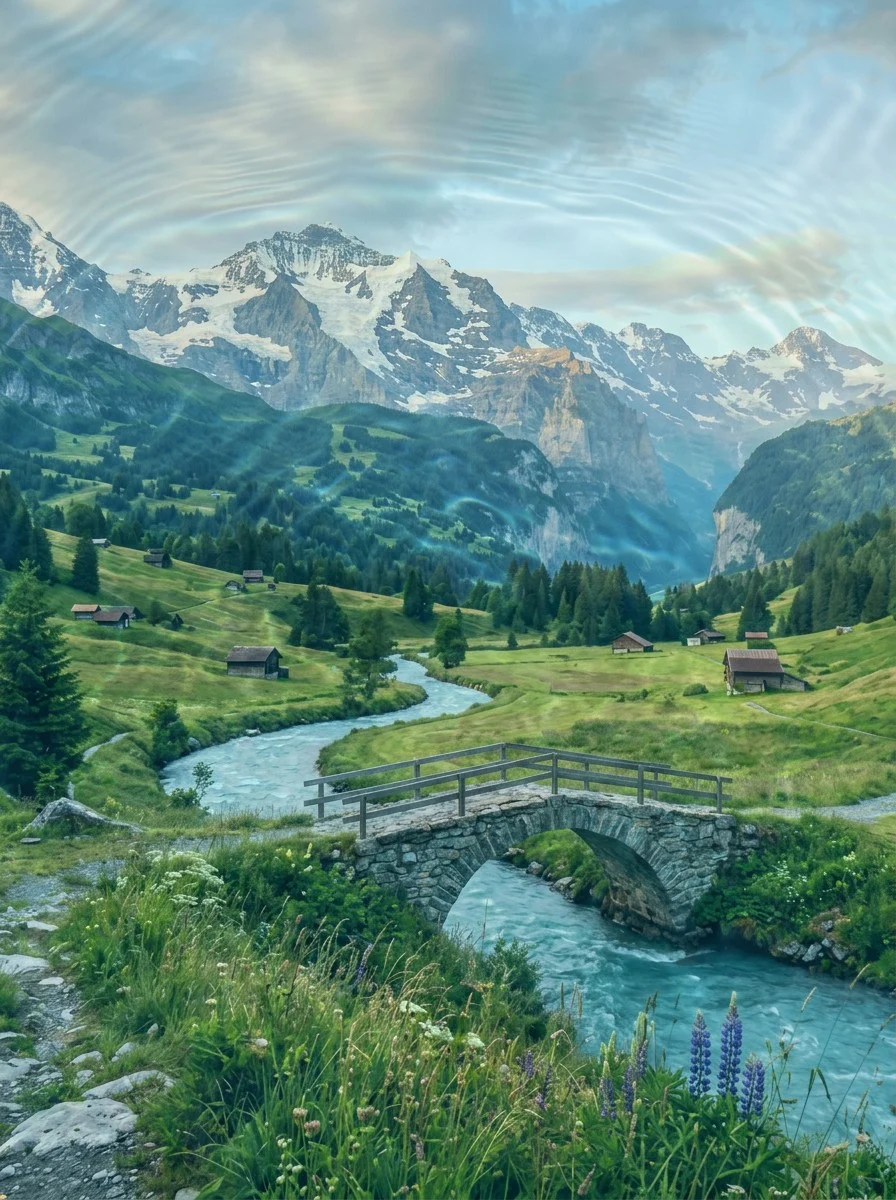

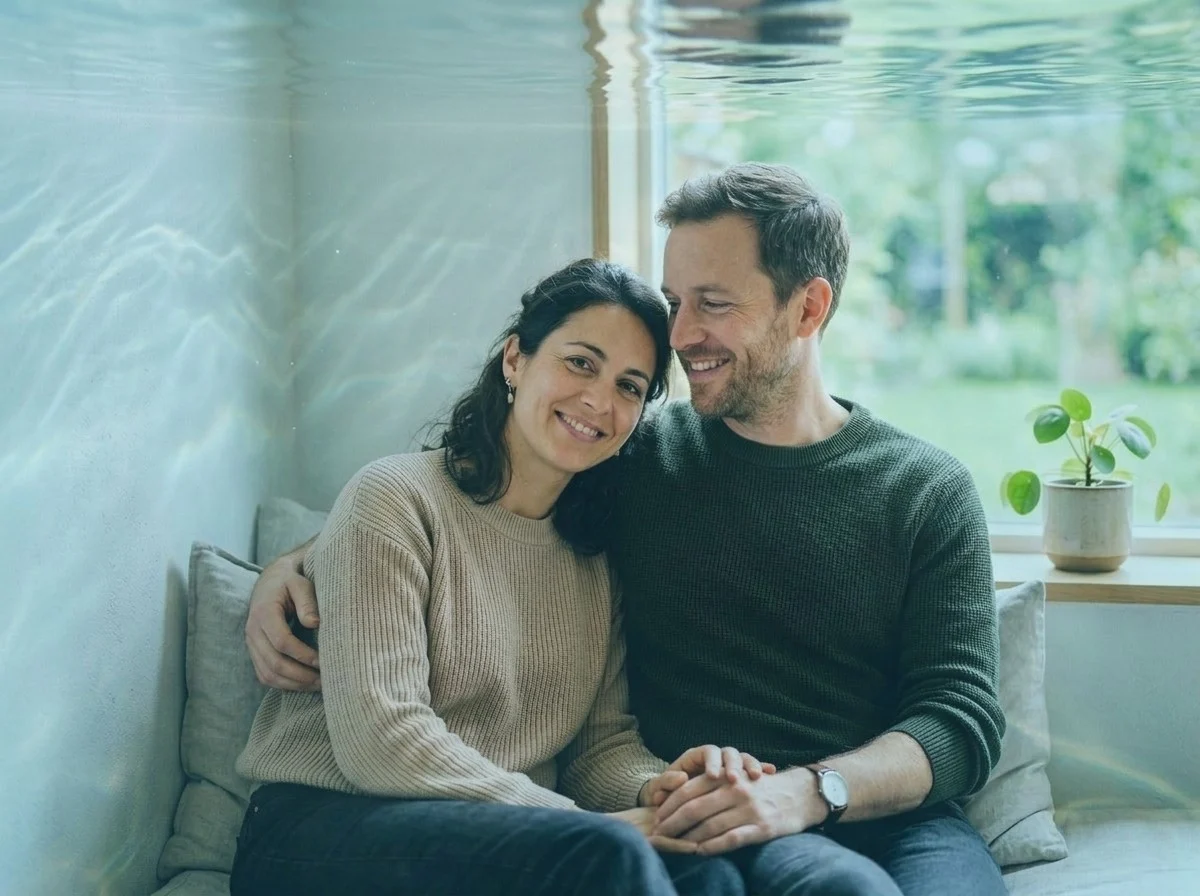





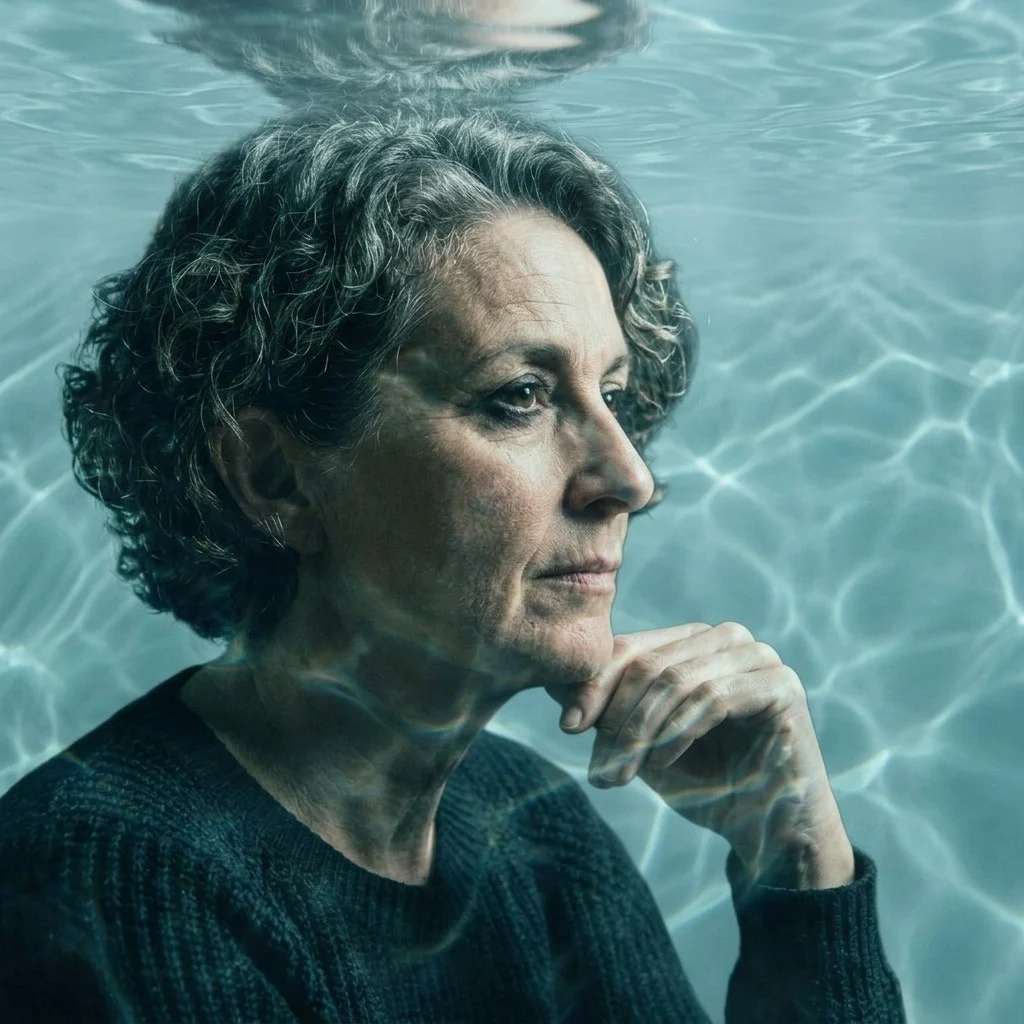

Through the Water Style is a photo-based water refraction effect for people who want an image to feel photographed through rippled water, shallow pool light, refractive glass, or a liquid lens without rebuilding the whole picture. Upload a portrait, selfie, product image, pet photo, travel frame, fashion shot, or cover-art visual, then use the app to add water distortion, caustic light effect, blue-green shimmer, glass water highlights, and underwater photo atmosphere while keeping the original subject, crop, pose, identity, product shape, pet markings, and main composition recognizable.
It also explains the difference between a focused through the water effect, a full style transfer, and a simple filter. A normal filter often lays a color tint or blur over the whole image, so it may look flat and generic. Full style transfer can redraw the scene into another art medium or change too much of the person, product, or background. Through the Water Style sits between those options: it changes the optical surface of the photo by bending light, adding liquid lens photo refraction, placing caustic highlights, and creating glass water distortion while protecting important detail. For a different visual treatment, try VHS Retro Effect when the same idea should move into another style direction.
Soft blue-green light, gentle ripples, and a natural caustic light effect for portraits, products, pets, and everyday photos where detail should stay protected.
A polished liquid-glass finish for products, fashion frames, and campaign images that can handle visible water refraction and glass water distortion.
Stronger caustic patterns, refractive drama, and liquid lens photo shimmer for thumbnails, album covers, posters, and experimental social graphics.
Tip: 01
Keep faces gentler and push stronger water distortion toward edges or open space.
Tip: 02
Use pool ripples for bright summer photos, vacation edits, and underwater photo effect mood.
Tip: 03
Use the glass water effect for products, fashion visuals, and polished campaign tests.
Tip: 04
Choose liquid lens or bold poster settings only when distortion is part of the concept.
Refresh selfies and portraits with liquid light, soft caustics, and a gentle underwater photo effect while keeping identity, expression, and crop readable.
Add glassy refraction, premium water highlights, and a clear glass water effect to beauty, beverage, wellness, swim, and summer campaign images.
Give vacation, pool, beach, hotel, and ocean photos a stronger blue-green story-cover mood.
Use bolder liquid lens distortion when a poster, album cover, or thumbnail needs one immediate visual hook.
Create the effect in about a minute. Start with one clear photo, choose the water look you want, then preview whether the refraction, water distortion, and caustic light protect the subject detail before downloading.
Start with a selfie, portrait, product photo, pet image, travel shot, fashion frame, or cover-art visual where the main subject is easy to see.
Tip: Open space around the subject gives caustics, glass water highlights, and liquid lens ripples room to appear without covering faces or product labels.
Use Clear Water Caustics for a clean first pass, Pool Surface Ripples for summer light, Glass Water Refraction for sharper distortion, Dreamy Underwater Light for softer portraits, or Bold Liquid Poster for graphic art.
Tip: Keep portraits gentle; stronger water refraction works better on posters, products, fashion crops, and abstract campaign visuals.
Create the image, then inspect faces, hands, product edges, pet markings, text-free artwork, caustic placement, liquid lens bending, and crop before downloading or trying another preset.
Tip: If the effect hides important detail, rerun with Clear Water Caustics or a softer underwater photo effect preset.
“The glass-water refraction preset is a fast way to test campaign directions before building a full shoot treatment.”
“I wanted liquid distortion for cover art without losing the portrait. The stronger poster preset gave me a useful starting point.”
“Pool Surface Ripples made an ordinary vacation photo feel more intentional without turning it into a fake underwater scene.”
It is a visual style where the image looks photographed through rippled water, shallow pool light, refractive glass, or a liquid lens. The effect usually includes wavy water distortion, water caustics, blue-green light, and bright glassy highlights.
No. An underwater filter often pushes the whole image into a blue underwater scene, and full style transfer may redraw the photo into another medium. Through the Water Style is a focused photo effect: it keeps the original image more intact while adding water refraction, caustic light, and glass water distortion.
The default prompt asks the model to keep important details readable and place stronger ripples around edges, backgrounds, clothing, or open space. Very busy or low-resolution images may need another run with a softer preset.
Clear portraits, selfies, products, pets, travel shots, fashion images, and poster-style graphics work well when there is one main subject and some surrounding space for water highlights.
Yes. Choose Glass Water Refraction, Glass Water Effect, or Bold Liquid Poster when you want more visible bending, shimmer, and caustic patterns. For faces, start with Clear Water Caustics and increase intensity only if the subject stays readable.
Yes. The prompt is designed to preserve product shape and composition while adding watery highlights, which makes it useful for beauty, beverage, swim, travel, wellness, and summer campaign concepts.
Water refraction describes the light-bending look, as if the camera is looking through water or glass. Water distortion is the visible warping that comes from that bend. A good through the water style result balances both so the image feels liquid without making the subject unreadable.
Yes. Use Glass Water Refraction or Bold Liquid Poster for the strongest liquid lens photo direction. Those options add more refractive bending, glassy highlights, and caustic shimmer while still using your uploaded photo as the base.
New models, prompt notes, and one visual idea worth saving - delivered every Friday.


