What Would I Look Like as a Baby? AI Generator Guide
Ever wondered what you looked like as a baby? AI baby face generators transform your selfies into adorable baby photos while keeping your features recognizable. Perfect for social media content that actually gets engagement.

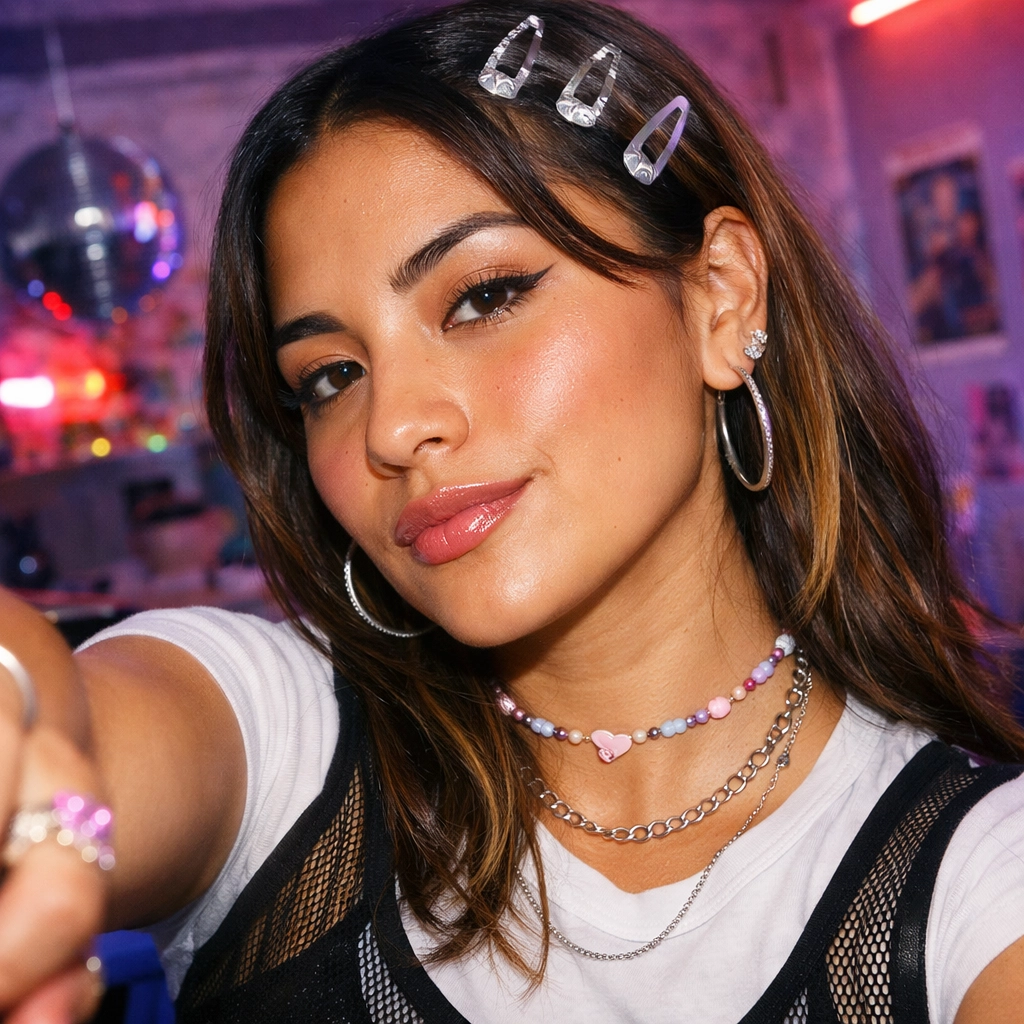
Let's be honest—digging up your actual baby photos is a mixed bag. Questionable haircuts, weird expressions, and your parents' "creative" photography choices. But what if you could see an idealized version of baby-you without the cringe factor?
AI baby face generators are here for exactly that. These tools transform your current selfies into realistic baby photos while keeping your features recognizable. The results? Adorable enough to break the internet, and way better than those blurry 90s Polaroids your mom keeps showing everyone.

What's an AI Baby Face Generator?
Think of it as a time machine for your face. An AI baby face generator analyzes your photo and creates a baby version of you—complete with chubby cheeks, big eyes, and that innocent baby expression we all had before life got complicated.
The tech is actually wild. These tools use AI to understand your facial structure, skin tone, and features, then reconstruct what you'd look like as an infant. It's not just slapping a filter on your face—it's genuine AI generation that maintains your identity while making you look like you're ready for a diaper commercial.

Why Everyone's Using AI Baby Photo Generators
Because curiosity is real. We all wonder what we looked like before puberty hit, braces happened, and life started leaving its mark. AI baby filters satisfy that curiosity instantly—no need to hunt through dusty photo albums or ask your parents to dig through storage.
The appeal is undeniable:
- Social Media Gold - Baby photos get engagement like nothing else
- Couple Content - See what your future kids might look like (kind of)
- Profile Picture Refresh - Stand out with something actually unique
- Group Chat Entertainment - Send it to friends and watch the reactions roll in
- Pure Curiosity - Sometimes you just want to know
The best part? It's transparent AI content. Nobody's trying to catfish anyone—it's creative, it's fun, and when you're upfront about it being AI-generated, people think it's even cooler.

Best Times to Use a Baby Face Filter
Anytime works, but these scenarios hit different:
1. Throwback Thursday Content
Forget digging through old photos. Generate a baby version of yourself and post it with "TBT to when life was simple." Your followers won't know if it's real or AI until they read the caption—and that's the fun part.
2. Couple Milestones
Anniversary coming up? Generate baby photos of both of you. Caption it "us before we met" or "imagine if we knew each other as kids." It's wholesome, it's cute, it gets the likes.

3. Birthday Posts
Skip the basic birthday selfie. Post your AI baby photo with "X years ago today" and watch people do the math in the comments.
4. Friend Group Fun
Generate baby photos for your whole squad and make a collage. Guess-who games in the group chat have never been this entertaining.
5. Just Because
Sometimes you're bored and curious. That's reason enough. No special occasion needed.

How to Generate Your Baby Photo with AI (Step-by-Step)
Ready to see baby-you? Here's the breakdown:
Step 1: Get Your Photo Ready
- Use good lighting (natural light works best)
- Face the camera straight-on or at a slight angle
- Keep the background simple
- Make sure your face is clearly visible (no sunglasses or masks)
Step 2: Choose Your Tool Head to Vofy's Baby Filter and upload your photo. The interface is clean and straightforward—no confusing menus or tech jargon.
Step 3: Pick Your Style The tool offers 5 different baby photo styles:
- Natural Baby - Most realistic infant look
- Toddler Portrait - Slightly older, still adorable
- Studio Baby - Professional photography vibe
- Throwback Photo - Vintage photo aesthetic
- Funny Meme - Exaggerated cute for maximum laughs
Step 4: Generate and Download Hit generate, wait about 30 seconds, and boom—you've got your AI baby photo. Download it, post it, send it to your group chat, whatever you want.

Pro Tips for Realistic AI Baby Photos
Want your results to look absolutely fire? Here's what actually works:
Lighting Makes or Breaks It Seriously. Well-lit photos generate way better results. Golden hour lighting? Perfect. Harsh overhead fluorescents? Not so much.
Keep Expressions Natural Smile, serious face, playful—all good. But avoid extreme expressions. The AI handles natural facial states better than duck faces or exaggerated poses.
Try Multiple Styles Each style gives a completely different vibe. Natural Baby works for realistic posts, Funny Meme is perfect for group chats, Studio Baby makes great profile pictures. Experiment.
Couple Photos Work Too Upload a photo with your partner and the AI will transform both of you into babies. It's ridiculously cute and makes for great couple content.

Trending Baby Filter Ideas for Social Media (2026)
The baby face generator scene keeps evolving. Here's what's hot right now:
1. Couple Baby Photo Challenges Couples generate their baby photos and let followers vote on "who would win in a cuteness contest." Engagement goes through the roof.
2. Family Baby Photo Collages Transform everyone in the family and create a grid. Holiday cards just got way more interesting.
3. Celebrity Baby Comparisons Generate your baby photo and compare it to celebrity childhood photos. "I was cuter than [insert celebrity]" content is peak internet.
4. Time Machine Series Take photos from different ages and run them all through the baby filter. "If I stayed a baby forever" vibes.
5. Meme Template Gold Use the Funny Meme style to create custom reaction images. Your own face as a baby saying "not my problem" hits different.

Common Questions About AI Baby Filters
Will it actually look like me as a baby? The AI maintains your core facial features—eye shape, nose structure, face proportions—so yeah, it's recognizably you. Just cuter and chubbier. Think of it as what you might've looked like if your baby photos were taken by a professional photographer.
Can I use photos of my kids to see what they'll look like grown up? This tool works the opposite way—it ages you down, not up. It's designed to transform adult photos into baby versions, not predict future appearances.
Does it work on group photos? Absolutely. Upload a photo with multiple people and the AI will transform everyone into babies. Perfect for friend group content or couple photos.
What if I don't like the first result? Try a different style preset. Each one gives a totally different vibe—Natural Baby for realism, Funny Meme for laughs, Studio Baby for that professional look. You can generate as many versions as you want.
Is my photo stored or shared? Vofy processes your photo to generate the baby version, but your images aren't used for training or shared publicly. It's your content, your control.

Your Turn to See Baby-You
Ready to satisfy your curiosity? Try Vofy's Baby Filter and see what you looked like before life got complicated. Upload your photo, pick your style, and get that adorable baby version you've been wondering about.
Whether you're posting it on Instagram, sending it to your group chat, or just keeping it for yourself—AI baby photos are your ticket to content that actually gets reactions. No time machine required.
Now go create some cuteness. You've got this. ✨
Try it yourself on Vofy
Generate AI images and videos with the best models - all in one studio.
Discover More

 Priya Sharma•
Photo to 3D Model with AI: A Practical Guide
Turn a photo into a polished 3D-style model image with Vofy. Learn which photos work best, how to generate, and how to fix common results.

 Alex Harper•
How to Make AI Football Fan Videos From One Photo
Make AI football fan videos from one photo with a fictional Spain goal celebration and an optional Japanese street-interview companion clip.

 Lucas Andersson•
How to Make a Printable Coloring Page From a Photo
Make a printable coloring page from a photo with open fill areas, age-appropriate detail, and lines that stay clear after a real test print.