AI Couple Photoshoot Generator: Create Romantic Photos from Two Separate Images
Turn two separate portraits into one romantic couple photo with AI. Perfect for long-distance couples, engagement announcements, anniversary posts, and social media content.

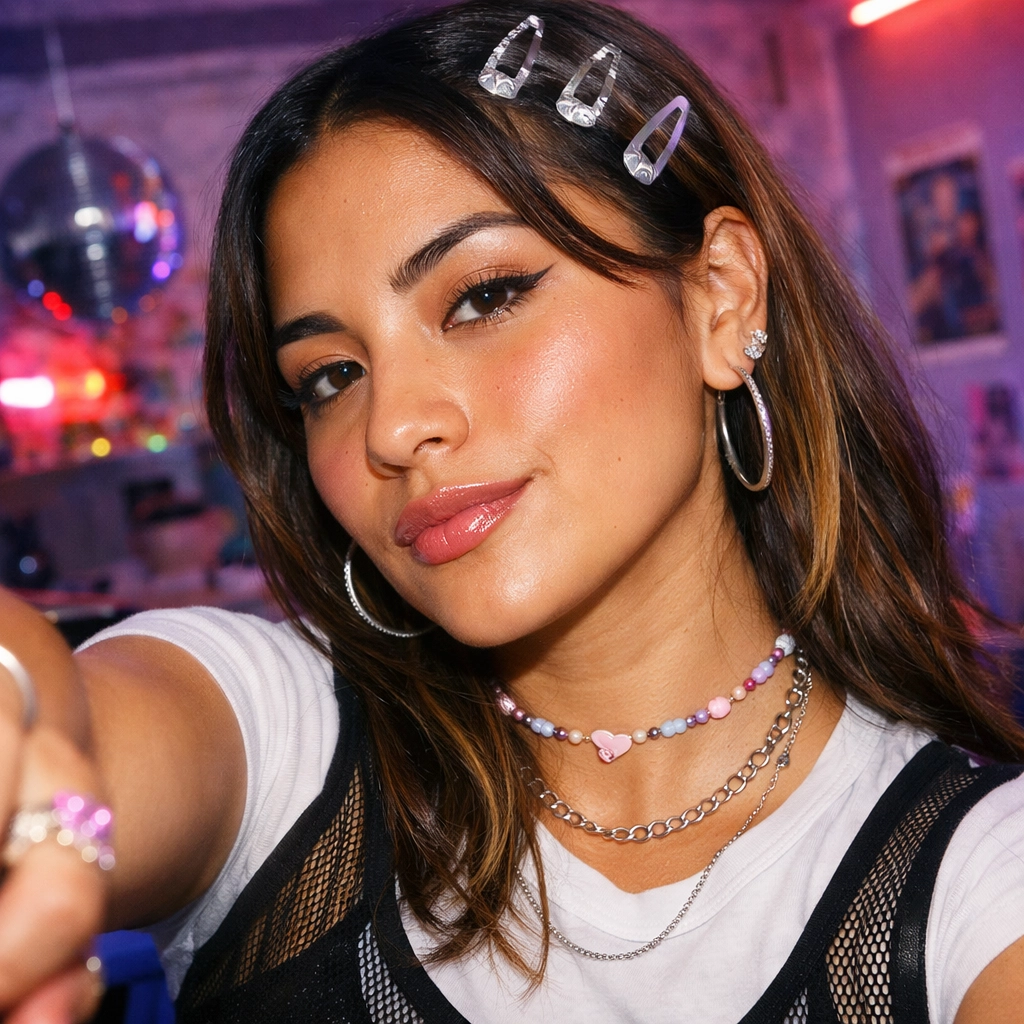
Most couples struggle to find a single photo they both like. Traditional photoshoots are expensive ($200-$2000+ per session) and time-consuming. According to recent industry data, 67% of couples report dissatisfaction with their existing couple photos, while AI-generated couple content has grown 340% in 2025-2026.
An AI couple photo generator solves this by combining two individual portraits into one romantic image with natural composition, flattering lighting, and editorial styling—in under 60 seconds and at a fraction of traditional photography costs.
What Is an AI Couple Photoshoot Generator?
An AI couple photoshoot generator is a tool that creates romantic couple portraits from two separate photos. You upload one image of each person, and the AI combines them into a shared scene with coordinated poses, lighting, and backgrounds.

Unlike traditional photo editing or simple collages, these AI tools generate entirely new images that look like professional couple photoshoots. The technology preserves facial features while creating natural interactions, realistic lighting, and cohesive backgrounds.
Why Use an AI Couple Photo Generator?
AI couple photo generators solve several common problems:
- Long-Distance Relationships - Create romantic photos when you're apart
- No Good Existing Photos - Generate professional-looking images without a photoshoot
- Engagement Announcements - Get polished images for save-the-date posts
- Anniversary Content - Create fresh romantic images for social media
- Budget-Friendly - Skip expensive professional photography sessions

For long-distance couples, this technology is particularly valuable. You can create romantic memories together even when physically apart, generating images for anniversaries, holidays, or just because.
Best Use Cases for AI Couple Photos
1. Engagement Announcements
Create polished engagement photos without scheduling a professional shoot. AI-generated engagement photos can match the quality of traditional photography for social media announcements and wedding websites.
2. Anniversary Posts
Generate fresh romantic images for milestone anniversaries. Instead of reusing old photos, create new AI couple portraits that feel current and special.

3. Long-Distance Relationship Content
When you can't be together physically, AI romantic photos help maintain emotional connection. Create images for holidays, birthdays, or just to share on social media.
4. Social Media and Dating Profiles
Couples content performs well on Instagram, TikTok, and other platforms. AI couple photoshoot generators provide fresh content without constant photoshoots.
5. Save-the-Date and Wedding Content
Generate preview images for wedding planning, save-the-date cards, or wedding website headers before your actual engagement shoot.

Popular AI Couple Photo Styles in 2026
Current trends in AI romantic photos emphasize authenticity and emotional depth:
1. Cinematic Golden Hour - Warm sunset lighting with soft focus and natural poses
Prompt Example: "Create a romantic beach couple portrait at golden hour, soft warm lighting, casual elegant attire, natural embrace, photorealistic, cinematic depth"
2. Urban Date Night - City backgrounds with bokeh lights and editorial styling
Prompt Example: "Generate an editorial couple photo in city setting at dusk, bokeh lights background, fashionable styling, candid walking moment, shallow depth of field"

3. Cozy Intimate Moments - Cafe settings, home environments, close framing
Prompt Example: "Romantic couple portrait in cozy home setting, warm indoor lighting, intimate close framing, natural expressions, soft focus background"

4. Beach and Vacation Vibes - Tropical settings, casual outfits, relaxed mood
Prompt Example: "Create a romantic beach couple portrait at golden hour, soft warm lighting, casual elegant attire, natural embrace, photorealistic, cinematic depth"
5. Formal Engagement Style - Elegant attire, garden or studio backgrounds, professional polish
Prompt Example: "Professional couple portrait in minimal studio setting, clean background, elegant formal attire, soft studio lighting, editorial composition"
According to recent trends, 2026 AI couple photos prioritize authenticity over perfection, incorporating natural imperfections, realistic skin textures, and candid expressions.
How to Get the Best Results from AI Couple Photo Generators
Choose Quality Source Photos
For the best AI couple photoshoot results:
- Use clear, well-lit portraits
- Front-facing or slightly angled shots work best
- Avoid sunglasses, heavy shadows, or obstructions
- Recent photos ensure current appearance
- Similar lighting conditions in both photos help consistency
Optimize Your Prompts
When using an AI couple photo generator, specific prompts improve results:
Basic Prompt: "Create a romantic couple photo from two portraits, natural poses, soft lighting, beach setting"
Advanced Prompt: "Generate a cinematic engagement-style couple portrait with golden hour lighting, shallow depth of field, editorial composition, warm tones, natural interaction"

Style-Specific Prompt: "Urban date night couple photo, city background with bokeh lights, fashionable styling, candid moment, photorealistic"
Common Mistakes to Avoid
- Low-Quality Source Photos - Blurry or poorly lit images produce weak results
- Mismatched Lighting - Photos with drastically different lighting look unnatural
- Overly Complex Prompts - Keep instructions clear and focused
- Unrealistic Expectations - AI works best with realistic scenarios
AI Couple Photoshoot Generator: Step-by-Step Tutorial
Here's how to create your first AI couple photo:
Step 1: Prepare Your Photos
- Select one clear portrait of each person
- Ensure faces are visible and well-lit
- Crop to focus on the person (waist-up or closer)
Step 2: Choose Your Tool
- Open your preferred AI couple photo generator
- Upload both portrait images
- The tool accepts standard image formats (JPG, PNG, WebP)
Step 3: Customize Your Scene
- Use the default prompt or customize for specific styles
- Specify setting (beach, city, cafe, studio)
- Add mood descriptors (romantic, cinematic, casual)
Step 4: Generate and Download
- Click generate and wait for AI processing
- Review the result
- Download for social media, printing, or sharing

Technical Considerations for AI Couple Photo Generation
Image Quality and Resolution
Modern AI couple photoshoot generators produce high-resolution outputs suitable for:
- Social media posts (Instagram, Facebook, TikTok)
- Print materials (cards, invitations)
- Digital wallpapers and backgrounds
- Professional presentations
Identity Preservation
The best tools prioritize facial recognition and identity preservation, ensuring both people remain recognizable in the final image. This is crucial for authentic AI romantic photos.
Processing Time
Most AI couple photo generators process images in 30-60 seconds, making them practical for quick content creation.
Comparing AI Couple Photos to Traditional Photography
| Aspect | AI Couple Photos | Traditional Photography |
|---|---|---|
| Cost | Free to low-cost | $200-$2000+ per session |
| Time | Minutes | Hours to days |
| Location | Any (virtual) | Physical location required |
| Flexibility | Unlimited variations | Limited to shoot day |
| Authenticity | AI-generated | Real captured moments |
| Best For | Quick content, long-distance, previews | Important milestones, heirlooms |
Both approaches have value. AI couple photoshoot generators excel at quick content creation, while traditional photography captures genuine moments.
Privacy and Ethical Considerations
When using AI couple photo generators:
- Only upload photos you have permission to use
- Be transparent about AI-generated content on social media
- Respect platform policies regarding AI content
- Consider watermarking AI-generated images
- Use responsibly for personal, not deceptive purposes
Troubleshooting Common Issues
Faces Don't Look Recognizable
Solution:
- Use higher quality source photos
- Ensure faces are clearly visible
- Avoid extreme angles or lighting
- Try front-facing portraits
Unnatural Poses or Composition
Solution:
- Simplify your prompt
- Request "natural poses" explicitly
- Reference specific photography styles
- Generate multiple variations
Inconsistent Lighting
Solution:
- Use source photos with similar lighting
- Specify lighting in prompt (golden hour, soft light, studio)
- Avoid mixing indoor and outdoor source photos
Background Looks Artificial
Solution:
- Request specific realistic settings
- Use "photorealistic" in prompt
- Specify depth of field for natural blur
- Reference real photography styles
Conclusion
AI couple photoshoot generators transform how couples create romantic photos. These tools deliver professional-quality results for engagements, anniversaries, long-distance relationships, and social content—without traditional photography costs.
Ready to create your first romantic couple photo? Use an AI couple photo generator that supports two separate portraits and turn them into one beautiful shared moment.
Try it yourself on Vofy
Generate AI images and videos with the best models - all in one studio.
Discover More

 Priya Sharma•
Photo to 3D Model with AI: A Practical Guide
Turn a photo into a polished 3D-style model image with Vofy. Learn which photos work best, how to generate, and how to fix common results.

 Alex Harper•
How to Make AI Football Fan Videos From One Photo
Make AI football fan videos from one photo with a fictional Spain goal celebration and an optional Japanese street-interview companion clip.

 Lucas Andersson•
How to Make a Printable Coloring Page From a Photo
Make a printable coloring page from a photo with open fill areas, age-appropriate detail, and lines that stay clear after a real test print.