How to Make AI Football Fan Videos From One Photo
Make AI football fan videos from one photo with a fictional Spain goal celebration and an optional Japanese street-interview companion clip.

Disclosure: Vofy is an all-in-one AI creative studio. The workflows below reflect the two apps' built-in effects as of August 2026.
You can make a football fan video from one portrait, but these two Vofy apps serve different purposes. Favorite Team Goal Hug Video Generator is the football-specific effect: its current preset uses a fictional Spain-versus-France broadcast and goal celebration. Street Interview Video Generator is an optional companion clip, not a football interview generator. It creates a Japanese late-night variety-show interview with city lights, TV captions, a microphone, and a shy answer. Together, they can make a short setup-and-payoff edit.
TL;DR
- Use Street Interview for a personality-led companion clip. It does not generate football questions or select teams.
- Use Goal Hug for the fictional Spain-versus-France celebration.
- Both workflows start with one portrait, create a still, and then generate a video currently configured for 8 seconds.
- Use the same portrait and aspect ratio if you plan to combine the clips.
- Label the result as AI-generated fan content, not real interview or match footage.
1. Choose the Right Effect
The Street Interview app is useful when you want to introduce a person before a matchday post. Its built-in scene is a Japanese street-variety interview, so add any football context with a title card or caption after export. Do not describe the generated answer as a real supporter interview or imply that the app can ask a custom football question.
The Goal Hug app is the football-specific option. Its current built-in scenario is tied to Spain versus France, with fixed broadcast details, props, and a player-celebration sequence. It is not a general “choose your favorite team” generator. Use it for fictional fan art, watch-party jokes, or a clearly labeled imagined celebration.
| Decision | Street Interview | Favorite Team Goal Hug |
|---|---|---|
| Role | Companion intro | Football payoff |
| Setting | Shibuya or Shinjuku-style night street | Packed night stadium |
| Default ratio | 16:9; 9:16 available | 9:16; 16:9 available |
| Current output | 8-second configuration | 8-second configuration; complex action may compress |
| Best fit | Personality, intro, lighthearted gag | Fictional celebration, fan edit, watch-party post |
Neither app is a general video editor. If you need a different team, exact scoreboard, custom dialogue, or a different action sequence, choose a workflow that supports those controls instead of assuming the preset is editable.
2. Prepare One Portrait
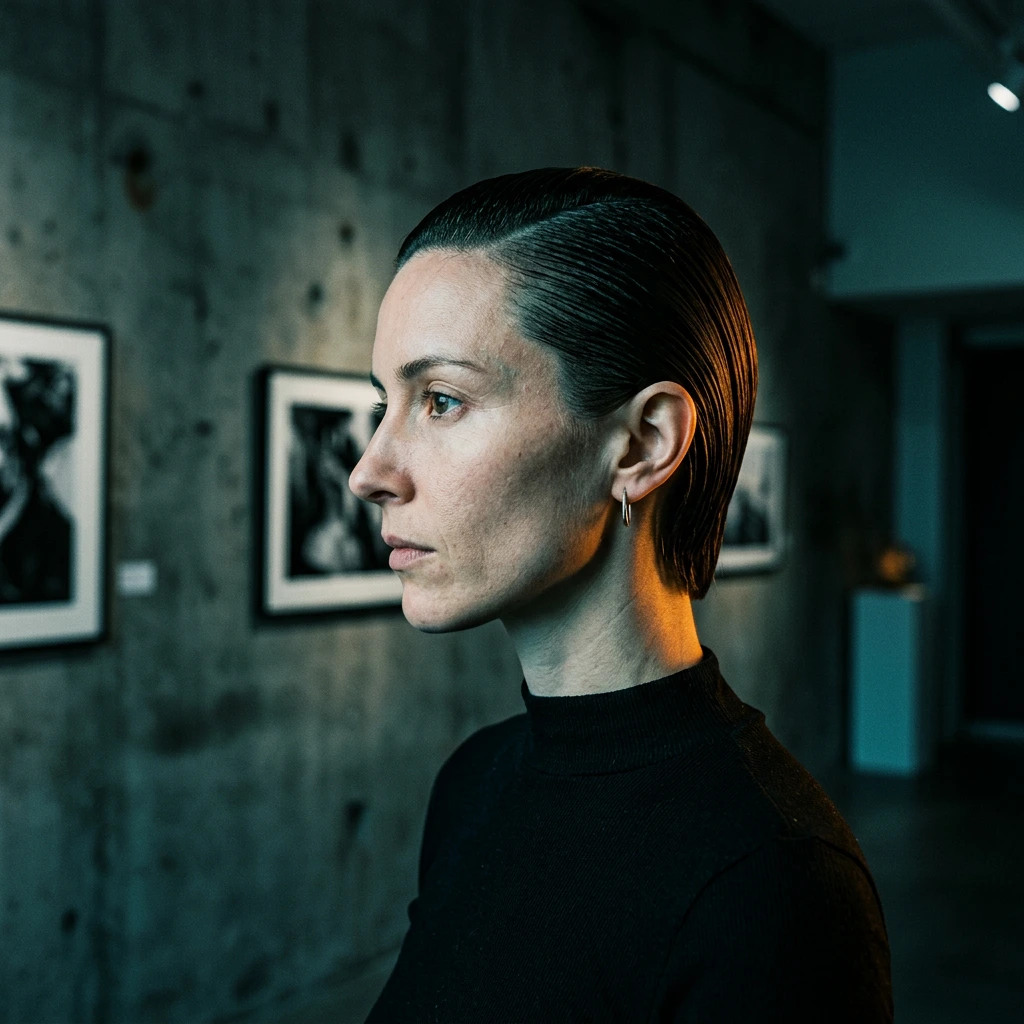
Use one clear photo of an adult with an unobstructed face, visible hair, and enough shoulder or torso detail for a broadcast crop. Even lighting is more useful than a dramatic background. Avoid sunglasses, hands over the face, heavy filters, severe blur, group crops, and text covering the subject. Reusing the same source helps both clips read as the same person, although identity can still drift during generation.
Use only photos you own or have permission to edit. Do not impersonate someone, present a generated interview as real, or suggest that a person actually entered a pitch. The football clip is fictional fan art and is not official footage or an affiliation with a player, team, broadcaster, stadium, FIFA, UEFA, or tournament organizer. Check current platform rules such as YouTube's altered-content guidance and TikTok's integrity and authenticity policy before publishing.
3. Create the Two Clips
Both apps use a still-first workflow: the uploaded portrait becomes a prepared scene, then that still becomes the first video frame. The interfaces are currently configured for 8-second outputs. The football prompt contains several timeline beats, so check the actual duration and whether the action has been compressed before approving the result.
3.1 Create the companion street interview
Open Street Interview Video Generator and upload the portrait. The image stage creates a Japanese variety-show frame with a night street, telop graphics, a question panel, a reaction inset, and a microphone. The video stage adds a shy glance, blink, nervous smile, short Japanese answer, microphone movement, and subtle handheld motion.
Choose 9:16 for short-form vertical posts or 16:9 for a wider TV-style frame. If the prepared still changes the face too much, retry with a sharper source. If Japanese-looking text is unreadable, do not treat it as accurate copy. Add the football context, translation, or campaign message later in your usual video editor.
3.2 Create the goal-hug payoff
Open Favorite Team Goal Hug Video Generator and upload the same portrait. The image stage places the fan in a night stadium with Spain-versus-France supporters, broadcast styling, and built-in comic props. The video stage turns that still into a fictional goal reaction with a crowd eruption, a pitch rush, player interaction, and a final camera-facing joke.
The app defaults to 9:16 and also offers 16:9. Match the ratio used for the interview if the clips will be edited together. Watch for face drift, merged people, deformed hands, disappearing props, unstable player count, or unreadable broadcast text. Regenerate when any of these errors changes the meaning of the scene.
3.3 Assemble a short edit
Download the accepted clips and place them in your preferred video editor. A simple structure is enough:
- Street interview: introduce the person.
- Title card: “Who is ready for tonight?”
- Disclosure card: “A fictional AI fan edit.”
- Goal Hug: show the imagined Spain-versus-France celebration.
Preview any generated speech, commentary, and crowd audio. Keep only audio you are allowed to use, or replace it with licensed audio. Do not use fast cuts to hide a face change or false scoreboard; regenerate the source clip instead.
Keep the edit visually consistent: use the same crop, orientation, title treatment, and creator handle in both clips. Do not cover the Japanese telop graphics or sports overlays with oversized text. If a translation or matchday message is important, keep it short and add it as editable text after export. This makes the fictional framing clear while leaving the generated scenes readable. Review both clips once on a mobile screen before publishing.
4. Publish Responsibly
Before posting, check the finished file in its final orientation and size:
- The subject is recognizable and authorized for use.
- The street interview is not presented as a real football interview.
- The football preset is identified as fictional Spain-versus-France content.
- Faces, hands, props, captions, and score graphics have been reviewed frame by frame.
- Added text is accurate and does not cover the built-in overlays.
- Music, commentary, logos, photos, and extra footage are licensed or permitted.
- The post includes the platform's required synthetic-media disclosure.
For a pre-match rollout, publish the interview as a clearly fictional companion hook. Do not present the Goal Hug clip as a real reaction to a score. For a more general still-to-video workflow, see the Kling 3.0 image-to-video guide. For identity consistency across moving frames, see Seedance 2 character stability basics.
5. Common Mistakes
- Treating Street Interview as a football generator: it has a fixed Japanese interview premise; add football context outside the app.
- Assuming “favorite team” means selectable teams: the current football preset is Spain versus France.
- Mixing aspect ratios: select one ratio before generating both clips.
- Trusting generated text: verify every caption, score, name, and translation.
- Approving from the poster frame: watch the full clip for identity and motion errors.
- Posting it as real footage: label it clearly as fictional AI-generated fan content.
6. Conclusion
The two apps can form a compact matchday edit, but they are not two versions of the same football generator. Street Interview supplies a personality-led companion scene; Goal Hug supplies the fictional Spain-versus-France payoff. Start with one authorized portrait, choose one aspect ratio, verify the actual output, and disclose the generated nature of the result.
FAQ
Can I use the same photo in both apps?
Yes. Reusing one clear portrait helps the clips read as the same person. Compare each generated still and final video with the source because identity can still drift.
Does Street Interview create football questions?
No. It creates a Japanese variety-show street interview with a built-in shy answer. Add football context with a verified title card or caption after export.
Can I change the team in Goal Hug?
Do not assume so. The current preset uses a fictional Spain-versus-France scene and is not a general team selector. Use another workflow when the team, score, or player scenario must be controlled.
Are these official match or TV videos?
No. They are fictional AI-generated effects. Do not present them as real match footage, real Japanese TV footage, or an official association with any player, team, broadcaster, or tournament.
What if the face changes?
Retry with a sharper, unobstructed portrait and reject any prepared still that already loses identity. If drift appears during motion, regenerate the video and review the complete sequence before publishing.
Related Reading
Try it yourself on Vofy
Generate AI images and videos with the best models - all in one studio.
Discover More

 Ryan Mitchell•
How to Use Kling 3.0 Image-to-Video on Vofy
Learn how to get better Kling 3.0 image-to-video results on Vofy by choosing stronger source images, writing motion prompts that fit the frame, and knowing when to use interpolation or motion control.

 Emma Clarke•
How to Keep Characters Stable in Seedance 2.0: A Step-by-Step Guide for Beginners
Learn how to keep characters stable in Seedance 2.0. This beginner-friendly guide explains reference images, prompt design, semantic anchors, and motion control to prevent character drift in AI video.

 Sofia Rodriguez•
Your Pet Is Not Sleeping. It Is On Its Phone.
Make funny AI pet videos where your dog or cat hides a phone and pretends to sleep. A fast social-media-friendly guide for TikTok, Reels, Shorts, and group chats.