How to Remove Green Screen Backgrounds in Seconds (2026 Guide)
Remove green screen backgrounds instantly with AI. Perfect for content creators, video editors, YouTubers, and marketers who need clean background removal without complex editing software.


Green screen technology has revolutionized video production, but traditional chroma keying requires expensive software like Adobe After Effects or Final Cut Pro, plus technical expertise to handle edge refinement, color spill, and lighting inconsistencies. 87% of content creators report spending 15-30 minutes per video just on background removal.
An AI green screen remover eliminates this complexity by automatically detecting and removing green screen backgrounds with precision edge detection, automatic spill suppression, and intelligent hair/fur detail preservation—in under 10 seconds and without any manual masking.
What Is an AI Green Screen Remover?
An AI green screen remover is a specialized tool that automatically detects and removes green (or blue) screen backgrounds from videos and images using advanced computer vision. You upload your green screen footage, and the AI instantly removes the background while preserving fine details like hair strands, transparent objects, and motion blur.
Unlike manual chroma keying that requires adjusting tolerance, edge feathering, and spill suppression settings, AI green screen removers handle these technical details automatically using machine learning models trained on millions of green screen samples.
Why Use an AI Green Screen Remover?
AI green screen removers solve several critical video production challenges:
- Speed and Efficiency - Remove backgrounds in seconds instead of spending 15-30 minutes per video
- No Technical Expertise Required - Skip learning complex chroma key settings and color correction
- Cost-Effective Solution - Avoid expensive software subscriptions ($20-50/month for professional tools)
- Perfect for Quick Content - Ideal for social media creators who need fast turnaround times
- Consistent Quality - AI ensures uniform background removal across all your footage

For content creators, time is money. Traditional green screen editing can consume hours of your production schedule, while an AI green screen remover delivers professional results instantly.
Best Use Cases for AI Green Screen Removers
1. YouTube Content Creators
YouTube creators filming tutorials, product reviews, or educational content can use AI green screen removers to place themselves in custom backgrounds without expensive editing software.
Scenario: You're creating a tech review channel and want to appear in front of futuristic digital backgrounds. Film yourself with a green screen, then use an AI green screen remover to instantly remove the background and composite yourself into any scene.
2. Social Media Content (TikTok, Instagram Reels, YouTube Shorts)
Short-form video creators need fast turnaround times. AI green screen removers enable you to create professional-looking content with custom backgrounds in minutes, not hours.

Scenario: You're a fitness influencer creating daily workout Reels. Instead of filming in your cluttered apartment, use a green screen and the green screen remover tool to place yourself in motivating gym environments or outdoor settings.
3. Online Educators and Course Creators
Teachers creating online courses can use AI green screen removers to appear alongside presentation slides, diagrams, or educational graphics without complex video editing.

Scenario: You're creating an online math course and want to appear next to animated equations and graphs. Film your lessons with a green screen, then use the AI green screen remover to composite yourself into educational backgrounds with visual aids.
4. Marketing and Product Demos
Marketing teams creating product demonstration videos can use AI green screen removers to place presenters in branded environments or alongside product visualizations.
Scenario: Your SaaS company needs product demo videos showing team members explaining features. Instead of booking a studio, film presenters with a green screen and use the green screen removal tool to place them in branded digital environments.
How to Use an AI Green Screen Remover (Step-by-Step Guide)
Using an AI green screen remover is straightforward and requires no technical expertise. Here's how to remove green screen backgrounds in seconds:
Step 1: Upload Your Green Screen Footage
Navigate to the AI Green Screen Remover tool and upload your video or image file. Most tools support common formats like MP4, MOV, PNG, and JPEG.
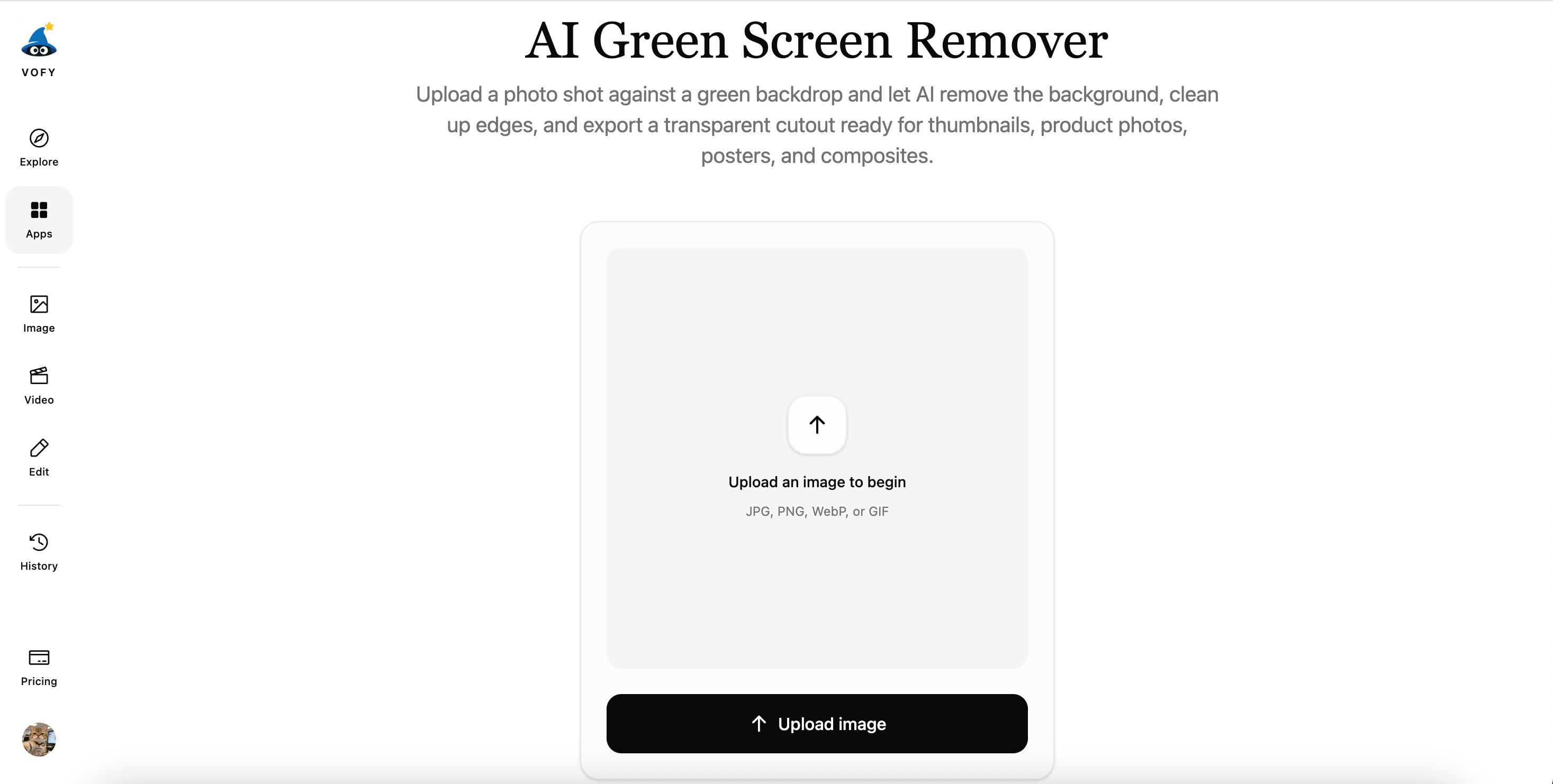
Pro Tip: For best results, ensure your green screen footage has even lighting and minimal shadows. The AI works best with consistent green color across the entire background.
Step 2: Let AI Process Your Footage
The AI automatically detects the green screen and removes it, preserving fine details like hair strands, transparent objects, and motion blur. Processing typically takes 5-15 seconds depending on video length.
Step 3: Download Your Transparent Background Video
Once processing completes, download your video with the green screen removed. The output includes a transparent background (alpha channel) that you can composite into any scene.

Pro Tip: Export your video in formats that support transparency like MOV (ProRes 4444) or WebM for maximum compatibility with video editing software.
Tips for Best Green Screen Removal Results
1. Use Even Lighting
The key to clean green screen removal is consistent, even lighting across your entire green screen. Avoid shadows, hotspots, or uneven color distribution.
Lighting Setup: Use at least two lights positioned at 45-degree angles to your green screen, plus a key light for your subject. This eliminates shadows and creates uniform green color.
2. Maintain Distance and Avoid Green Spill
Stand at least 3-6 feet away from your green screen to minimize green spill (green light reflecting onto your skin or clothing). Don't wear green clothing or use green props, as the AI will remove these along with the background.
3. Use Quality Equipment
Invest in a wrinkle-free, evenly colored green screen and shoot in high resolution (1080p minimum, 4K preferred). Higher resolution provides more detail for cleaner edge detection.
AI Green Screen Remover vs Traditional Chroma Keying
| Feature | Traditional Chroma Keying | AI Green Screen Remover |
|---|---|---|
| Speed | 15-30 minutes per video adjusting tolerance, edge feathering, spill suppression, and color correction | 5-15 seconds with automatic processing |
| Technical Expertise | Requires understanding of color theory, edge refinement, and professional editing software | No technical knowledge needed—upload, process, download |
| Cost | $20-50/month for professional editing software subscriptions | Free or low-cost per-use pricing |
| Quality | Excellent quality when done correctly, but requires expertise and time | Consistently high quality with automatic edge detection and detail preservation |
Frequently Asked Questions
Can AI green screen removers handle hair and fine details?
Yes, modern AI green screen removers excel at preserving fine details like hair strands, transparent objects, and motion blur using advanced edge detection algorithms.
Do I need a professional green screen?
While professional green screens produce the best results, you can use affordable collapsible green screens ($30-50) or even green fabric from craft stores. The key is ensuring the material is wrinkle-free and evenly lit.
What video formats are supported?
Most AI green screen removers support common video formats including MP4, MOV, AVI, and WebM, plus image formats like PNG, JPEG, and TIFF.
Get Started with AI Green Screen Removal Today
Ready to transform your green screen footage? Try the AI Green Screen Remover and experience instant, professional background removal.
Key Takeaways:
- AI green screen removers process footage in 5-15 seconds vs 15-30 minutes with manual editing
- No technical expertise required—just upload, process, and download
- Preserves fine details like hair strands and transparent objects automatically
- Cost-effective alternative to expensive editing software subscriptions
- Perfect for YouTube creators, social media influencers, educators, and marketing teams
Try it yourself on Vofy
Generate AI images and videos with the best models - all in one studio.
Discover More

 Priya Sharma•
Photo to 3D Model with AI: A Practical Guide
Turn a photo into a polished 3D-style model image with Vofy. Learn which photos work best, how to generate, and how to fix common results.

 Alex Harper•
How to Make AI Football Fan Videos From One Photo
Make AI football fan videos from one photo with a fictional Spain goal celebration and an optional Japanese street-interview companion clip.

 Lucas Andersson•
How to Make a Printable Coloring Page From a Photo
Make a printable coloring page from a photo with open fill areas, age-appropriate detail, and lines that stay clear after a real test print.