How to Create a Professional LinkedIn Headshot With AI
Transform selfies into professional LinkedIn headshots instantly with our free AI generator. Get polished, studio-quality profile photos in 2 minutes—perfect for job seekers, founders, and remote workers.

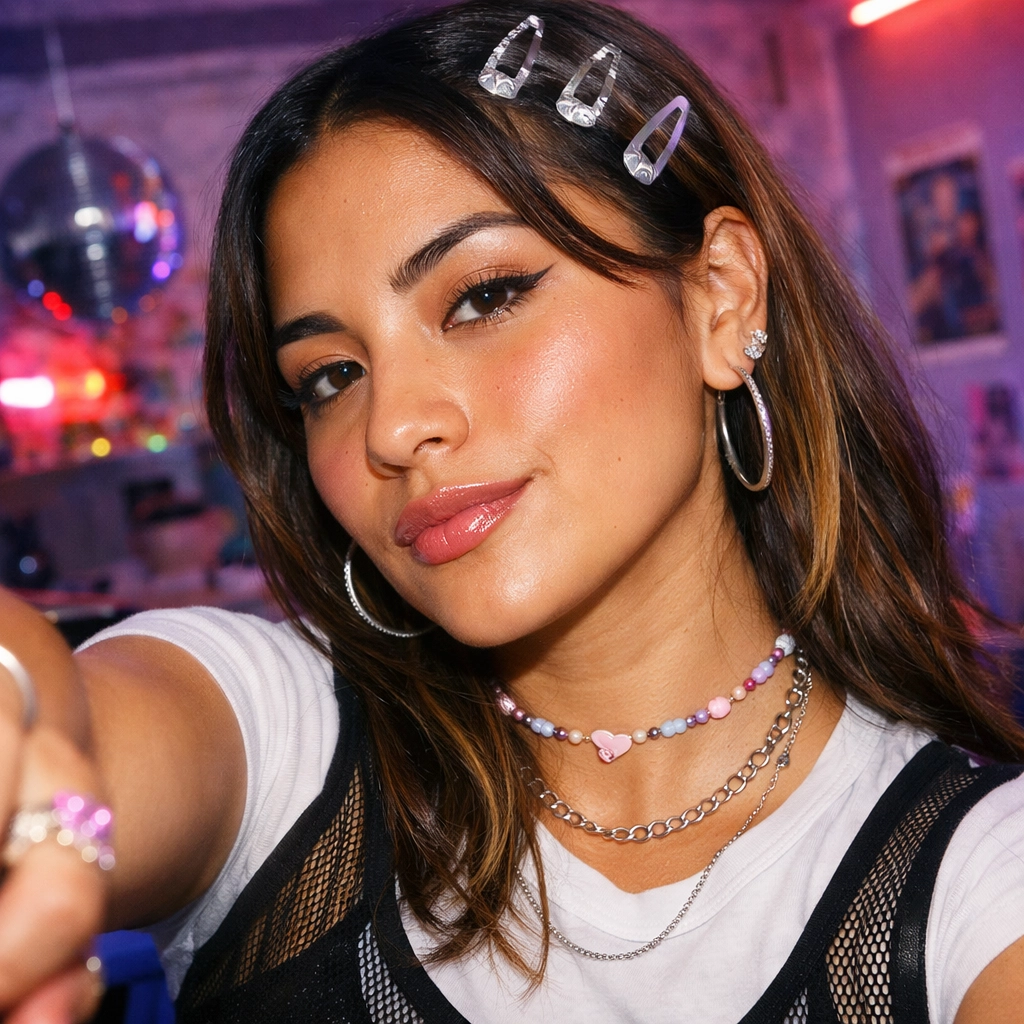
Your LinkedIn profile photo is your digital first impression. According to LinkedIn's official data, profiles with professional headshots receive 14x more views and 36x more messages than those without. Yet 73% of professionals admit their current LinkedIn photo doesn't represent them well, and traditional professional photography costs $150-$500 per session.
A free AI LinkedIn headshot generator solves this by transforming casual selfies into polished, professional profile photos with studio-quality lighting, clean backgrounds, and natural facial detail—in one click and at zero cost.
What Is an AI LinkedIn Headshot Generator?
An AI LinkedIn headshot generator is a specialized tool that converts everyday photos into professional business portraits optimized for LinkedIn profiles, resumes, and career platforms. You upload a casual selfie, and the AI refines lighting, removes distracting backgrounds, adjusts composition, and enhances professional presentation while preserving your natural appearance.

Unlike basic photo filters or manual editing, AI headshot generators use advanced image models to create entirely new professional portraits that maintain your identity while meeting LinkedIn's visual standards for credibility and professionalism.
Why Use an AI LinkedIn Headshot Generator?
Free AI LinkedIn headshot generators solve several critical professional challenges:
- Job Search Optimization - Stand out to recruiters with a polished, credible profile photo
- Zero Cost Solution - Skip $150-$500 photography sessions and get instant results
- Remote Work Reality - Create professional photos from home without studio access
- Career Transitions - Update your professional image quickly when changing industries
- Personal Branding - Maintain consistent, high-quality photos across all platforms

For job seekers, a professional LinkedIn photo can be the difference between getting noticed by recruiters or being overlooked. According to LinkedIn's research, profiles with professional photos receive significantly more profile views, connection requests, and InMail messages.
AI LinkedIn Headshot vs Traditional Photography
| Aspect | AI LinkedIn Headshot | Traditional Photography |
|---|---|---|
| Cost | Free | $150-$500+ per session |
| Time | 2 minutes | 1-3 hours |
| Location | Anywhere | Studio required |
| Revisions | Unlimited | Limited to shoot day |
| Best For | Quick updates, remote work | High-stakes executive portraits |
Best Use Cases for AI LinkedIn Headshots
Job Seekers and Career Changers
When applying for new positions, your LinkedIn profile is often the first thing recruiters check. An AI-generated professional headshot ensures you make a strong first impression without the time and expense of scheduling a professional photoshoot.
Scenario: You're applying for senior roles and your current LinkedIn photo is outdated. Use the free AI LinkedIn headshot generator to create a polished, current professional photo instantly.

Startup Founders and Remote Workers
Founders need professional headshots for pitch decks, company websites, and LinkedIn profiles. Remote professionals often lack access to photography studios. AI headshot generators provide consistent, high-quality images from anywhere.

Scenario: Your startup is launching and you need professional headshots for your founding team. Each member uses the LinkedIn headshot generator to create consistent, professional photos.
Freelancers and Consultants
Freelancers rely on LinkedIn for client acquisition. A professional headshot builds trust and credibility. AI-generated headshots provide portfolio-quality images at zero cost.

How to Create a Professional LinkedIn Headshot with AI
Creating your first AI LinkedIn headshot takes less than 2 minutes:
Step 1: Prepare Your Source Photo
- Use a clear, front-facing selfie or portrait
- Ensure your face is well-lit and visible
- Recent photos work best for current appearance
Step 2: Generate Your Headshot
- Visit Vofy's Free AI LinkedIn Headshot Generator
- Upload your photo (JPG, PNG, or WebP)
- The AI automatically refines lighting, background, and composition
Step 3: Download and Use
- Review the generated headshot
- Download the high-resolution image
- Upload to LinkedIn, resume, or portfolio

Tips for Best Results
Choose the Right Source Photo
For optimal AI headshot generation:
- Lighting: Use natural daylight or well-lit indoor spaces
- Angle: Front-facing or slight 3/4 angle works best
- Expression: Natural smile or confident neutral expression
- Quality: Higher resolution photos produce better results
What to Wear
- Business Formal: Suits, blazers for corporate roles
- Business Casual: Collared shirts, blouses for most contexts
- Smart Casual: Clean, solid-colored tops for creative industries
- Avoid: Busy patterns, logos, or overly casual clothing
For more tips on creating photorealistic AI portraits, check our comprehensive guide on professional portrait techniques.
Professional Headshot Styles
Clean Corporate - Neutral backgrounds, business attire, confident expression. Best for executive profiles and corporate employees.
Warm Personal Branding - Soft lighting, approachable smile, business casual. Ideal for consultants and freelancers.

Environmental Context - Subtle workspace backgrounds. Perfect for startup founders and tech professionals.
According to LinkedIn's 2026 data, headshots with natural expressions receive 23% more engagement than overly formal portraits.
Enhance Your Professional Photos Further
After generating your LinkedIn headshot, you can further refine your professional image with our AI Skin Enhancer tool. This tool naturally smooths skin texture while maintaining realistic detail—perfect for ensuring your headshot looks polished without appearing over-edited.
For those interested in exploring more AI portrait capabilities, browse our collection of AI-powered image tools to discover creative ways to enhance your professional presence across all platforms.

Frequently Asked Questions
Is the AI LinkedIn headshot generator really free?
Yes. Vofy's LinkedIn Headshot Generator is completely free to use, with no hidden costs or subscription requirements.
Will recruiters know my photo is AI-generated?
Modern AI headshot generators produce photorealistic results indistinguishable from professional photography. The focus is on creating an authentic representation with professional presentation.
Can I use my AI headshot on other platforms?
Absolutely. Use your AI headshot on resumes, company websites, portfolio pages, email signatures, and any professional platform.
How often should I update my LinkedIn headshot?
Update every 1-2 years or when your appearance changes significantly. Keeping your photo current maintains authenticity.
What if I don't like the first result?
Try different source photos with varying angles, lighting, or expressions. Generate multiple variations until you find the perfect match.
Conclusion
Free AI LinkedIn headshot generators have transformed how professionals create and maintain their online presence. Whether you're actively job searching, building a personal brand, or simply need to update an outdated profile photo, AI technology makes professional headshots accessible to everyone at zero cost.
The benefits are clear: instant results, professional quality, zero scheduling hassle, and no financial investment. For job seekers, remote workers, founders, and freelancers, an AI-generated LinkedIn headshot removes all barriers to professional presentation.
Ready to upgrade your LinkedIn profile? Try Vofy's Free AI LinkedIn Headshot Generator and transform your casual selfie into a polished professional headshot in one click. Your next career opportunity might depend on that first impression.
Try it yourself on Vofy
Generate AI images and videos with the best models - all in one studio.
Discover More

 Priya Sharma•
Photo to 3D Model with AI: A Practical Guide
Turn a photo into a polished 3D-style model image with Vofy. Learn which photos work best, how to generate, and how to fix common results.

 Alex Harper•
How to Make AI Football Fan Videos From One Photo
Make AI football fan videos from one photo with a fictional Spain goal celebration and an optional Japanese street-interview companion clip.

 Lucas Andersson•
How to Make a Printable Coloring Page From a Photo
Make a printable coloring page from a photo with open fill areas, age-appropriate detail, and lines that stay clear after a real test print.