01
Style-specific makeup
The four presets focus on recognizable beauty directions, from sculpted Latina Makeup to blush-forward Japanese Igari.
Try an AI makeup filter on your own photo with Latina Makeup, Grunge Makeup, K-beauty, and Japanese Igari styles.
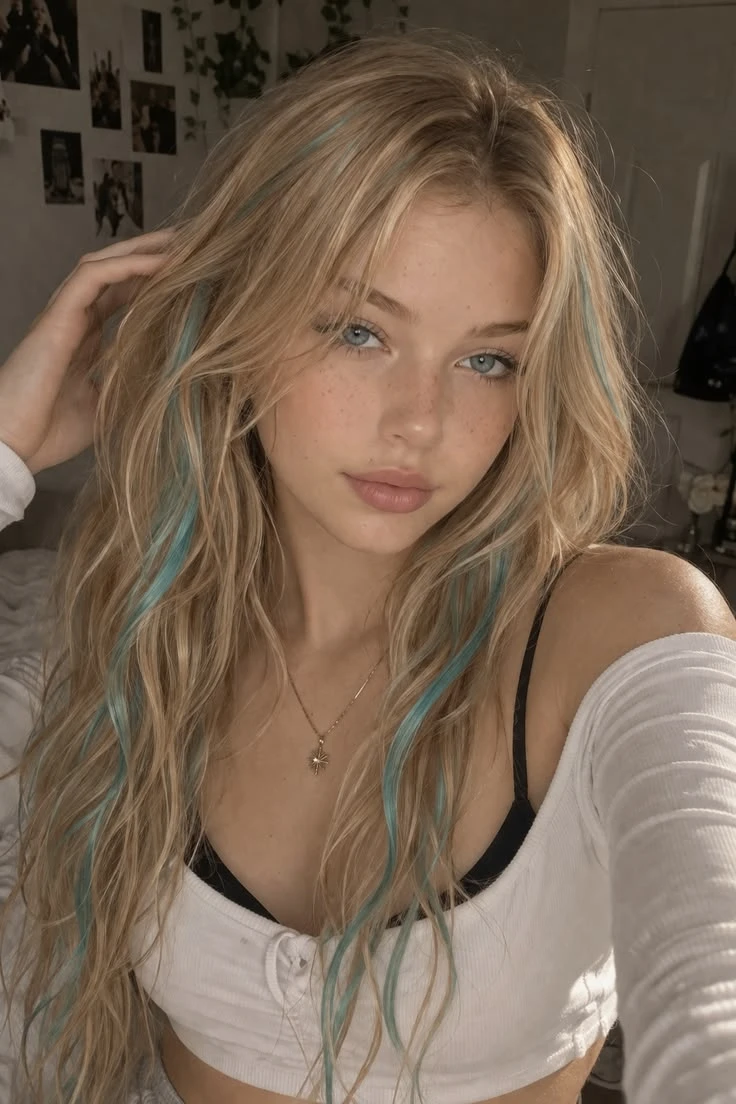 Before
 After
AfterFour GPT Image 2 beauty comparisons show the current Latina Makeup, Grunge Makeup, K-beauty, and Japanese Igari directions. Each frame keeps the face readable, so the makeup feels styled rather than pasted on.
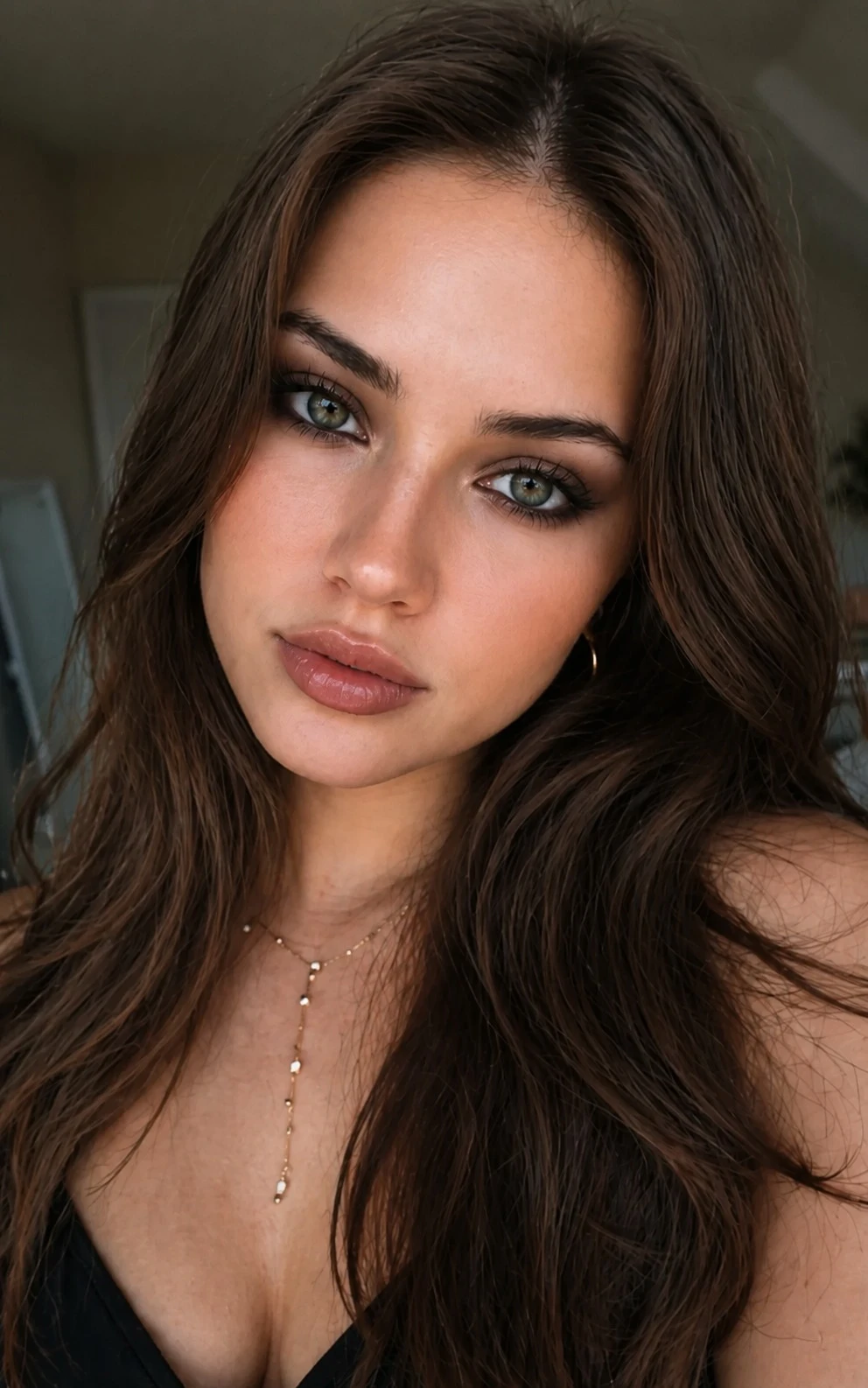
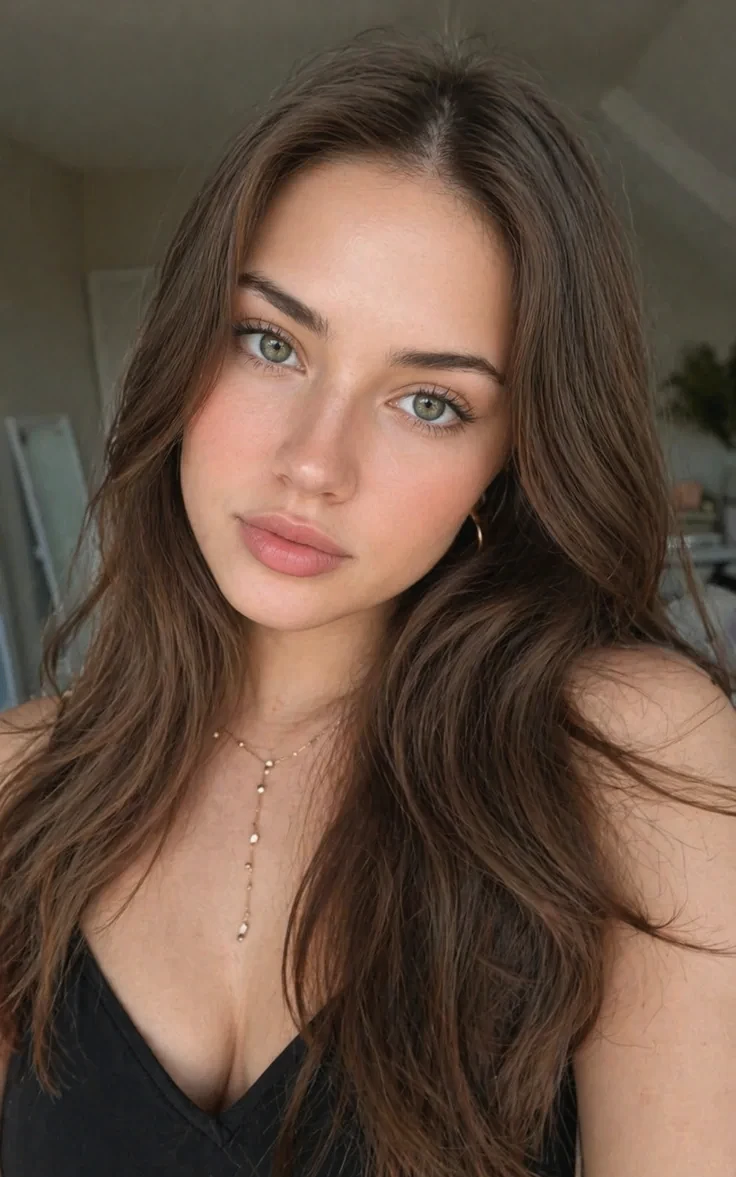
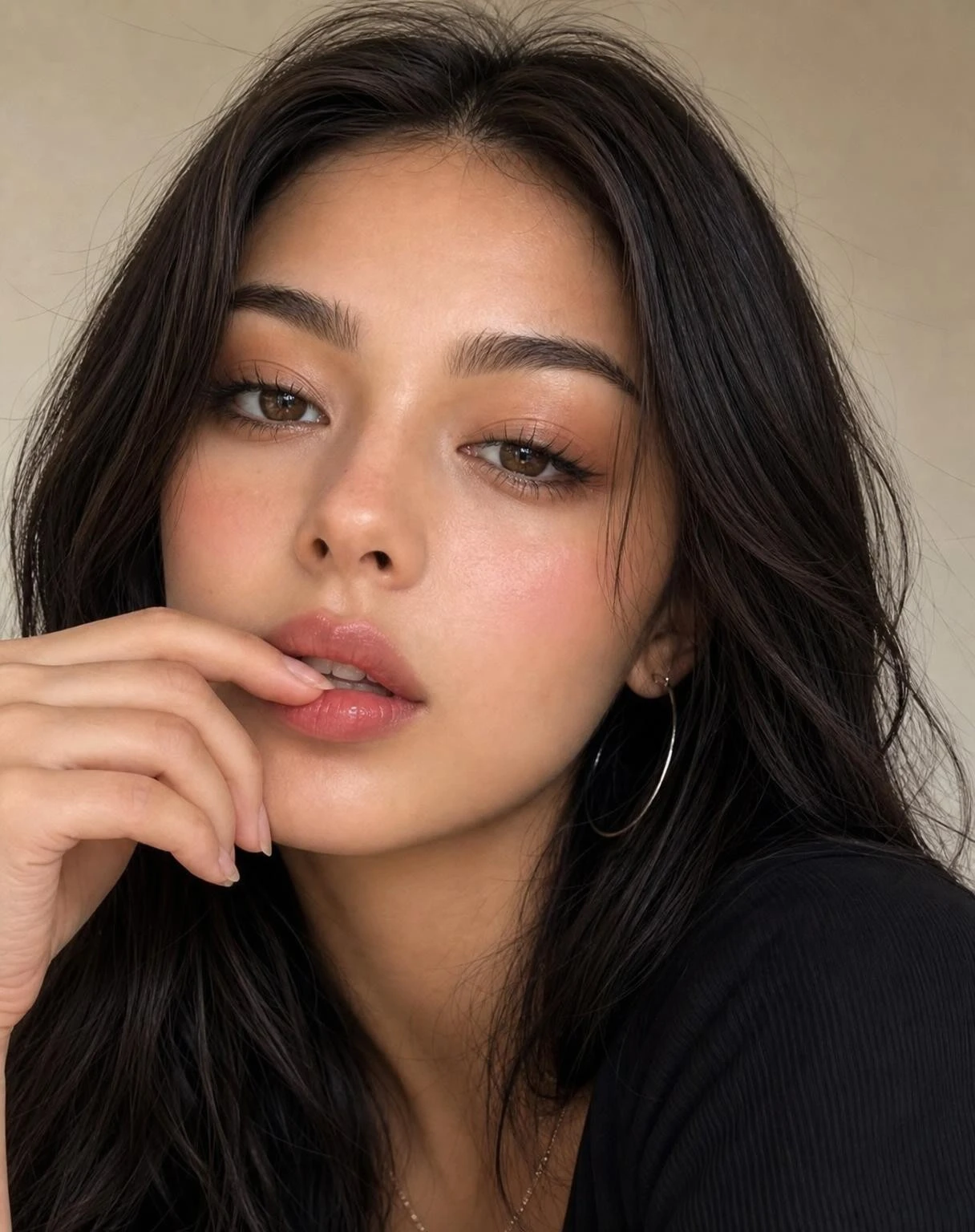
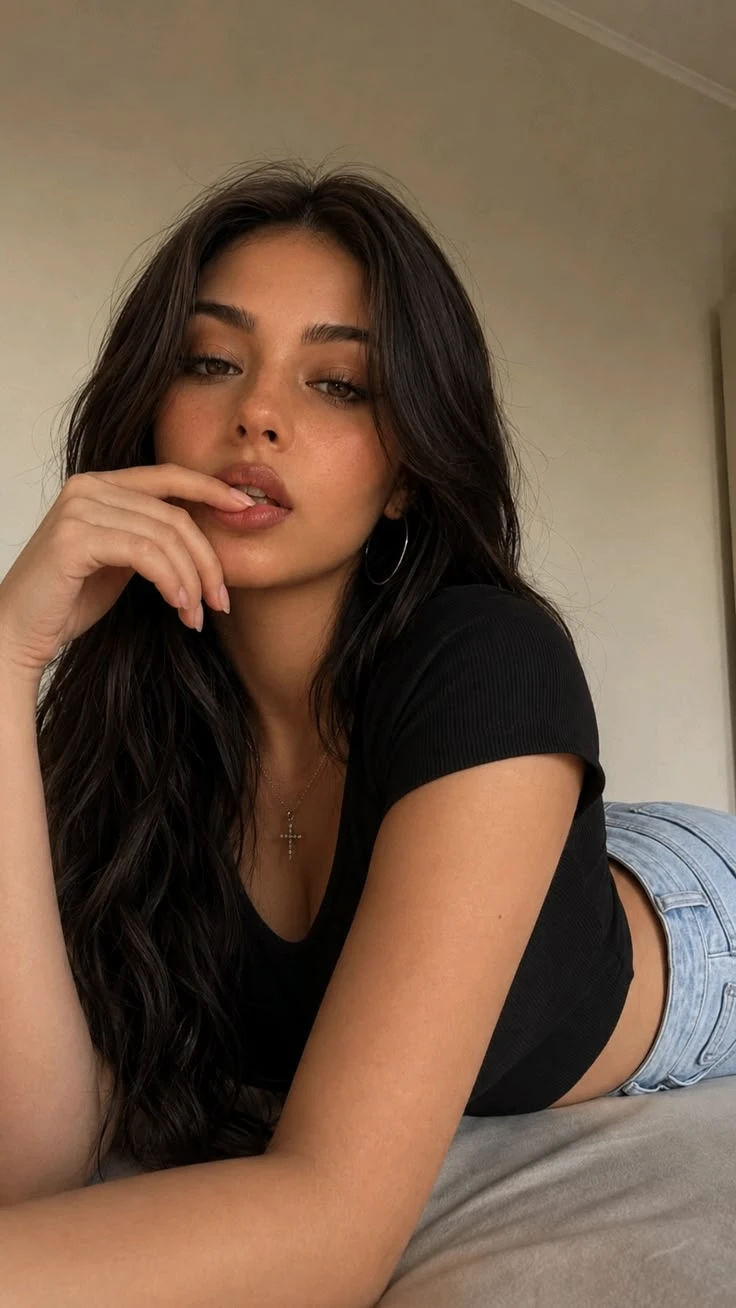
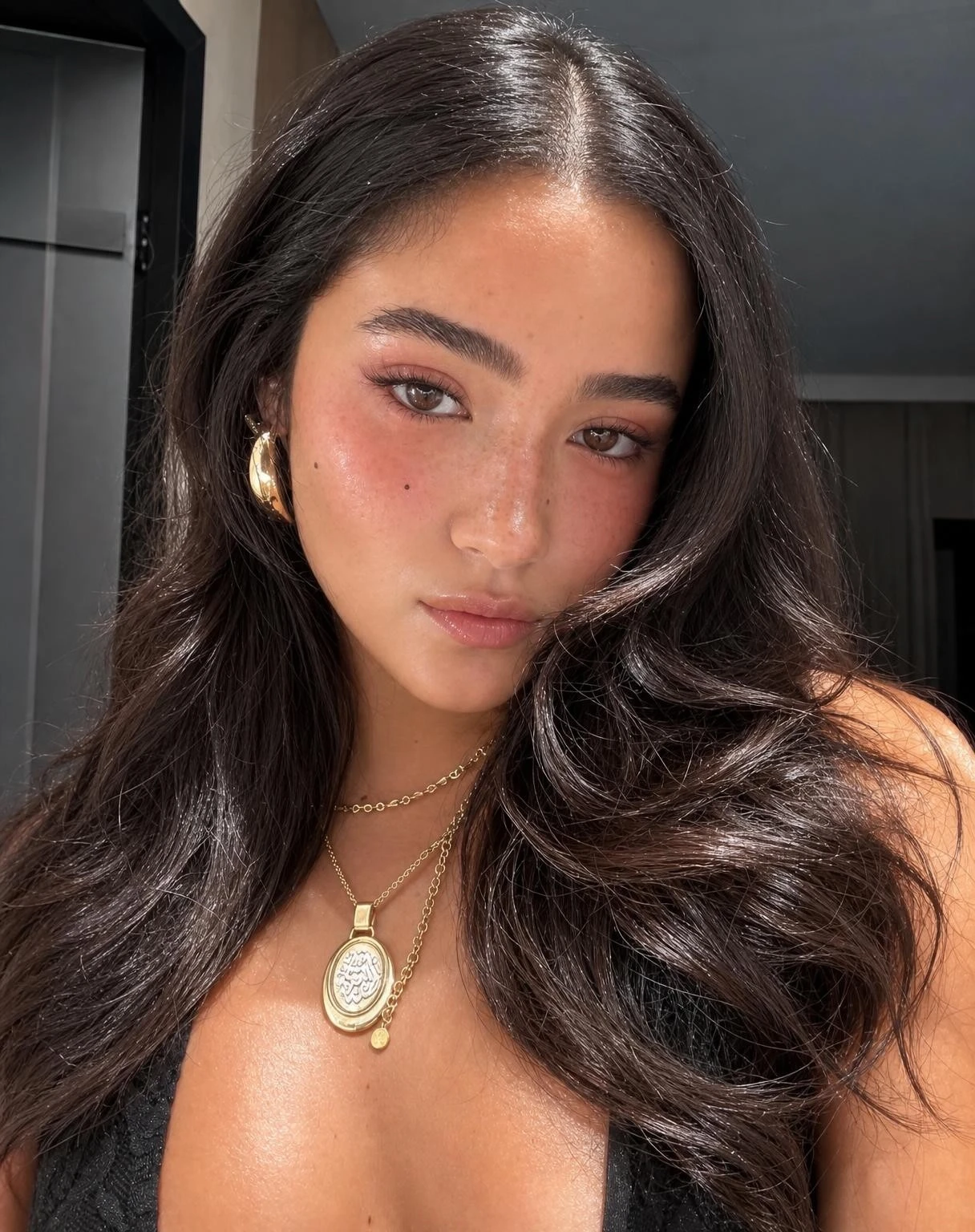
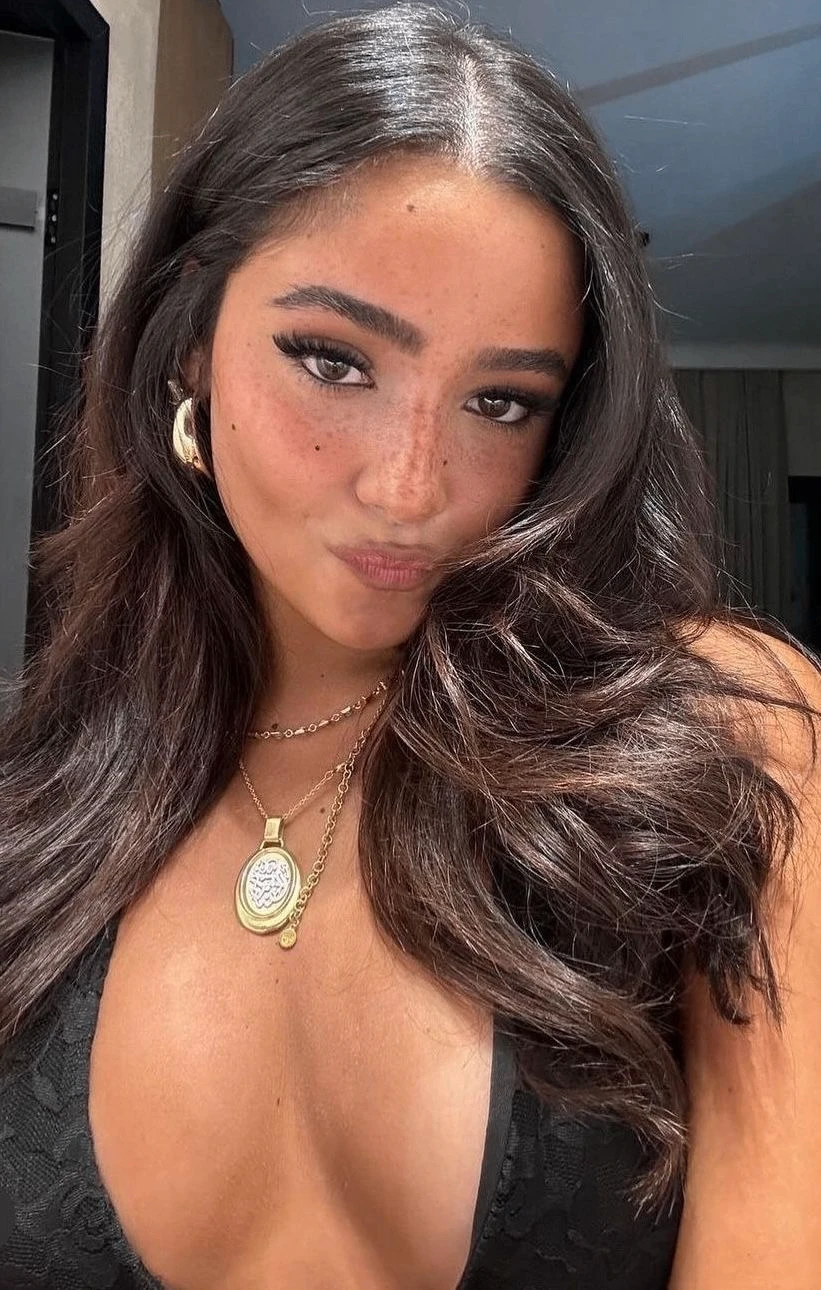
An AI Makeup Filter is a focused face makeup editor for previewing color, liner, lashes, brows, blush, and finish on your own portrait. It works like a virtual makeup try on: upload one selfie, choose a beauty direction, then compare Latina Makeup, Grunge Makeup, K-beauty, or Japanese Igari results without replacing your identity. The goal is not to invent a new face; it is to show how a real makeup direction could read on your existing lighting, expression, skin tone family, hairstyle, and camera angle.
That makes Makeup Filter different from a general beauty filter, skin retouch app, body editor, or restyle tool. A beauty filter may only smooth pores and brighten the whole image; a retouch workflow may remove blemishes or reshape details; a body edit changes silhouette; a style transfer redraws the photo into a new visual world. This tool stays in the makeup-preview lane: Latina-style sculpting, grunge liner, K-beauty glow, Igari blush, lashes, brows, lips, and glam intensity, while preserving face shape, age, clothing, background, and the original photo context. For a different visual treatment, try Face Shape Filter when the same idea should move into another style direction.
The four presets focus on recognizable beauty directions, from sculpted Latina Makeup to blush-forward Japanese Igari.
Each option guides placement, texture, and color so the result feels like a makeup style, not a generic glam pass.
The prompt still prioritizes identity, face shape, lighting, hair, and framing while changing the makeup direction.
Tip: 01
Use a front-facing portrait with neutral lighting so blush, contour, liner, and lip colors stay believable.
Tip: 02
Pick Latina Makeup for sculpted warmth, Grunge Makeup for moody liner, K-beauty for fresh glow, and Japanese Igari when blush placement is the main decision.
Tip: 03
Keep the prompt focused on makeup if you want the same hairstyle, face shape, outfit, and background preserved.
Tip: 04
Check skin texture, lash line, lip edges, and teeth after generation; strong glam can look best at social size but still needs a close review.
Use the Makeup Filter to make a selfie, dating profile, creator thumbnail, or headshot feel more camera-ready before updating a profile image or social bio.
Preview a softer K-beauty glow, Japanese Igari blush, or warmer Latina Makeup direction on your own face before a trial, event, party, or photoshoot.
Try Latina Makeup for sculpted warmth or Grunge Makeup for smokier eyes, sharper liner, and a more editorial mood before posting or recreating the look.
Turn a casual selfie into a more beauty-forward portrait concept for thumbnails, GRWM ideas, beauty moodboards, or short-form content planning.
A virtual makeup try on usually takes under a minute. Upload one clear selfie or portrait with visible eyes, cheeks, brows, and lips; you do not need products, brushes, masking, or a written prompt.
Start with a front-facing selfie, beauty portrait, bridal trial photo, or social profile image where your facial features, skin tone, eyes, brows, cheeks, and lips are easy to read.
Tip: For beauty planning and bridal makeup preview, avoid heavy shadows, sunglasses, hands over the face, or strong existing makeup so the before-and-after reads cleanly.
Choose the look for the occasion: Latina Makeup for sculpted warm glam, Grunge Makeup for smoky alt portraits, K-beauty for fresh glassy polish, or Japanese Igari for flushed cheek color.
Tip: Use a short note for one adjustment, such as warmer contour, softer grunge liner, more glass-skin glow, lighter Igari blush, or less foundation intensity.
Run the edit, then check foundation edges, blush placement, eyeliner symmetry, brow shape, lip tone, skin texture, and overall face likeness before downloading for moodboards, creator posts, or makeup artist references.
Tip: If the result feels too heavy, switch from Latina or Grunge to K-beauty or Japanese Igari before changing the source photo.
“I used the Makeup Filter to compare K-beauty glow with a stronger Latina Makeup look before filming.”
“The bridal-style preset made it much easier to explain the makeup direction I wanted for my trial appointment.”
“The result looked like my own selfie with better makeup choices, not like an AI face replacement.”

Turn your selfie into an AI generated yearbook photo with retro 80s and 90s school-portrait styling.

Use AI Breast Expansion online to make the bust look fuller in a clothed adult photo while keeping the result natural and proportional.

Remove unwanted objects, people, text, stickers, and clutter from photos with AI.
It applies realistic makeup styling to your uploaded selfie or portrait so you can preview looks like Latina Makeup, Grunge Makeup, K-beauty, or Japanese Igari on your own face.
That is the goal of the prompt and page positioning. The app is designed to preserve identity, face shape, expression, hairstyle, lighting, and framing while changing the makeup styling.
Yes. K-beauty, Japanese Igari, Latina Makeup, and Grunge Makeup directions can help with event previews, photoshoots, beauty reference planning, and explaining lashes, blush, liner, and lip tone to a makeup artist.
AI Beauty Filter is more about subtle cleanup, skin polish, and a general prettier-photo result. Makeup Filter is broader and more style-driven, with clearer preset directions for eyes, lips, blush, liner, contour, and named makeup styles.
Yes. Use it as a quick virtual makeup try on before posting selfies, planning creator thumbnails, testing a GRWM look, comparing K-beauty against Japanese Igari, or choosing a bolder Latina or Grunge direction for short-form beauty content.
Yes. The current showcase uses four confirmed before-and-after WebP assets generated with `gpt-image-2` and uploaded to hosted Vofy media.
Upload a selfie and test a realistic makeup direction before you post, recreate the look, or brief someone else on the style you want.