AI Virtual Try-On Guide: Bikinis, Swimsuits, and Hair Color
Compare AI virtual try-on workflows for bikini concepts, swimsuit previews, and hair color changes while keeping results useful and responsible.

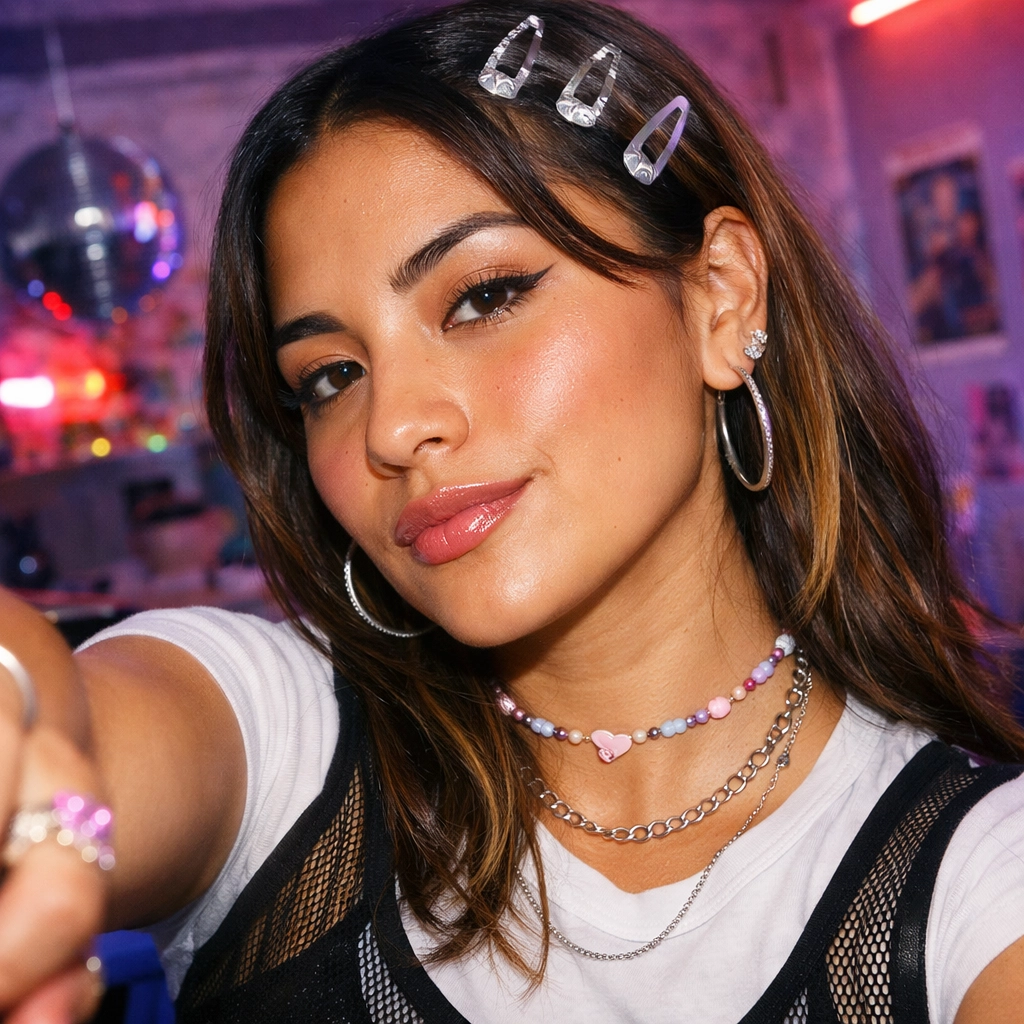
Disclosure: This tutorial uses Vofy, an all-in-one AI creative studio, as the demonstration tool. The app interfaces may evolve after July 2026.
AI virtual try-on works best when you change one thing at a time. Use Vofy's AI Bikini Generator for bikini concepts, Swimsuit Try On for broader swimwear options, and Hair Color Filter to preview a new shade without changing the outfit.
Use only photos you own or have permission to edit, and use swimwear tools only with consenting adults. AI previews are visual planning aids, not proof of garment fit, body measurements, or exact hair-dye results.


TL;DR
- Use AI Bikini Generator when the question is specifically about a bikini concept or silhouette.
- Use Swimsuit Try On to compare one-piece, tankini, and other swimwear directions.
- Use Hair Color Filter to test a shade while keeping the face, pose, and clothing stable.
- Start with a clear, well-lit photo and change one variable per generation.
- Treat every output as a concept, not a fit or color guarantee.
1. What AI Virtual Try-On Can and Cannot Tell You
AI virtual try-on creates a visual approximation from a source photo. It can help narrow a direction before a purchase, photoshoot, or salon conversation, but it cannot verify dimensions, comfort, fabric behavior, dye chemistry, or an exact product match.
| Your question | Start with | Useful outcome | Do not infer |
|---|---|---|---|
| "Would a bikini direction suit this beach look?" | AI Bikini Generator | A focused bikini concept | Exact size, support, coverage, or fit |
| "Which type of swimsuit should I explore?" | Swimsuit Try On | A broader bathing-suit preview | Fabric behavior or a product match |
| "How might a new hair color frame my face?" | Hair Color Filter | A color-direction preview | Exact dye formula or salon result |
If you want to combine swimwear and hair changes, approve the swimwear direction first and use that result for a separate color pass.
2. Before You Start: Choose a Photo That Can Be Evaluated
A good source photo makes the edited area easy to see. For swimwear, use a front-facing or three-quarter image with the torso visible and arms away from the waist. For hair color, choose even lighting, clear hair edges, and a contrasting background.
- Keep the subject sharp and the relevant area inside the frame.
- Avoid heavy filters, colored lighting, and obstructing objects.
- Remove bystanders and unnecessary personal details.
Retaking a weak photo is usually faster than generating repeatedly from unclear input.
3. How to Use the Three Vofy Try-On Apps
All three apps follow the same basic sequence: upload a photo, choose the change, generate, and inspect the result at full size.
3.1 Upload One Clear Source Photo
Upload the original image when practical rather than a compressed screenshot. Keep the same source photo across variations so you can compare them fairly.
3.2 Choose the App That Matches the Change
For a bikini-specific concept, open the AI Bikini Generator. Start with a simple option and judge the silhouette and edge placement before testing color or details.
For a broader bathing-suit decision, use Swimsuit Try On. It is better suited to comparing categories or coverage. For tankinis, see the AI tankini and swimsuit try-on guide.
For a color-only makeover, open the Hair Color Filter. Check that it preserves the hairline, skin tone, background, and haircut.
3.3 Generate, Inspect, and Download
Inspect every result at full size before saving it:
- Confirm that the person, pose, and camera angle remain recognizable.
- Check garment edges or the hairline for broken details.
- Look for unwanted changes to the face, hands, lighting, and background.
- Save only the variations that answer the original question.
4. Get Better Results from Each Workflow
4.1 AI Bikini Generator: Judge Silhouette Before Detail
Judge the overall silhouette before color or detail. Reject results that alter body contours, and do not use a generated image to estimate size, support, coverage during movement, or comfort.
4.2 Swimsuit Try On: Compare Categories on Equal Terms
Use one source image and the same display size for every option. Treat the preview as a shortlist, then check the retailer's size chart, materials, and return policy separately.
4.3 Hair Color Filter: Protect the Starting Tone
Use even, neutral light and the same source for each shade. Reject results that also recolor the eyebrows, skin, or clothing. For shape and length changes, use the AI haircut virtual try-on guide.
5. Common Mistakes to Avoid
| Mistake | Why it causes trouble | Better approach |
|---|---|---|
| Changing swimwear, hair, pose, and background together | You cannot tell which change improved or damaged the result | Change one visual variable per pass |
| Uploading a dark or obstructed photo | Boundaries around hair and clothing become ambiguous | Retake the photo in even light with a clear outline |
| Treating a generated garment as an exact retail item | Details, material, and construction may be invented | Verify product imagery and specifications separately |
| Using hair color as an exact salon formula | The result does not model dye chemistry or starting-hair condition | Use it to discuss a color family with a qualified colorist |
| Ignoring changes outside the target area | A polished edit may still alter identity or context | Compare face, hands, shadows, and background with the original |
| Sharing an unlabeled concept as a real try-on | Viewers may misunderstand what the image represents | Label AI-generated or AI-edited media clearly |
6. Conclusion
Choose the app that matches your decision, keep the source photo steady, and change one variable at a time. Use the result to narrow your options, then verify real-world fit or color with product information, measurements, or professional advice.
FAQ
Which Vofy app should I use for an AI bikini try-on?
Use AI Bikini Generator when the decision is specifically about a bikini concept. Use Swimsuit Try On when you want to compare a broader range of bathing-suit directions, including silhouettes beyond bikinis.
Can AI swimsuit try-on tell me what size to buy?
No. An AI preview does not establish body measurements, garment construction, stretch, support, or comfort. Use the result to compare visual directions, then rely on verified size charts, product details, and return information for a purchase decision.
Will an AI hair color filter match the final salon result?
It can suggest how a color family may frame the face, but it cannot predict the exact result. Starting color, hair condition, dye process, lighting, and screen calibration all affect how the real shade appears.
Can I use another person's photo?
Only when that person has clearly agreed to the edit and the intended use. Do not use these workflows to impersonate someone, sexualize a person, create misleading content, or edit images of minors in swimwear.
Related Reading
Try it yourself on Vofy
Generate AI images and videos with the best models - all in one studio.
Discover More

 Lucas Andersson•
AI Tankini & Swimsuit Try-On: Easy Guide
Learn how to preview a tankini or swap bathing suits on your own photo with AI. Compare styles fast, refine coverage, and get better prompts today.
 Lucas Andersson•
Try Any Hairstyle Instantly: Free AI Haircut & Virtual Hair Try-On Guide
Try 12+ hairstyles instantly with free AI filters. Join 2M+ users testing long, short, curly, blonde, silver & pink hair virtually. See your perfect look in 30 seconds—no commitment needed.

 Priya Sharma•
Free AI Eye Color Changer: Transform Your Look Instantly
Free AI eye color changer—try ice blue, emerald green, warm hazel, silver gray, honey brown, violet, or dramatic black eyes instantly. Change brown eyes to blue in seconds, no contacts needed.