01
Natural dye previews
Use the page presets to set the main creative direction before adding smaller custom notes.
Try different hair colors on your own photo with an AI hair color filter before you dye it, tone it, or buy a wig.
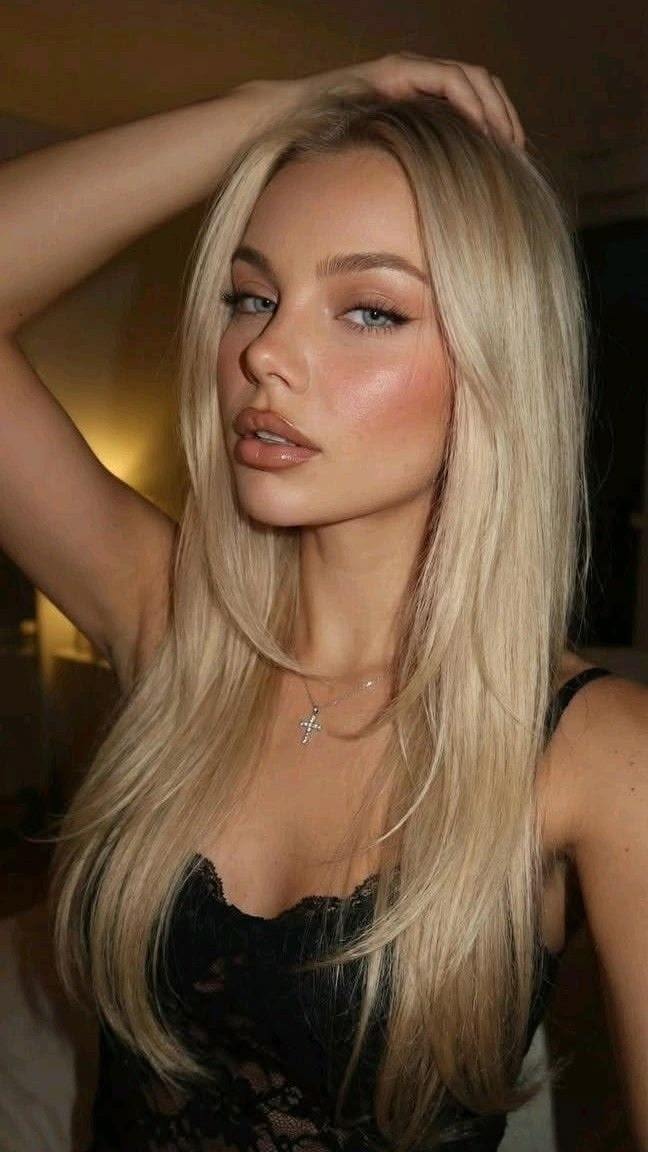 Before
 After
AfterSix hair-color results across black, blonde, brunette, copper, silver, and pink. Each frame keeps texture, roots, and skin tone in view, so a shade can feel like a real salon note instead of a costume.
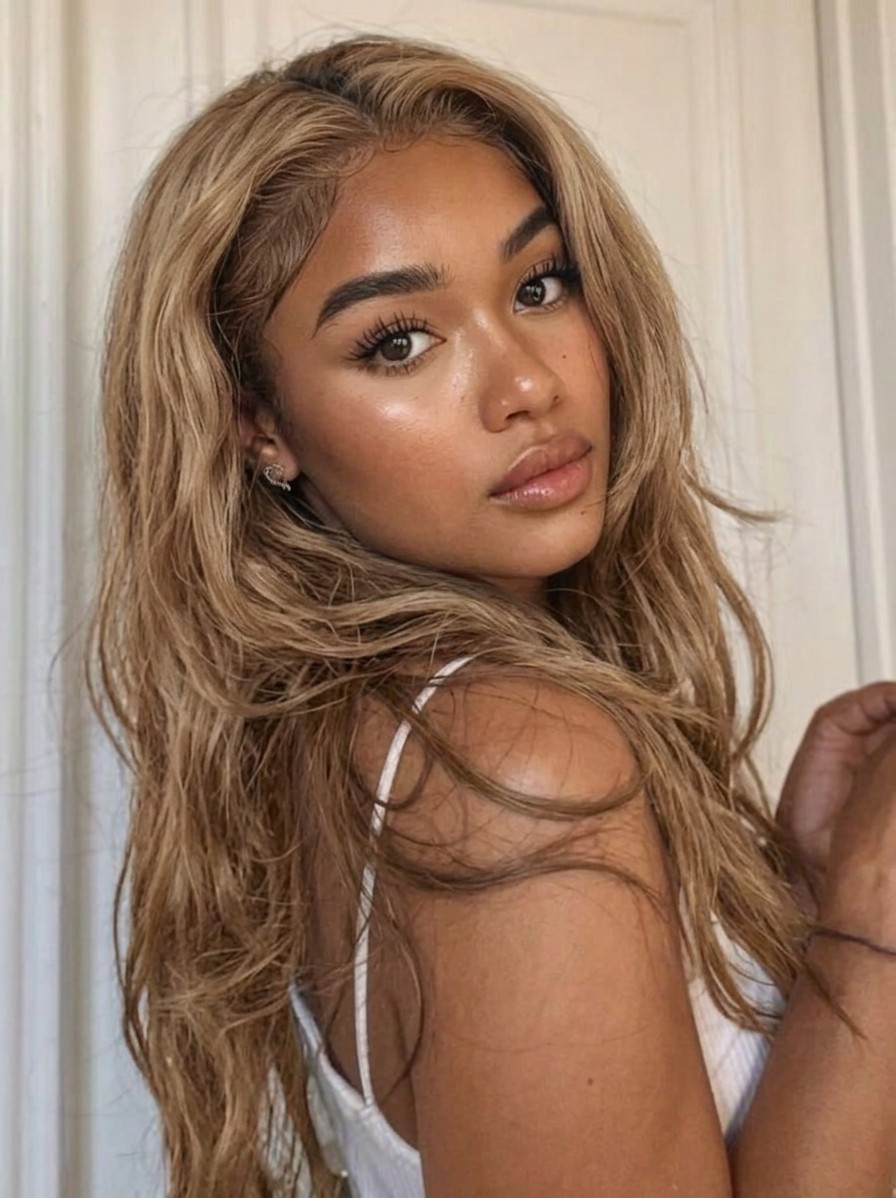
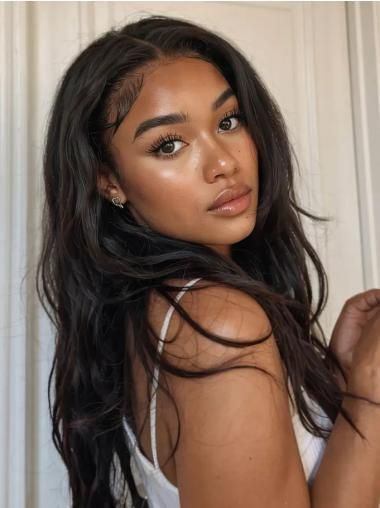
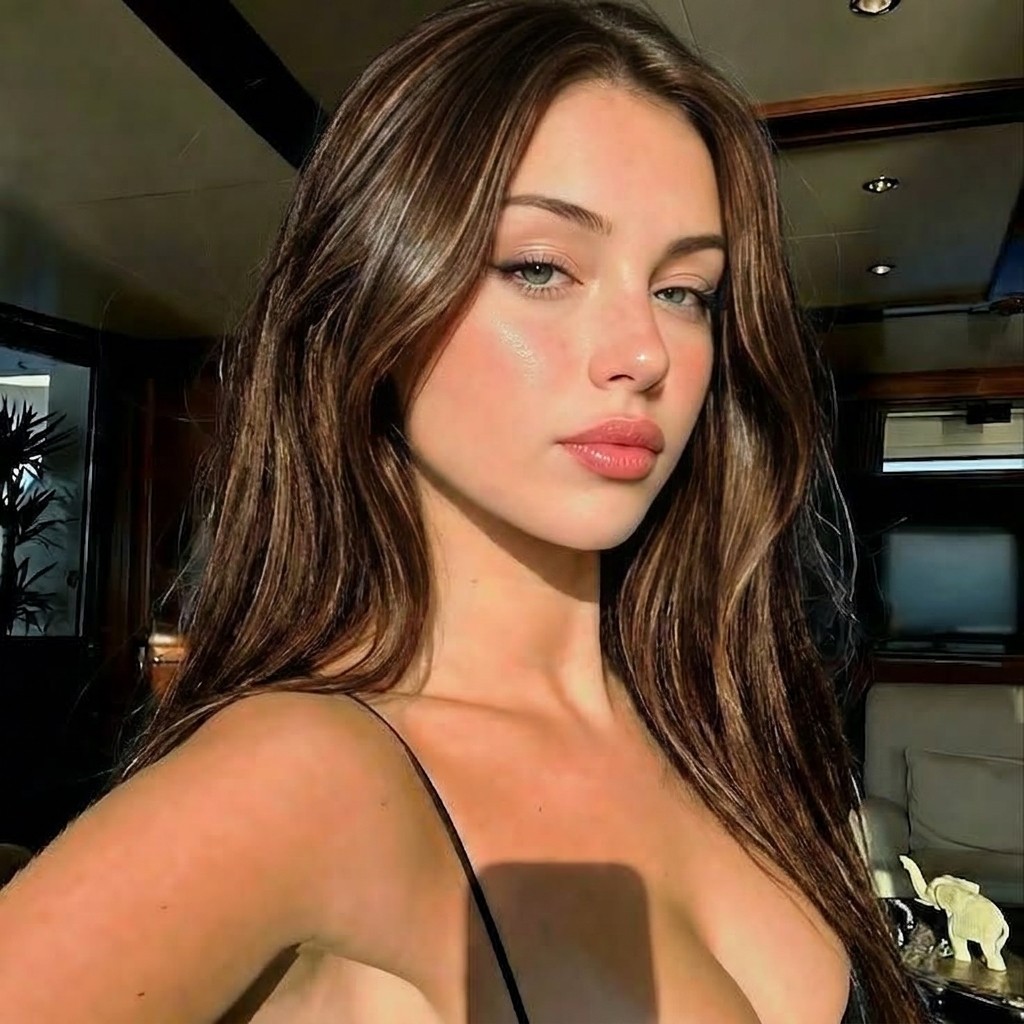
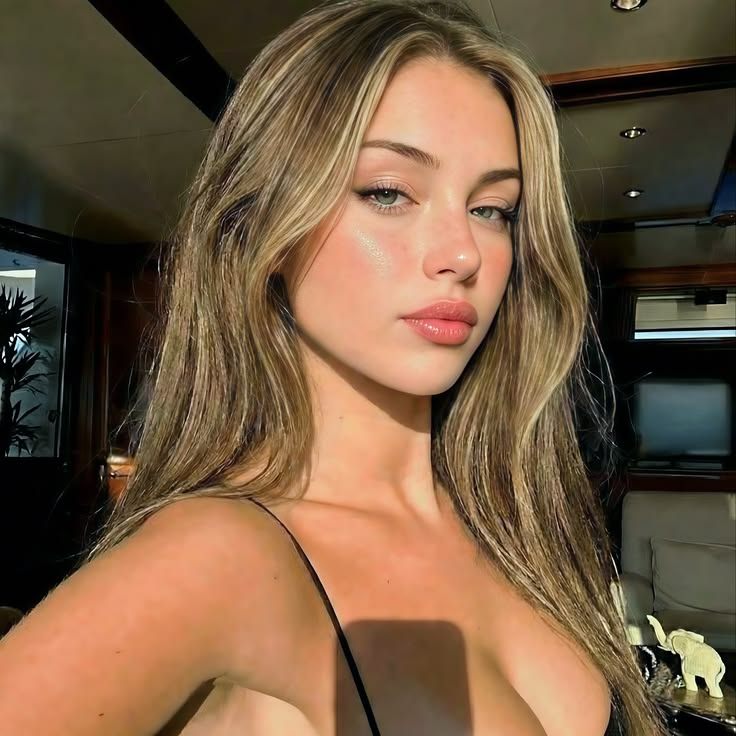
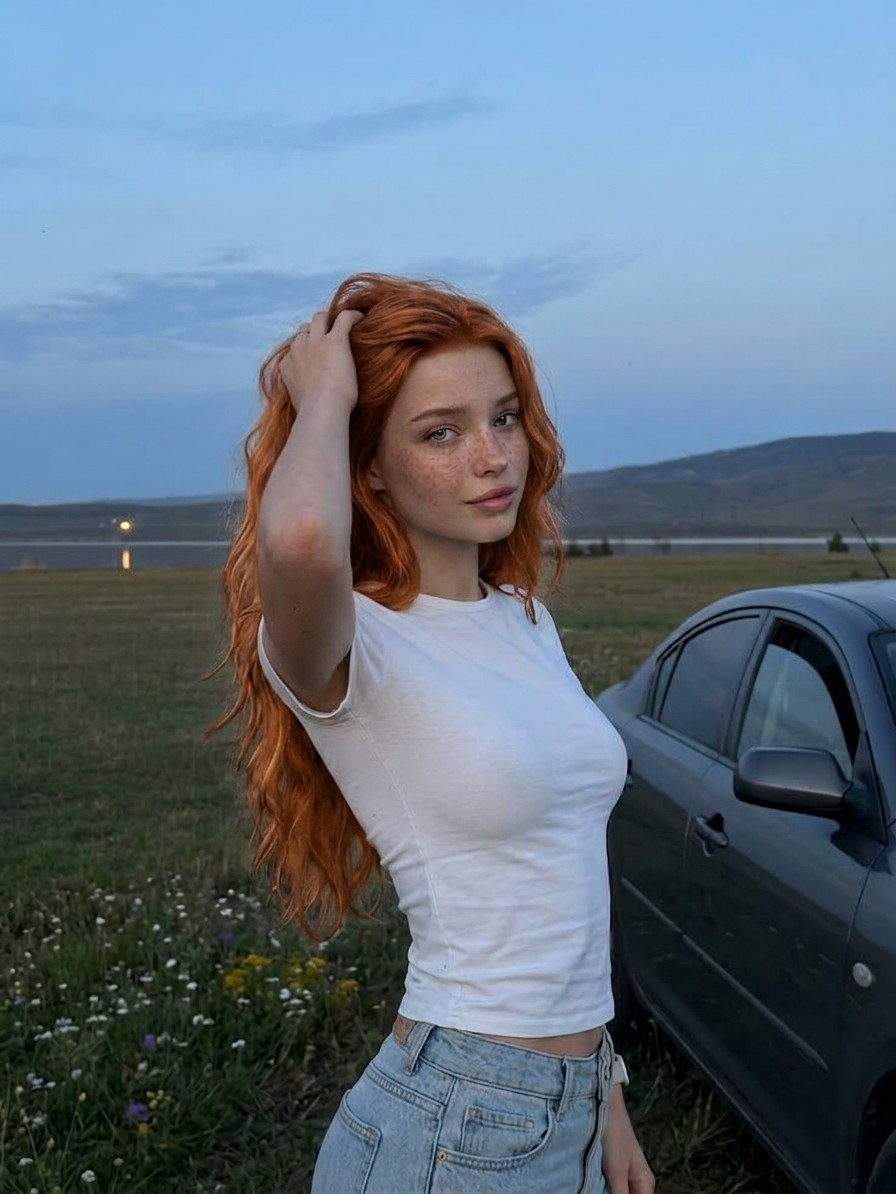
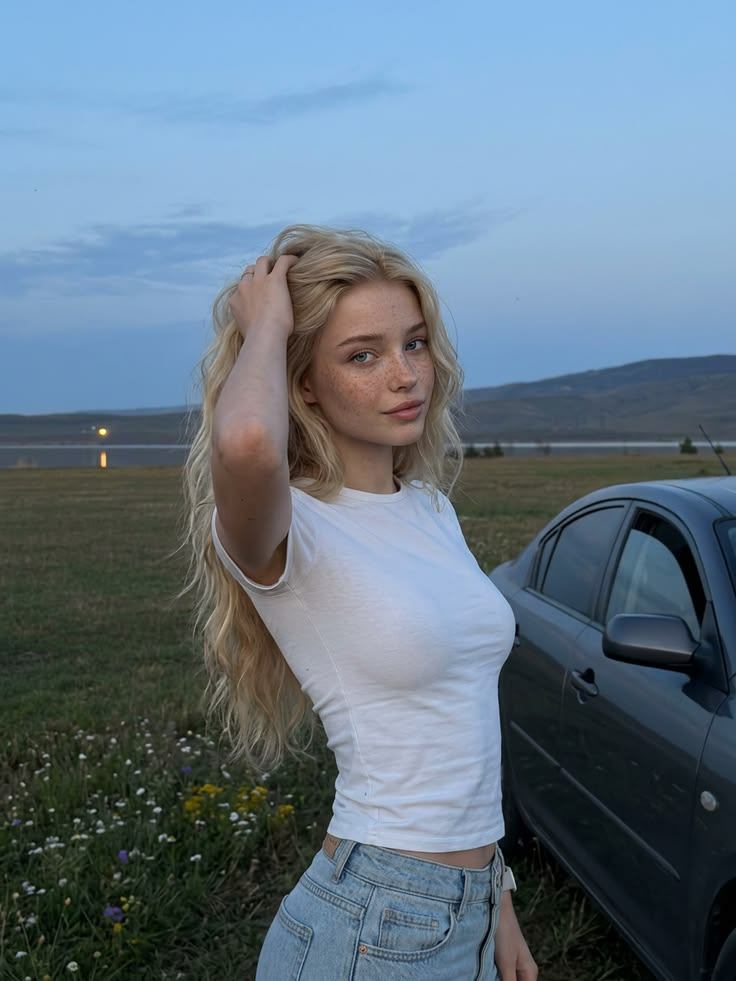
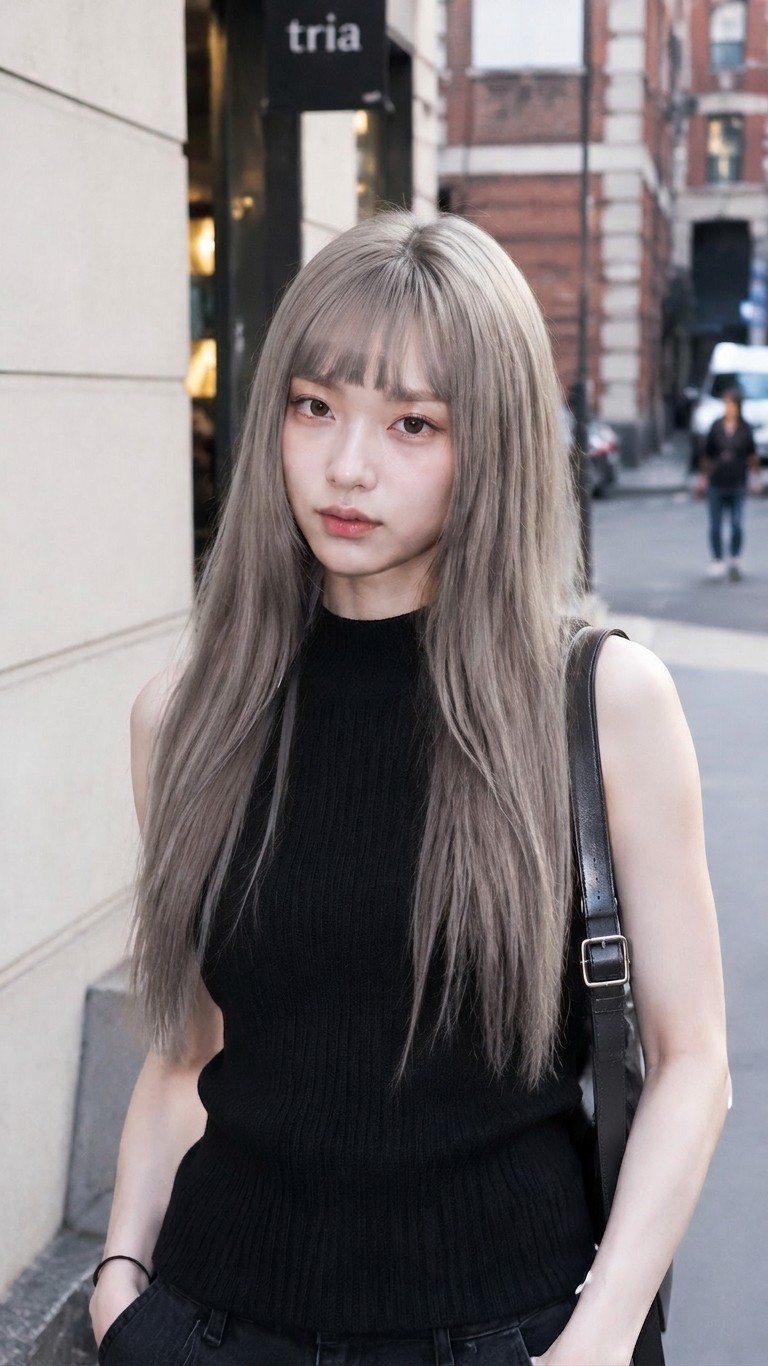
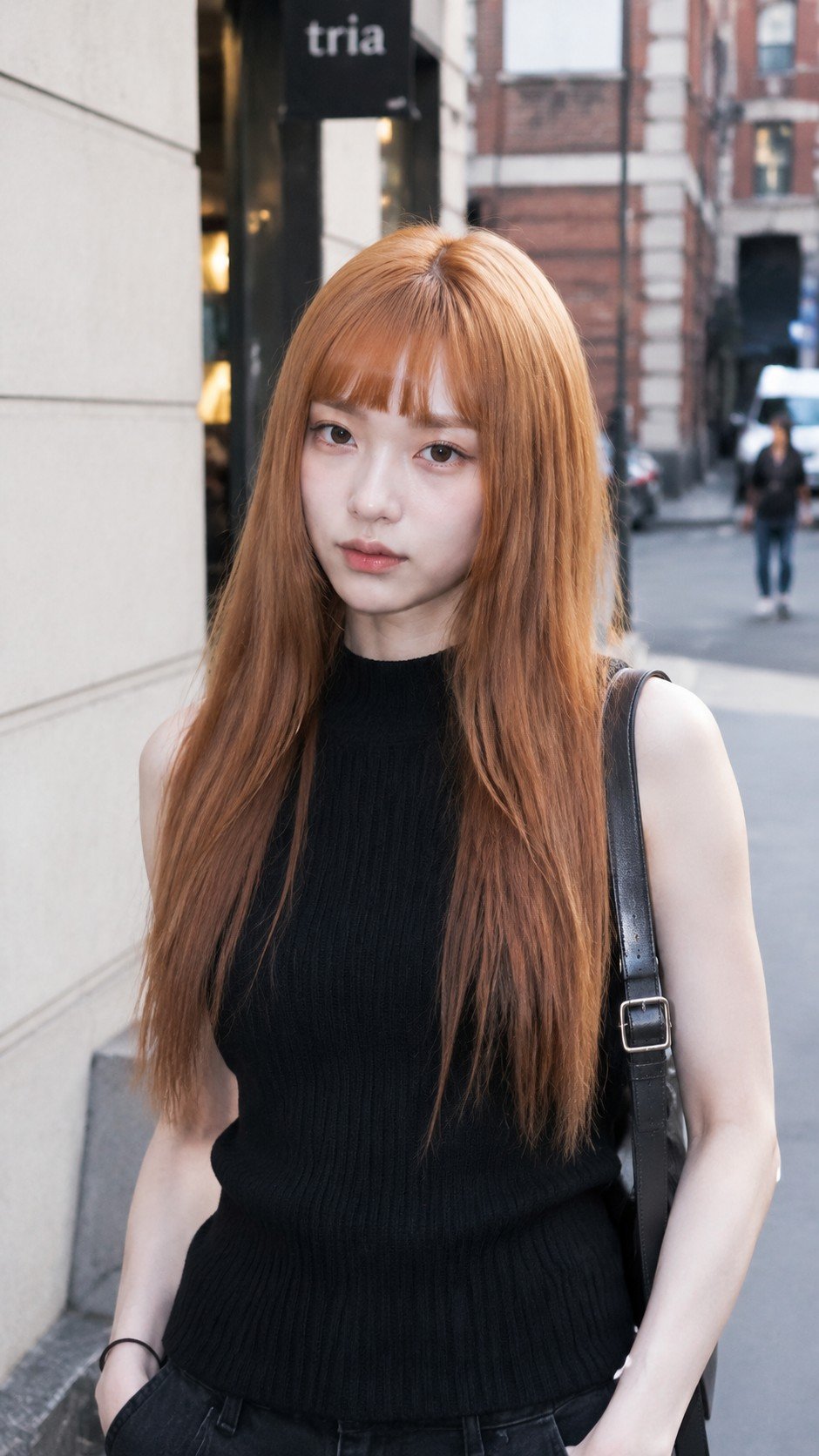
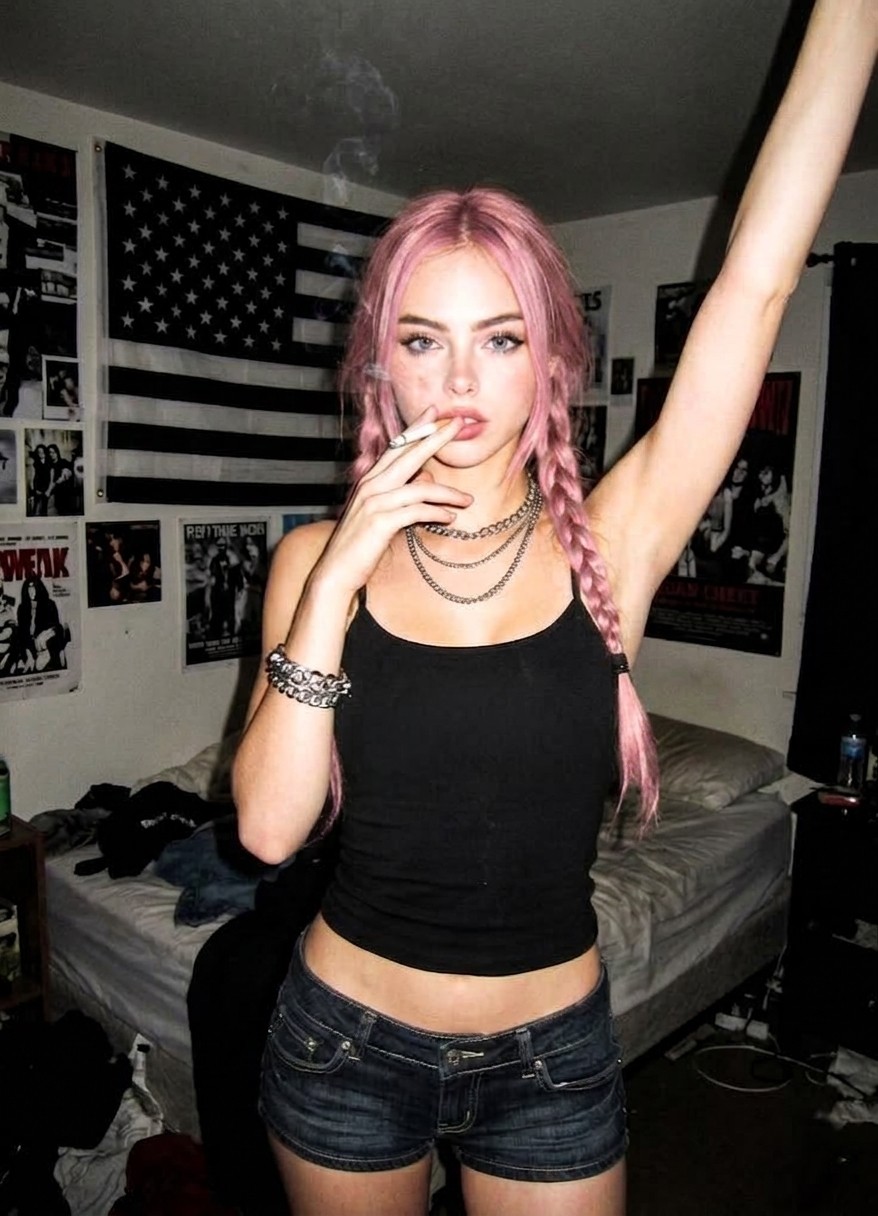
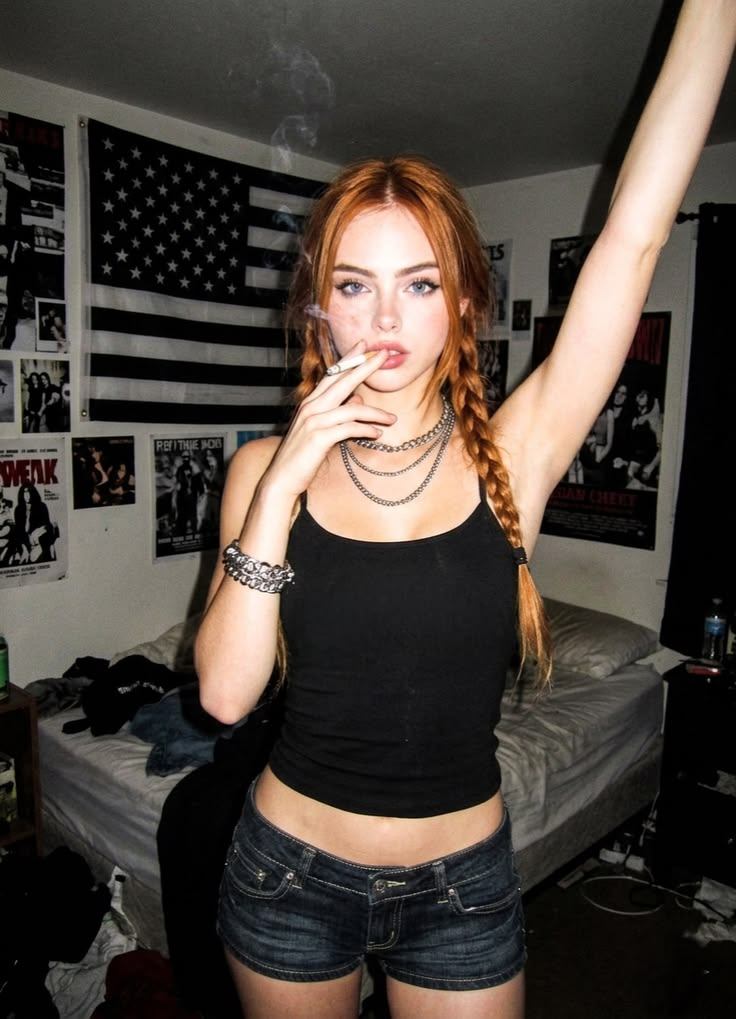
Hair Color Filter is a virtual hair color try on for people who want to change hair color in a photo without changing the person in the photo. Upload a selfie, headshot, or mirror photo, then use the AI hair color changer to preview wearable dye directions such as soft black, beige blonde, chocolate brown, copper red, silver ash, pastel pink, or a custom shade direction. The goal is a practical blonde, brown, or red hair preview that still respects your own face, brows, skin tone, lighting, roots, strand detail, curls, waves, and current haircut, so the result can help with salon preview conversations, wig shopping, creator refreshes, cosplay planning, or a low-pressure hair dye filter test before you spend money on bleach, toner, extensions, or permanent color.
A hair color preview is intentionally narrower than a full hairstyle change. This tool is designed to recolor visible hair while keeping cut, length, part line, volume, curl pattern, hairline, face shape, age, clothing, and background as stable as possible; a hairstyle changer may invent bangs, add length, change texture, reshape the silhouette, or redesign the whole cut. That difference matters when you want a realistic salon preview, because a colorist usually needs to judge shade, contrast, warmth, lift, roots, and dimension on the hairstyle you already have. Results are visual references rather than guaranteed dye outcomes, and photo quality, dark starting hair, shadows, hats, strong backlight, or hidden roots can affect how believable the final color appears. For a different visual treatment, try Silver Hair Filter when the same idea should move into another style direction.
Use the page presets to set the main creative direction before adding smaller custom notes.
Match the uploaded image, preset, and final use case so the result feels intentional rather than over-edited.
Keep identity, safety, and practical output limits in mind when choosing how far to push the effect.
Tip: 01
Use Beige Blonde, Chocolate Brown, or Copper Red for realistic salon planning where hair texture and roots should stay believable.
Tip: 02
Mention whether you want all-over color, highlights, balayage, or root shadow so the filter does not recolor skin or clothing.
Tip: 03
For Silver Ash or Pastel Pink, start with a well-lit hair photo; dark shadows can hide the tone and make color placement uneven.
Tip: 04
Do not rely on the preview as a chemical dye guarantee; treat it as visual planning before discussing feasibility with a stylist.
Compare blonde, brown, black, copper, or red directions on your actual face before you commit to color so you can judge contrast, warmth, and how the shade works with your brows and skin tone.
Try pink or another fashion-color direction on your selfie before bleaching, toning, or buying a colorful wig so you can see whether the vibe actually suits your face and haircut.
Use the filter to mock up silver ash, grey balayage, or salt-and-pepper directions when you want a more mature, cooler, or intentionally gray-toned look.
See whether a darker or lighter hair color gives your headshots, dating profile, creator avatar, or social photos a stronger, cleaner, or more distinctive feel.
You can test a color in about a minute. Start with a portrait or mirror photo where your hair is visible, then match the shade to a salon preview, hair dye filter idea, wig, profile, or creative-post decision.
Start with a selfie, headshot, salon reference, or mirror photo where roots, ends, part line, curls, bangs, and face-framing pieces are visible enough for the AI hair color changer to read.
Tip: Keep your normal haircut shape unless stray pieces cover the face; pulled-back hair makes all-over color harder to judge because less visible hair is available for the preview.
Use soft black or chocolate brown for natural depth, beige blonde for salon lightening, copper red for warmth, silver ash for cool tone planning, or pastel pink for creative and social looks.
Tip: For a blonde, brown, or red hair preview, compare the shade against brows and skin tone; for vivid shades, compare it against outfit and background so the color is not fighting the whole photo.
Generate the preview, then check roots, ends, highlights, curl texture, hairline edges, brows, skin tone, and background spill before saving a dye, toner, wig, or salon reference.
Tip: Rerun when the haircut changes shape, color misses the roots, or the new shade leaks onto face, neck, clothing, or the wall; those are signs the image needs a clearer prompt or photo.
“I wanted one place to compare black, blonde, and copper ideas on my own selfie. That made the salon conversation much easier.”
“The useful part was keeping my same haircut while swapping the color direction. That told me more than generic inspiration photos ever do.”
“I used it to rule out pink before bleaching and to narrow down which silver tone actually worked with my face.”

Use Body Editor online to reshape your body photo naturally with AI while keeping the same person recognizable.

Use an AI beauty filter online to smooth skin, brighten eyes, and polish selfies without losing your identity.

Try on outfits from your own photo with AI across everyday looks, partywear, dresses, festival styles, costumes, and swimwear.
A hair color filter is an AI photo-editing workflow that changes the visible hair color in your uploaded image so you can preview different shades on your own face before making a real dye, toner, wig, or salon decision.
It is a virtual hair color try on. The prompt is written to keep your current haircut, length, texture, part line, and face shape as stable as possible while changing mainly the visible hair color. A full hairstyle changer is better when you want new bangs, longer hair, a different cut, or a different silhouette.
This tool includes presets for black, blonde, brown, copper-red, silver ash, and pastel pink, and the generic prompt is broad enough to support other hair-color directions later.
Yes. It works well for a blonde, brown, or red hair preview when your photo has clear hair edges, visible roots, and enough strand detail for the model to preserve dimension instead of painting a flat color block.
Yes, but realism depends on the source photo. Clear lighting and visible strand detail help the model preserve depth when moving from dark hair to lighter or more colorful results.
That is the goal. The prompt explicitly asks the model to preserve curl pattern, texture, strand detail, and root continuity so the result still reads like your real hair.
Yes. Many users want a salon preview on their own face rather than on a stranger's inspiration photo, and that is exactly where this type of preview helps. Treat it as a visual conversation starter, not a guarantee of what bleach, toner, or permanent dye can achieve in one session.
Use a clear selfie, portrait, or mirror photo with visible hair, decent lighting, and limited occlusion from hats, sunglasses, strong backlight, or motion blur.
Hair recolors look fake when the edit erases strand detail, highlights, and roots, turning the hair into a flat painted block. This workflow aims to preserve those cues so the result stays believable.
Upload a portrait and compare realistic hair color ideas in seconds. Start with a natural shade or jump straight to a fashion-color test before you dye, tone, or buy new hair.