AI Virtual Try-On Tools for Beauty and Body Art
Compare six AI virtual try-on tools for makeup, brows, lashes, braces, nail art, and tattoos, then choose the right preview workflow.

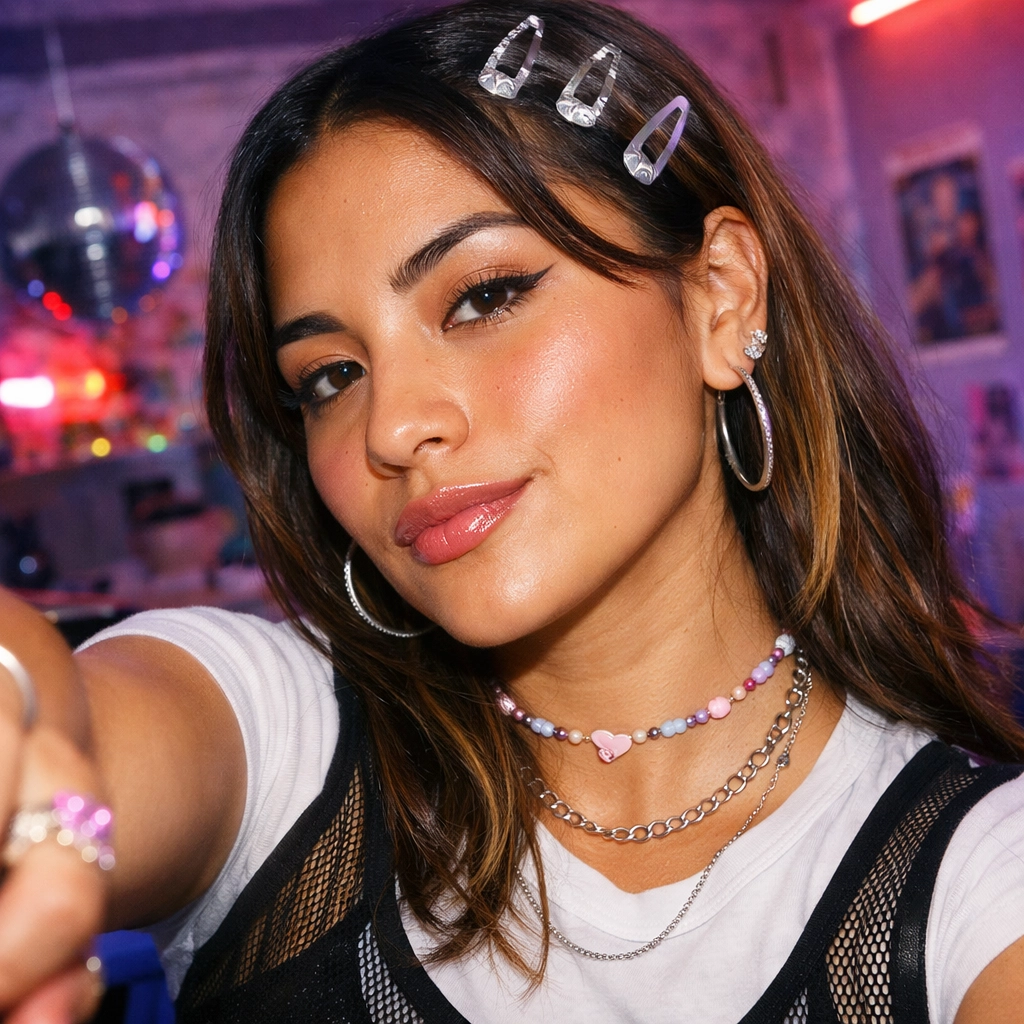
Disclosure: Vofy is an all-in-one AI creative studio. This article compares six Vofy apps to help you choose the workflow that fits your preview or concept-planning task. App details reflect the product as of July 2026 and may evolve.
A useful virtual try-on begins with a specific question: Do you want to compare makeup, isolate brow or lash shape, preview braces, plan a manicure, or explore tattoo placement? This guide compares the six apps by input, review criteria, and limits so you can choose before uploading a photo or writing a prompt.
Use only photos you own or have permission to edit. Generated previews are planning references, not proof of a real cosmetic, salon, dental, or tattoo result. They cannot assess allergies, eye health, nail health, skin response, dental treatment, physical feasibility, durability, comfort, healing, or service suitability.
TL;DR
- Choose Makeup Filter for a coordinated full-face cosmetic direction; choose Eyebrow or Eyelash Filter when one feature needs a cleaner comparison.
- Choose Braces Filter for a visual hardware mockup on an existing smile, never for diagnosis or treatment prediction.
- Choose AI Nail Art for either a text-only manicure concept or a personal hand-photo preview.
- Choose AI Tattoo Generator for either an original flash-style concept or an optional body-photo placement study before an artist consultation.
- Keep one source and one main variable fixed, then inspect identity, anatomy, boundaries, lighting, and unwanted changes before saving any result.
1. The Decision You Are Actually Making
These apps fall into three groups. Makeup, brows, and lashes are face-feature decisions where identity and the relationships among eyes, skin, hair, and lighting matter most. Braces visualize smile hardware with a strict medical boundary. Nail and tattoo tools support both text-only concepts and personal placement on an optional photo. Choose the narrowest scope: full makeup is useful when the whole look matters, while focused brow or lash tools make one feature easier to judge.
This is also where virtual try-on differs from ordinary retouching. Retouching improves an existing portrait by handling texture, distractions, or tonal balance. The six tools here introduce a visible style or placement decision. If the real goal is cleanup rather than a new cosmetic or body-art direction, start with our portrait retouching workflow or use the broader AI beauty-filter decision guide before choosing one of these specialized previews.
2. Six AI Virtual Try-On Tools at a Glance
The table below routes each question to the narrowest useful app. "Photo required" means the app needs an existing face or smile to perform its focused edit. "Optional" means you can create a general concept from text or upload a photo when personal anatomy and placement matter.
| Tool | Best question | Input | Main directions | Do not use it to claim |
|---|---|---|---|---|
| Makeup Filter | Which overall cosmetic direction fits this portrait? | Face photo required | Natural, clean, soft glam, full glam, smoky eye, lip focus | Product match, wear, or skin safety |
| Eyebrow Filter | How do shape, density, tint, or lamination change my eye framing? | Face photo required | Soft arch, natural, straight, tint, laminated lift | Hair growth, pigment, or service outcome |
| Eyelash Filter | Which lash map and intensity fit my eye shape? | Face photo required | Wispy, cat-eye, doll-eye, lash lift, editorial | Adhesive safety, comfort, or retention |
| Braces Filter | How might visible fixed hardware read in my smile? | Smile photo required | Metal, ceramic, clear look, color bands, subtle | Diagnosis, treatment plan, or tooth movement |
| AI Nail Art | What manicure concept or personal hand preview should I compare? | Text or optional hand photo | Chrome, French, aura, charms, bridal, minimal | Nail health, durability, or salon feasibility |
| AI Tattoo Generator | What original tattoo concept, scale, or placement should I discuss? | Text or optional body photo | Fine line, traditional, blackwork, ornamental, sleeve, cover-up | Tattooability, healing, or cover-up success |
The table is a router, not a ranking. The narrowest app is usually the most informative because you can identify what changed. Face and braces tools require a source portrait; nail and tattoo tools can start from text, then use a photo when personal anatomy or placement matters.
3. Makeup, Eyebrows, or Eyelashes: Choose the Scope
Use Makeup Filter when several cosmetic elements must work together. Name the purpose, finish, feature priority, color family, and preservation rule: "soft glam for an evening portrait, satin complexion, rose-mauve lips, softly lifted liner, preserve freckles and face shape." Review liner, lash roots, blush, lip edges, skin texture, teeth, and identity.
A full makeup preview is useful when complexion, eyes, cheeks, and lips must be judged as one coordinated look.
Use Eyebrow Filter for arch, tail, density, tint, or brushed texture. Compare shape before color, then test tint or lamination after choosing a structure. Inspect brow heads, hair direction, arch position, tail balance, and eye framing; reject stamped shapes or flat painted color.
Use Eyelash Filter when placement and curl matter more than the rest of the makeup. Compare light wispy, outer-corner, center-weighted, lifted, or dense directions. Lashes should emerge from the upper lash line, inner corners should stay controlled, and the iris should remain visible.
Settle brow structure first, compare a lash map second, and use Makeup Filter last if you need the complete look. Keep the same portrait, expression, crop, and lighting so each comparison remains meaningful.
Real products and services still require real-world checks. The American Academy of Dermatology explains how to test a skin-care product, and the U.S. Food and Drug Administration publishes eye-cosmetic safety guidance. A rendered shade, brow finish, or lash map cannot predict skin response, adhesive sensitivity, physical wear, or service suitability.
4. Braces, Nail Art, or Tattoos: Choose the Surface and Commitment
Use Braces Filter only for visual hardware appearance on an existing smile. Compare metal, ceramic, clear-look, color-band, or subtle directions on the same sharp photo. Inspect brackets, wire path, tooth edges, gums, lips, and mouth corners; reject crossed boundaries, duplicated teeth, or a changed expression.
This is the category with the strictest boundary. A convincing braces photo is not an orthodontic simulator and contains no examination, imaging, bite record, diagnosis, appliance recommendation, treatment timing, or movement prediction. The American Dental Association's MouthHealthy site provides a patient-facing introduction to braces. Use the filter to make the visual idea less abstract, then take clinical questions to a dentist or orthodontist.
Use AI Nail Art for a text-only manicure concept or a hand-photo preview. Photo mode should preserve pose, finger count, skin-tone family, jewelry, perspective, and lighting. Specify shape, length, finish, color, decoration, and context rather than requesting "pretty nails."

A hand-photo preview answers a placement question; text-only nail generation is better when the concept itself is still open.
Review finger count, boundaries, cuticle edges, nail length, shape, and accent placement. Then ask whether the image communicates what a technician or press-on maker needs. The American Academy of Dermatology's healthy nail guidance is a reminder that an attractive render says nothing about nail condition, durability, or safe execution.
Use AI Tattoo Generator when subject, style, scale, or placement must become visible before an artist consultation. Text-only mode creates an original flash-style concept; an optional body photo explores placement. Request an original interpretation rather than copying another artist's work.

A placement render can communicate scale and flow, but the final design and stencil must be rebuilt with a professional artist.
Inspect line continuity, negative space, anatomy-aware flow, perspective, and legibility at the intended scale. A preview cannot determine tattooability, aging, skin response, healing, infection risk, or cover-up success. The FDA's tattoo and permanent makeup fact sheet covers risks an image generator cannot evaluate. Treat the output as a discussion draft, not a stencil.
5. A Reusable Workflow for All Six Apps
The interface changes with the tool, but the strongest workflow is consistent: define the decision, prepare the smallest sufficient input, generate one controlled direction, and review before varying anything. This approach protects against attractive output that quietly changes anatomy or answers a different question.
5.1 Define One Question
Write the decision in a sentence before opening an app. "Do softer brows or a straight brow balance this portrait?" is actionable. "Make me look better" is not. For nails and tattoos, decide whether you need concept mode or personal placement mode. For braces, keep the question limited to visible hardware appearance. The sentence becomes your pass/fail test after generation.
5.2 Use the Smallest Sufficient Source
Face tools need a sharp portrait with the relevant features unobstructed. Braces need a readable open smile. Nail placement needs a hand with visible nail beds and non-overlapping fingers. Tattoo placement needs a clear body-area photo with useful scale and perspective. If the source hides the anatomy, choose another image; prompting cannot recover reliable details that were never visible.
5.3 Select One Direction and Add Constraints
Start with one app preset, then add a short instruction covering intensity, emphasis, and preservation. Keep the first pass moderate. A controlled result gives you a baseline for changing one variable, while an extreme first pass makes it hard to tell whether the style, scale, or intensity caused the problem.
5.4 Review in a Fixed Order
Check identity and major anatomy first, local placement second, texture and lighting third, and unwanted changes last. For portraits, compare eyes, face shape, skin-tone family, hair, expression, and framing. For hands and body areas, count anatomy and trace boundaries. For braces, follow brackets and wires inside the mouth. Reject a result at the first serious failure instead of rationalizing it because the overall image is attractive.
5.5 Save a Decision, Not a Gallery
Keep the selected version and one meaningful alternative, then record what changed. A salon, makeup artist, orthodontic professional, or tattoo artist learns more from "this outer-corner lift is too strong" or "keep this scale but simplify the linework" than from ten unlabeled renders. The goal is not volume; it is a clearer conversation before real commitment.
6. Limitations and When to Use Another Workflow
These apps are strongest when the requested change is localized and visible in one still image. They are weaker when the decision depends on movement, tactile experience, precise material color, long-term wear, medical evidence, or professional execution. A lash preview cannot show comfort behind glasses. A nail concept cannot prove that a charm layout will be durable. A tattoo placement cannot predict how linework ages. A braces mockup cannot model treatment.
Use a general portrait editor when the issue is lighting, skin cleanup, background, or overall image quality rather than a new style decision. Use a real product swatch or makeup trial for exact color and wear. Use a salon or technician for service feasibility, a dentist or orthodontist for dental questions, and a tattoo artist for original design, placement, and stencil work. For another localized jewelry decision, the piercing virtual try-on guide follows the same visual-planning principle while keeping professional placement and healing outside the generated preview.
7. Conclusion
The useful question is not which AI virtual try-on tool wins. It is which tool isolates your decision with the fewest unrelated changes. Makeup coordinates a full look; brow and lash filters narrow the eye-area question; braces visualize hardware without making clinical claims; nail and tattoo tools switch between concept generation and personal placement. Pick the smallest scope, preserve the source, inspect the result in a fixed order, and carry only a clear visual reference into the real-world conversation. Start from the relevant app above, not from the broadest effect.
FAQ
Which app should I use for a complete beauty look?
Use Makeup Filter when complexion, brows, lashes, liner, blush, eyeshadow, and lips need to work as one direction. Use Eyebrow or Eyelash Filter first when one feature is the main uncertainty, then place the chosen feature into a full makeup preview later.
Can I use AI Nail Art or AI Tattoo Generator without a photo?
Yes. Both support text-only concept generation. Upload a hand or body-area photo only when the question depends on personal anatomy, scale, placement, jewelry, perspective, or lighting. A concept image and a personal placement preview solve different problems.
Is a braces preview useful before an orthodontic consultation?
It can make the appearance of metal, ceramic, clear-look, or colored-band hardware easier to discuss. It cannot determine whether braces are needed, which appliance is appropriate, how brackets would actually be placed, how teeth will move, or what treatment will achieve.
Are generated colors exact matches for makeup, brow tint, or nail products?
No. Camera white balance, screen calibration, lighting, formulation, opacity, and the real surface all affect color. Use generated images to compare broad color families and finish directions, then test real products safely.
Can I take a generated tattoo image directly to an artist?
Take it as a reference for subject, style, composition, scale, and placement. Ask the artist to develop an original, tattooable design and final stencil. Do not expect the generated image to resolve anatomy, aging, cover-up feasibility, skin response, or technical execution.
Related Reading
Try it yourself on Vofy
Generate AI images and videos with the best models - all in one studio.
Discover More
 Sofia Rodriguez•
AI Beauty Filter Guide: Choose the Right Portrait Tool
Compare AI beauty filter tools for skin, eyes, teeth, jawline, and face shape, then choose the lightest edit that fits your portrait.
 Sofia Rodriguez•
How to Retouch Portraits with AI - Natural Results
Learn how to retouch portraits with AI while preserving skin texture, facial identity, and natural light in a practical Vofy workflow.

 Lucas Andersson•
Piercing Filter Guide: Try Before You Pierce (No Regrets)
Try a piercing filter to preview septum rings, nose studs, and more on your photo before you pierce. No needles, no regrets.