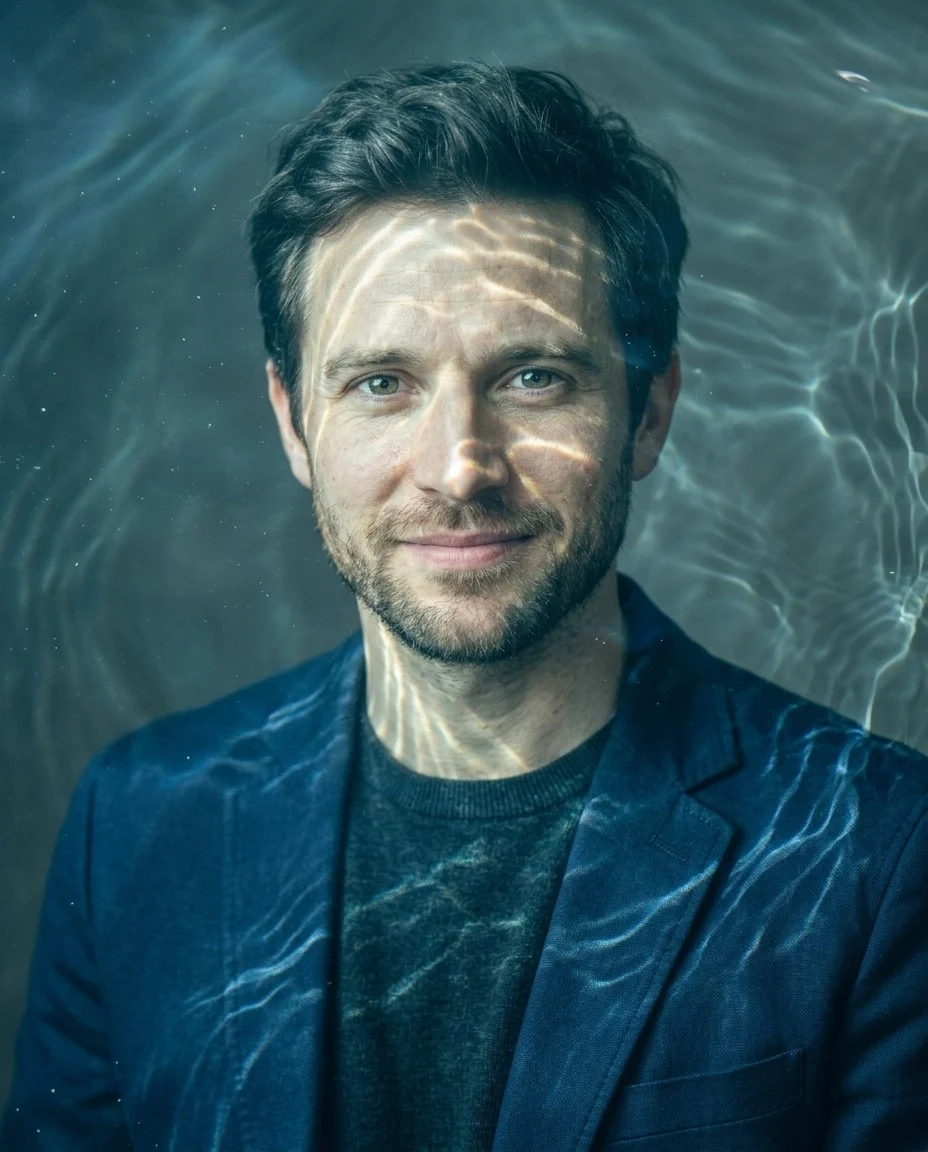
Funny Face Filter — Funny Face Filter

Funny Face Filter — exaggerate one face into a playful photo joke.

Upload a selfie or portrait and exaggerate facial features into a polished funny face edit. Choose big nose, wide smile, bubble cheeks, goofy eyes, stretch face, or tiny chin looks for a playful face warp filter result without replacing the whole photo.

ImageFaceImage Effects
Real portrait used for the big-nose funny face filter showcase slot
Before
After
Drag to compare

— Splash gallery —

Faces, exaggerated.

A compact gallery of real funny-face edits, from bigger noses and wider smiles to puffed cheeks, goofy eyes, and stretched profiles. Each frame keeps the same person and scene, but leans the expression just far enough to feel like a deliberate, goofy portrait joke.

Real portrait used for the big-nose funny face filter showcase slot
Big Nose Selfie · Funny Face
Real portrait used for the wide-smile funny face filter showcase slot
Wide Smile Portrait · Funny Face
Real portrait reused for the bubble-cheeks showcase slot in the shipped first pass
Bubble Cheeks Party · Funny Face
Real portrait reused for the goofy-eyes showcase slot in the shipped first pass
Goofy Eyes Mirror · Funny Face
Real portrait reused for the stretch-face showcase slot in the shipped first pass
Stretch Face Creator · Funny Face
Real portrait reused for the tiny-chin showcase slot in the shipped first pass
Tiny Chin Profile · Funny Face
Real portrait reused for the squish-face showcase slot in the shipped first pass
Squish Face Meme · Funny Face
Real portrait reused for the comic-reaction showcase slot in the shipped first pass
Comic Reaction Pose · Funny Face

— Chapter 01 —

What Is a Funny Face Filter?

Funny Face Filter is an AI photo effect for turning one clear selfie or portrait into a goofy, shareable joke image. It works like a friendly face warp filter: exaggerating visible features such as the nose, smile, cheeks, eyes, chin, or face shape while trying to keep the same person, pose, lighting, clothing, background, and framing recognizable enough for friends to understand the punchline. Use it when you want a silly face effect, goofy portrait, meme face filter, or fun photo filter that feels playful rather than personal.

It also defines the boundary between an exaggerated face edit, cartoon face distortion, and a full cartoon generator. A beauty filter tries to flatter, a face swap changes identity, and a cartoon restyle may repaint the whole image. This page is for controlled photo distortion: big smiles, puffed cheeks, long faces, tiny chins, and other comedy cues that stay non-bullying. Use it for playful memes, party invites, avatars, or reaction images, and avoid edits meant to humiliate someone or make a real person look injured, broken, or nonconsensually mocked.

— Chapter 02 —

Three presets, three moods.

01

Goofy facial distortion

Use the page presets to set the main creative direction before adding smaller custom notes.

02

Reaction-ready selfies

Match the uploaded image, preset, and final use case so the result feels intentional rather than over-edited.

03

Playful profile edits

Keep identity, safety, and practical output limits in mind when choosing how far to push the effect.

Pick one gag such as Big Nose, Wide Smile, or Bubble Cheeks instead of combining every distortion at once.

Use front-facing selfies with open expression; sunglasses, hands, and heavy blur make goofy edits less readable.

Choose Goofy Eyes or Stretch Face for meme reactions, but keep the note lighthearted rather than insulting a real person.

If the result gets too extreme, ask for a softer caricature so friends can still recognize the original face.

— Occasions —

When to reach for Funny Face Filter.

Reaction Meme Photo

Turn a plain selfie into a louder reaction image for DMs, comments, and meme replies with a playful meme face filter.

Party Invite Portrait

Create a silly face version of your portrait for birthday invites, casual flyers, or friend-group jokes.

Goofy Profile Avatar

Make a playful profile photo that feels more fun than a standard selfie without switching to a full cartoon style.

Birthday Card Joke Image

Use the filter to create a funny face version of a friend for printable cards or digital greetings.

— Chapter 04 · How to —

How to use Funny Face Filter in three steps.

A silly face effect usually takes less than 1 minute. Upload one clear face photo, choose a distortion strength, and generate a shareable joke image.

  1. Upload Your Selfie

    Start with a selfie or portrait where one face is easy to see and the nose, smile, cheeks, eyes, and chin are not blocked by props or motion blur.

    Tip: Front-facing expressions work best for obvious distortions because the tool has a cleaner read on symmetry and feature placement.

  2. Choose a Funny Distortion

    Choose the distortion by the joke you want: Big Nose and Goofy Eyes read fastest in reaction images, Wide Smile feels friendlier for party edits, while Stretch Face or Tiny Chin gives the strongest meme face filter shape.

    Tip: Choose one main distortion so the face stays recognizable; stacking too many comedy cues can make the joke harder to read.

  3. Generate and Compare the Joke

    Generate the edited image, then check the eyes, smile, nose, cheeks, chin, and original expression so the joke still reads as the same person.

    Tip: Rerun if the joke is too subtle for a meme or so extreme that friends can no longer tell who the photo is.

— What creators say —

Honest words from Funny Face Filter editors.

I wanted a face-distortion look that still felt like the original selfie. The big nose and wide smile presets are the fastest ones for reaction posts.
Nina R.
Meme page editor
Bubble cheeks worked well for invite graphics because it looked obviously goofy without turning the whole photo into random AI art.
Marcus T.
Party organizer
Stretch Face gave me the kind of viral thumbnail energy I was looking for, but the person still looked recognizable.
Jae L.
Creator

— Also in the studio —

More AI photo tools.

See all tools

— Frequently asked —

Questions, answered.

What is a funny face filter?

A funny face filter is an AI photo effect that exaggerates parts of the face such as the nose, smile, cheeks, eyes, or chin to create a silly distorted look. It can also work as a face warp filter, silly face effect, or meme face filter when the edit stays playful.

Will the photo still look like the same person?

That is the goal. The base prompt is written to preserve identity, hairstyle, skin tone, pose, and scene context while only exaggerating selected facial features.

What kinds of photos work best?

Single-person selfies and portraits usually work best, especially when the face is large, clear, and not hidden by sunglasses, hands, or heavy blur.

Can I choose what kind of distortion I want?

Yes. This page is set up around presets such as Big Nose, Wide Smile, Bubble Cheeks, Goofy Eyes, Stretch Face, and Tiny Chin so you can push the exaggerated face joke in a specific direction while keeping the result consent-based and non-bullying.

Are the examples on this page real assets now?

Yes. This shipped first pass uses confirmed hosted assets generated with `gemini-3.1-flash-image-preview` on the official route. Some showcase and use-case slots currently reuse the same confirmed images while a broader unique set is still pending.

One studio dispatch a week. No noise.

Upload a selfie, choose a distortion preset, and generate a goofy Funny Face Filter result for memes, invites, avatars, joke posts, and friendly fun photo filter moments.