01
Emoji and Sticker Cleanup
Small stickers, captions, timestamps, and reaction graphics are easiest to remove when nearby skin or background texture is visible.
Remove stickers, emoji overlays, text stickers, badges, and labels from photos you own or have permission to edit.
 Before
 After
AfterA practical cleanup set for badges, emojis, labels, captions, and social stickers. Each edit removes the visible overlay, then rebuilds nearby skin, product surface, fabric, or background detail so the image can return to normal use.


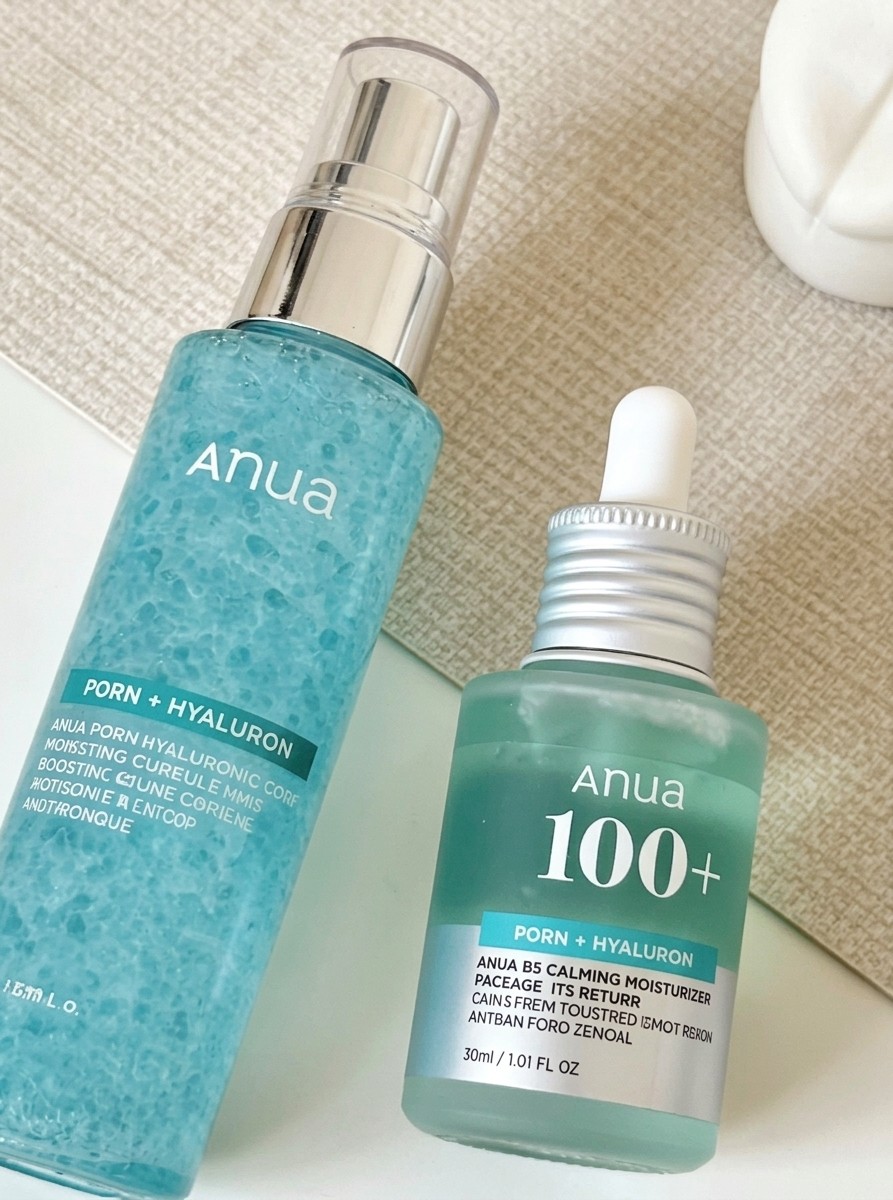


Chapter 01: Sticker remover is a focused AI sticker remover for cleaning up photos where a sticker, emoji, caption bubble, label, timestamp, sale badge, or app decoration is already baked into the picture. Upload an image you own or have permission to edit, then remove sticker from photo areas that feel distracting: remove emoji from photo faces, erase reaction stickers, remove overlay graphics, remove text/sticker captions, clear product promo labels, or clean up photo screenshots before reuse. Instead of blurring the mark or cropping the frame, the tool behaves like a localized AI eraser: it studies nearby skin, fabric, product surface, wall, sky, table, or background texture, then uses inpainting and generative fill behavior to rebuild the hidden area while preserving the original subject, lighting, crop, color, and composition.
Chapter 01 also defines the responsible-use boundary. A sticker remover is useful for your own selfies, brand assets, product photos, client-approved drafts, listing images, old social exports, and licensed visuals where edits are allowed; it should not be used to misrepresent evidence, bypass creator rights, alter someone else's image without permission, or remove context that viewers need. It is different from a general object remover, a full retouching app, and a text generator: the goal is narrow overlay cleanup, not changing identity, rewriting labels, replacing the scene, or creating a new story. Results are strongest when the sticker covers a manageable area and enough surrounding detail remains for natural inpainting, so the cleaned photo looks like the original file without the sticker. For a related edit, use Remove Text from Photo when the next version needs a different cleanup or adjustment.
Small stickers, captions, timestamps, and reaction graphics are easiest to remove when nearby skin or background texture is visible.
Sale badges, date stickers, and old overlay labels can be cleaned for approved listings or archives when the rebuilt area stays plausible.
Use this on images you own or can edit; do not remove context to mislead, bypass rights, or alter someone else's photo without permission.
Tip: 01
Crop is not always safer; keep enough surrounding texture visible so the fill can rebuild the hidden area.
Tip: 02
Large stickers over eyes, logos, or product labels may need multiple attempts because little original detail remains.
Tip: 03
Inspect rebuilt faces, fabric, walls, and package edges at full size before reusing the image.
Tip: 04
Do not use sticker removal to misrepresent evidence, hide required disclosures, or strip creator marks from protected work.
Remove emoji covers, reaction stickers, and story decorations from selfie reposts when you need a cleaner version for editing, archiving, profile updates, or private reuse.
Delete sale bubbles, discount tags, and marketplace promo labels from product images before reusing them in a storefront, landing page, ad creative, or reseller listing.
Clean outdated price stickers, contact badges, and listing labels from older real-estate or marketplace photos that are still visually strong but no longer current.
Remove date stamps, corner stickers, and old travel-app decorations from vacation photos before printing them, reposting them, or adding them to a cleaner album.
Sticker removal usually takes under a minute. Start with a permitted photo, screenshot, selfie, product image, story export, or saved draft, then choose the cleanup focus based on whether you need to remove an emoji, remove overlay graphics, remove text/sticker captions, or repair a product badge.
Use a screenshot, selfie, story image, product photo, listing image, or saved social post where an emoji, label, reaction sticker, text sticker, or overlay covers part of the image you are allowed to edit.
Tip: Small and medium stickers are safer than large stickers covering eyes, logos, hands, legal notices, or detailed patterns that do not have enough surrounding context.
Use light cleanup for simple backgrounds, face-area repair when a sticker touches skin or hair, product repair for labels and packaging, or stronger inpainting when the overlay hides textured scenery.
Tip: Keep the note narrow: remove emoji from photo face areas, remove overlay from the corner, or erase a sale badge, rather than asking for a new background or full retouch at the same time.
Remove the sticker, then inspect skin texture, hair edges, product labels, background lines, shadows, and color continuity before downloading the cleaned image.
Tip: Rerun with a smaller cleanup note if the old sticker edge remains, the generative fill looks too smooth, or a nearby label becomes unreadable.
“I often get screenshots or reposted photos with story stickers already burned in. This was much faster than rebuilding the whole image manually.”
“I used it to remove sale bubbles and old price labels from product photos so I could reuse the same shots across multiple listings.”
“Some older travel photos had date stickers and decorative overlays from old apps. The cleaned versions looked much more usable for new posts.”

Crop images online for square profiles, social posts, thumbnails, banners, and custom aspect ratios.

Upload a father photo and child photo to create a personalized Super Dad superhero poster for Father's Day, family chats, stories, and prints.

Change the color of clothes, products, cars, walls, and furniture in an image with AI.
A sticker remover is a targeted image cleanup workflow that removes sticker-like overlays such as face-covering emojis, reaction stickers, labels, sale badges, text stickers, timestamps, or app decorations while trying to rebuild the part of the image hidden underneath.
It is positioned for emoji covers, face-covering emojis, reaction stickers, story stickers, promo badges, date stamps, marketplace labels, subtitle bars, and similar overlays that occupy a limited area of the image.
Yes. Remove emoji from photo and face-emoji cleanup are core use cases. Results are best when the covered area is not too large and the surrounding face detail gives the model enough context to reconstruct naturally.
Yes, it can remove text/sticker overlays such as caption bubbles, date stickers, subtitle-style bars, sale badges, or simple decorative text when the covered area is limited. It is meant to clean up the photo, not rewrite important labels or create misleading edits.
Yes. Product and listing images with discount bubbles, corner labels, promo stickers, or marketplace overlays are a common use case, especially when the underlying product shot is yours or you have permission to edit it.
That is the intended workflow. The default prompt tells the model to reconstruct the hidden surface, background, skin, or object detail using nearby visual context, similar to an AI eraser with inpainting and generative fill, rather than simply covering the area with blur.
It is designed for targeted cleanup. The prompt tells the model to preserve subject identity, composition, lighting, texture, and colors while removing only the unwanted overlay.
Do not use it to edit images you do not own or have permission to modify, remove context from evidence, hide legally required labels, bypass creator rights, or change someone else's photo in a misleading way.
Photos work best when the sticker covers a limited part of the frame and the surrounding pixels provide enough information to rebuild the missing area. Very large stickers, compressed screenshots, complex hands, eyes, logos, or repeating patterns are harder.
The page is positioned as a free online AI tool to try. Any generation or export limits depend on the current product plan shown in the app experience.
Upload an image, erase unwanted stickers or labels, and download a cleaner photo for social, ecommerce, listing, or archive use.