01
Classic costume cues
Use the page presets to set the main creative direction before adding smaller custom notes.
Use an AI Halloween filter online to turn a selfie, portrait, pet photo, or couple shot into a spooky seasonal edit in seconds.
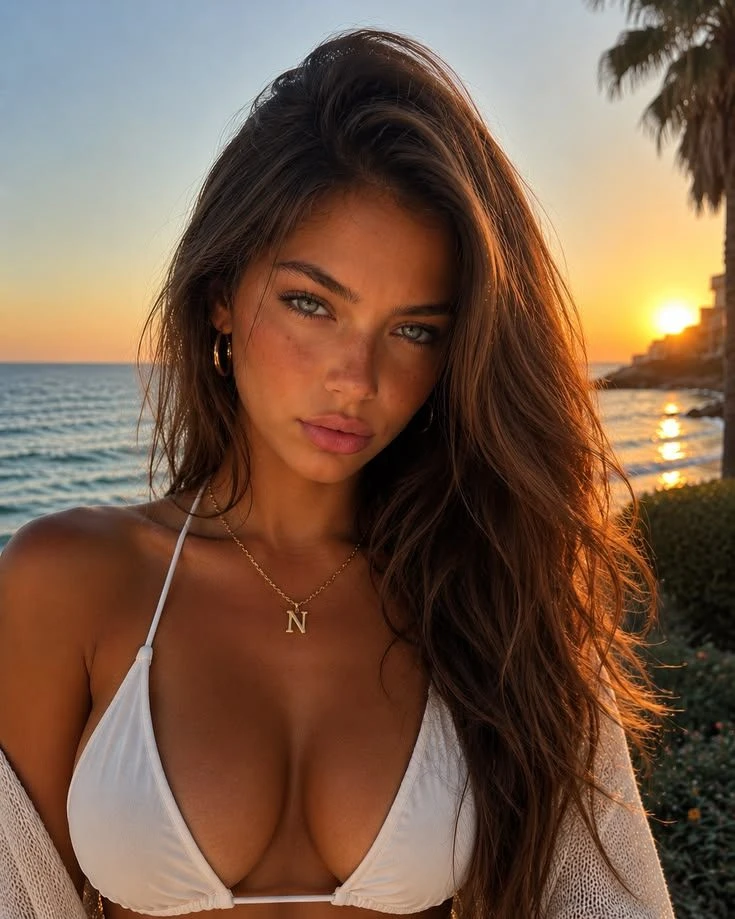 Before
 After
AfterA compact gallery of Halloween edits — each frame keeps the subject recognizable while pumpkin light, skull paint, witch glow, mummy texture, zombie fog, vampire styling, shadows, makeup, and color tone move toward a seasonal look. Hover on desktop or swipe on mobile to compare the set.
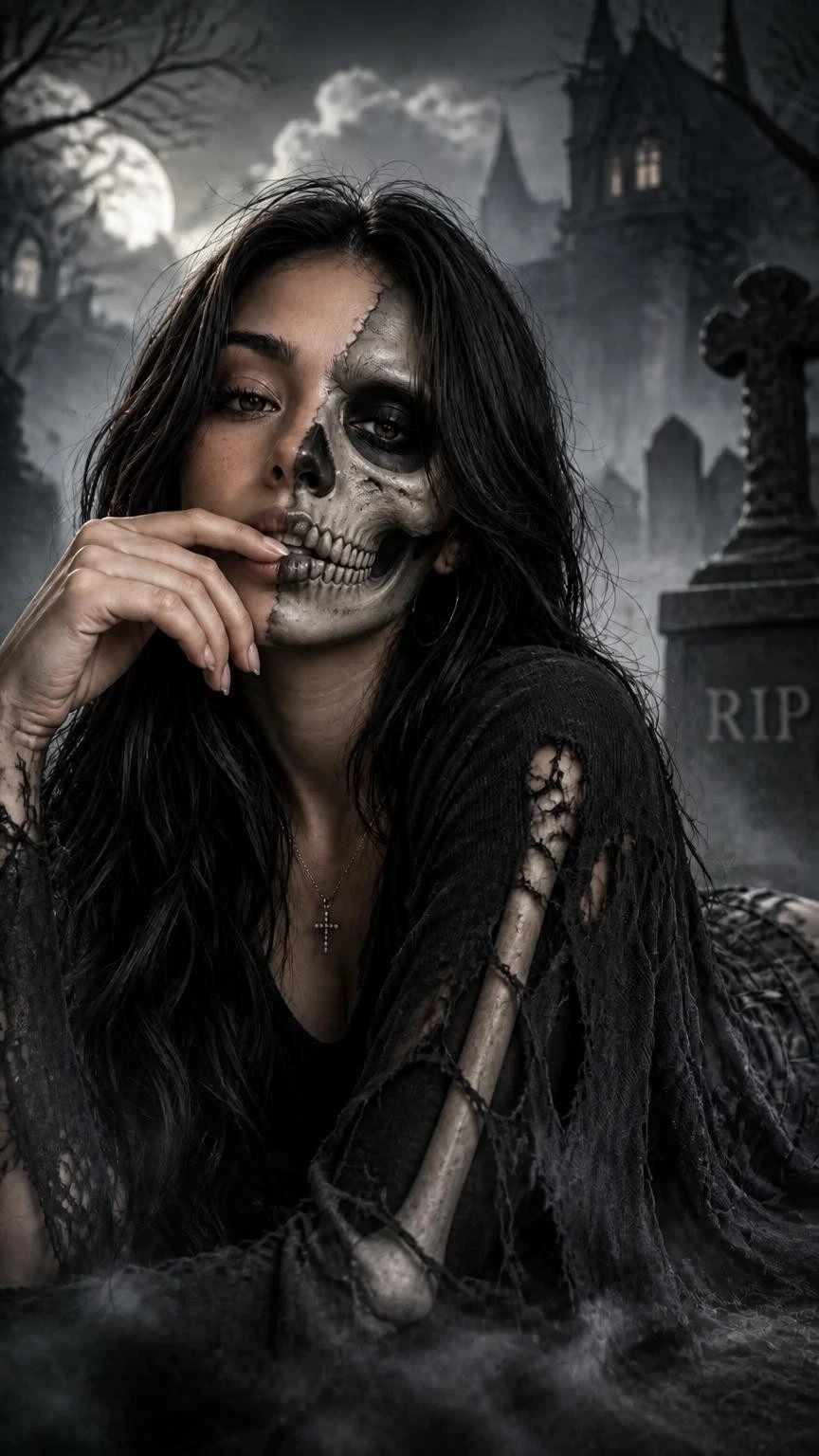
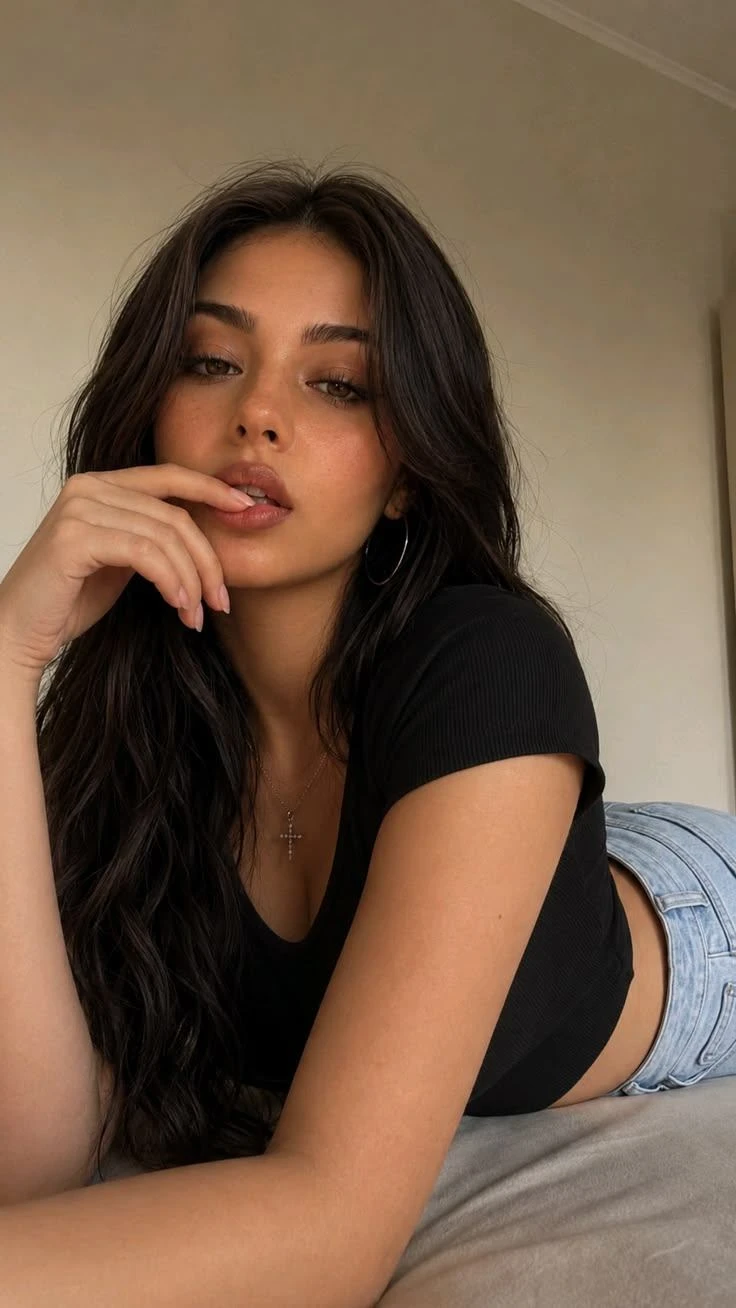
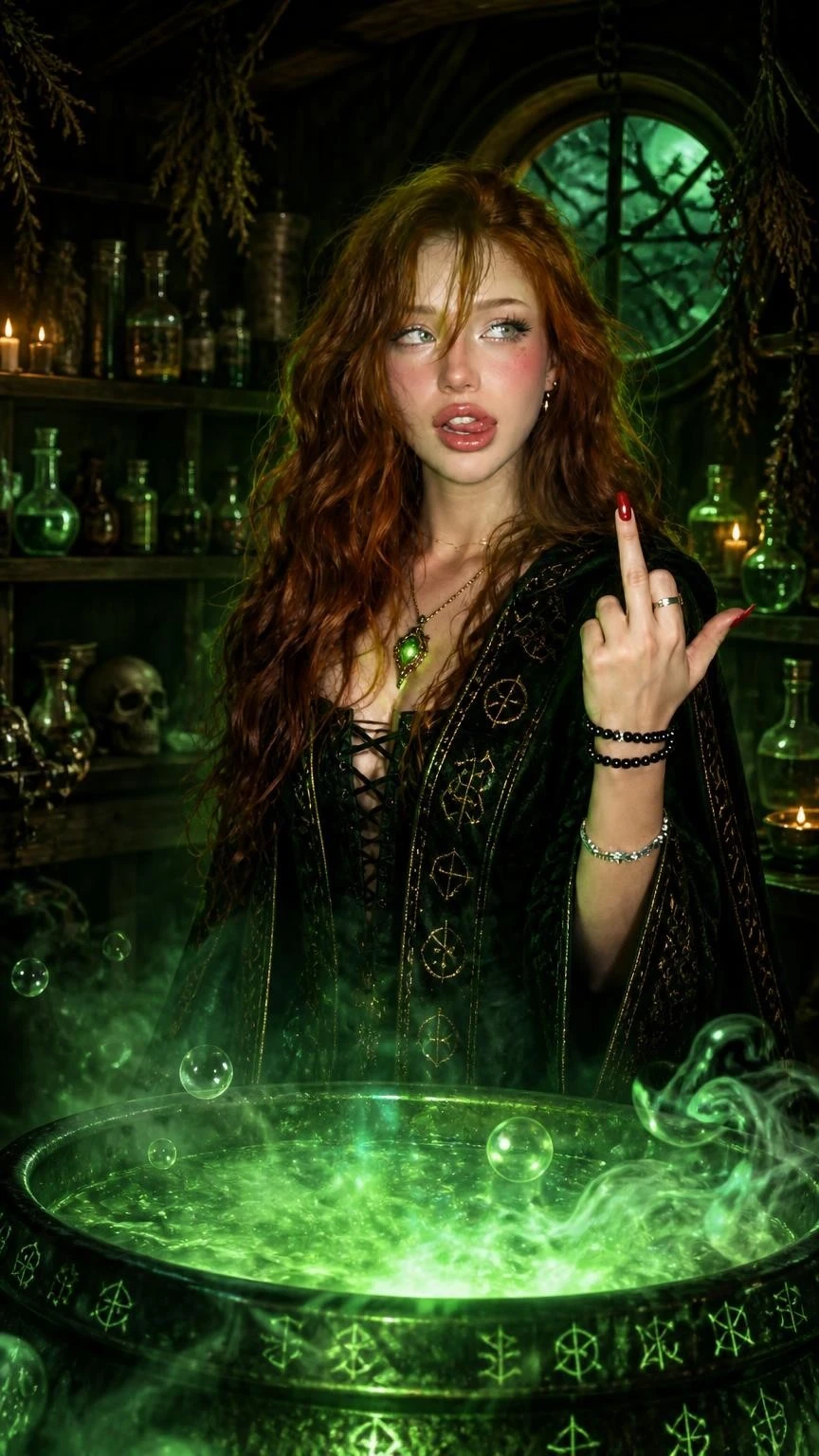
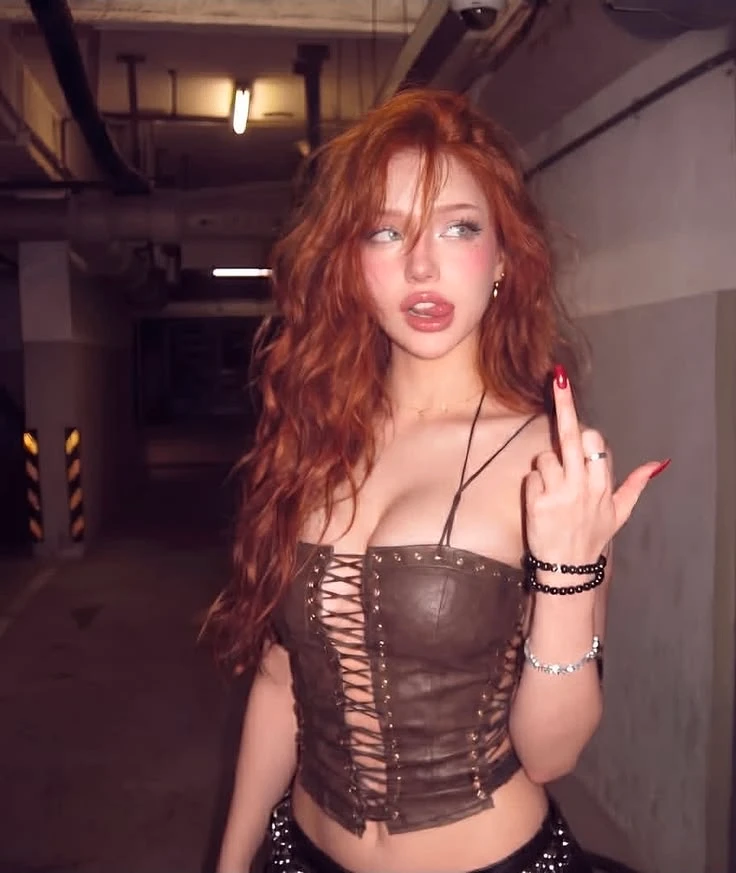
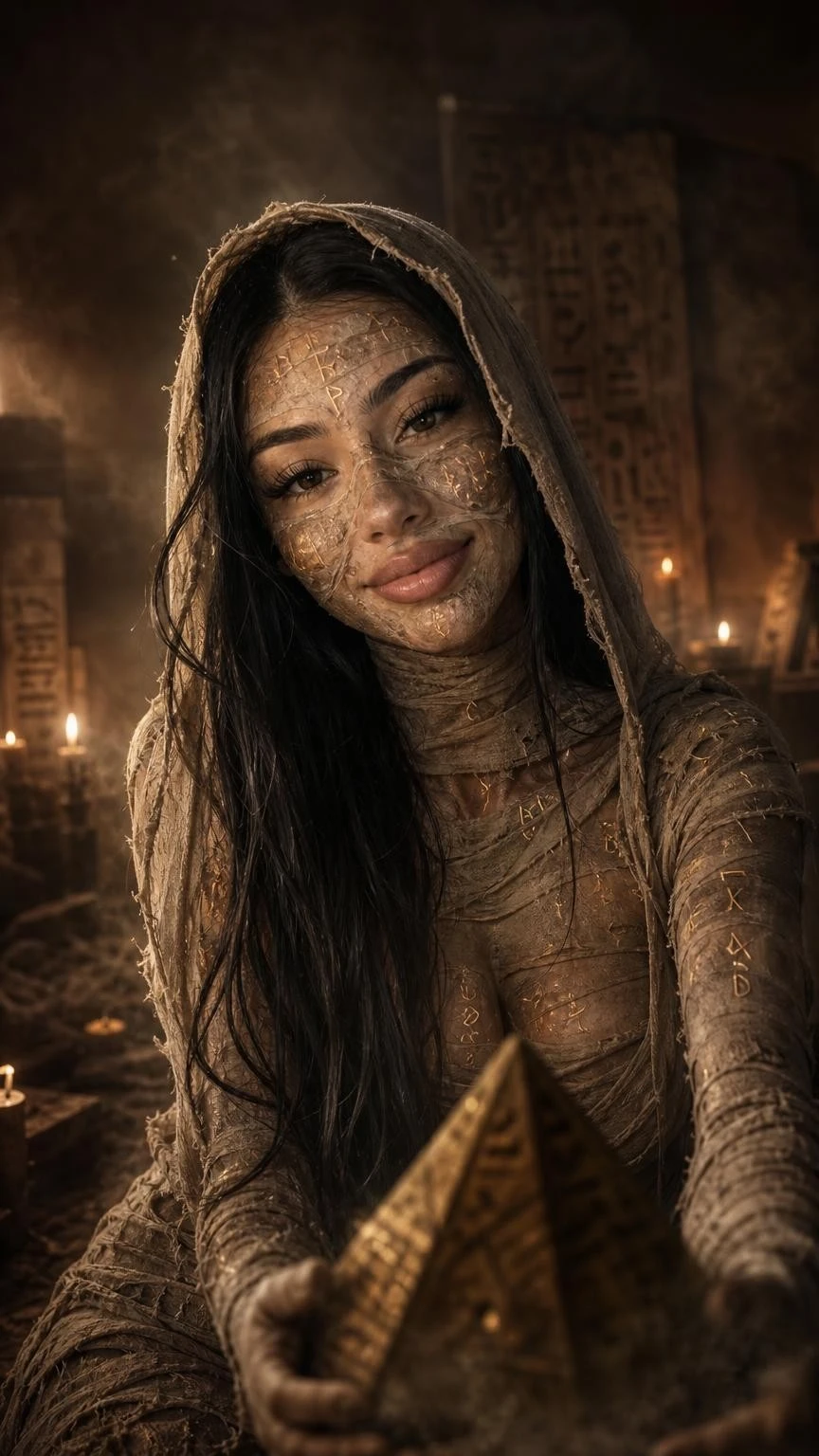
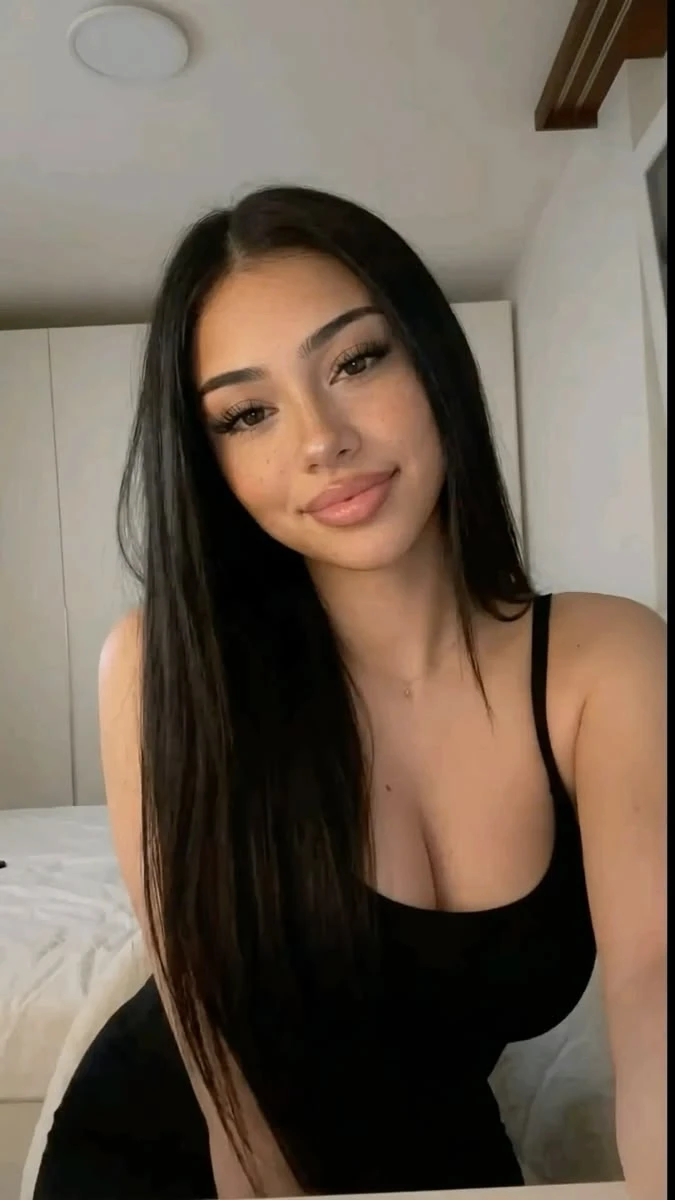
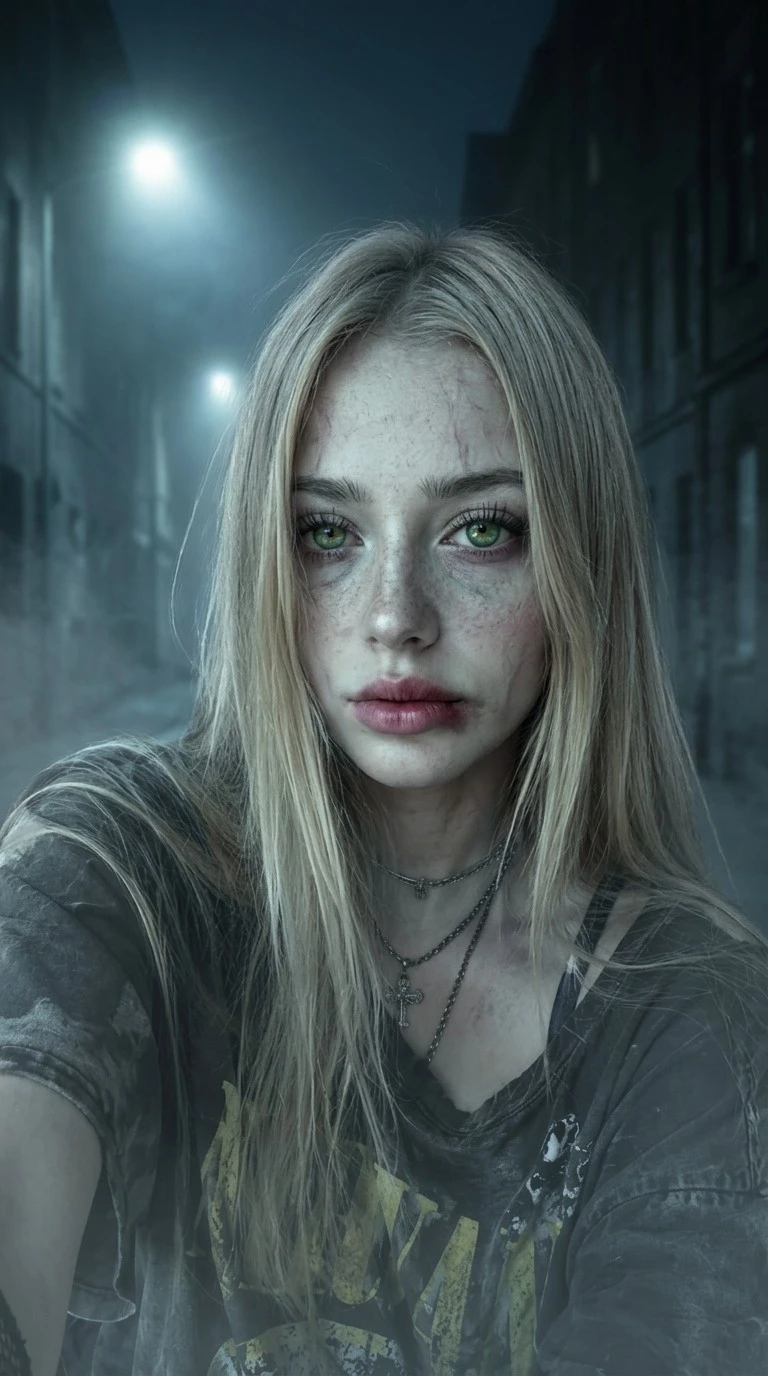
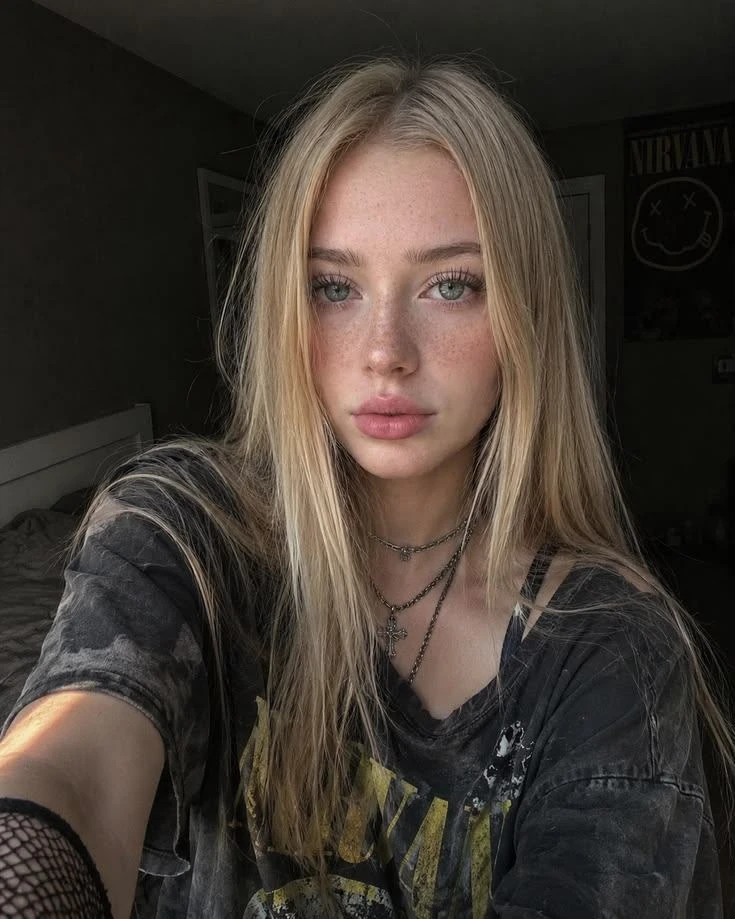
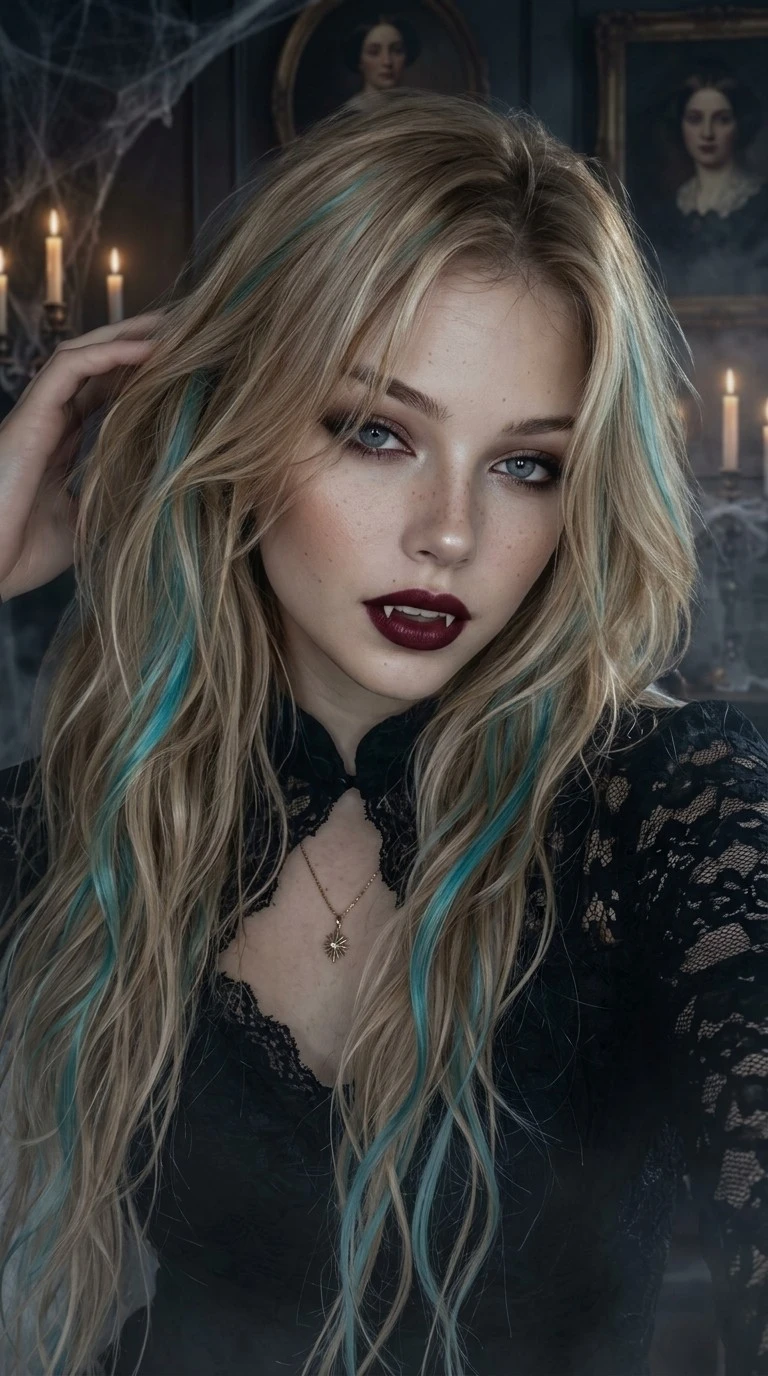
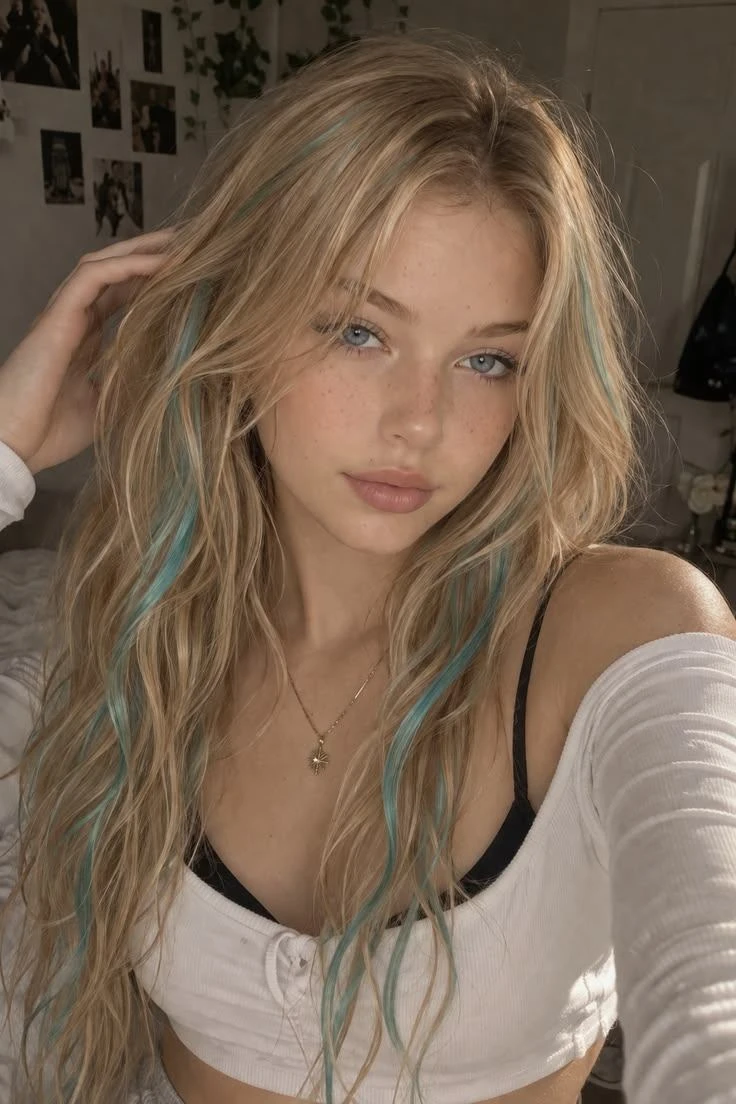
AI Halloween Filter is a Halloween photo filter for real selfies, portraits, pet photos, and couple images that need a fast seasonal restyle. Instead of replacing the subject with a random monster, it keeps the original face, pose, expression, camera angle, and framing readable while layering in spooky photo effect details: costume hints, makeup, props, fog, moonlit shadows, candle glow, and haunted portrait atmosphere.
Think of it as a playful Halloween costume generator and creepy photo edit assistant in one. You can steer the same photo toward warm pumpkin lantern light, skull face paint, a green witch-potion glow, mummy bandage runes, an elegant vampire filter, or a lightly spooky undead scene without making the result graphic or unrecognizable. The goal is a festive image that still feels like your photo, just dressed for Halloween night.
That broader framing matters because a Halloween edit is rarely only one thing. A good seasonal portrait needs makeup, costume, atmosphere, and identity working together. This app is tuned for those combined changes, so it can create a social-ready avatar, a haunted portrait for an invite, or a costume concept without forcing you to mask, paint, or prompt every detail by hand. For a different visual treatment, try Ghost Filter when the same idea should move into another style direction.
Use the page presets to set the main creative direction before adding smaller custom notes.
Match the uploaded image, preset, and final use case so the result feels intentional rather than over-edited.
Keep identity, safety, and practical output limits in mind when choosing how far to push the effect.
Tip: 01
Start with Pumpkin Glow when the subject needs to stay bright, warm, and profile-photo readable.
Tip: 02
Use Skull Paint or Mummy Runes on clear front-facing portraits; tiny faces and heavy shadows can make the texture details muddy.
Tip: 03
Choose Witch Potion for green magical light, Zombie for foggy movie-poster mood, and Vampire for darker gothic party energy.
Tip: 04
Keep gore, injuries, and identity changes out of the note if you want a Halloween filter that works for profile photos and party invites.
Turn a regular selfie into a spooky but still recognizable Halloween avatar for TikTok, Instagram, Discord, creator banners, or seasonal profile updates.
Create a themed party image with enough spooky atmosphere to work for invites, cover art, promo graphics, event posts, and haunted portrait announcements.
Restyle a couple or friend photo into a matching Halloween look for seasonal announcements, costume ideas, party recaps, or social carousels.
Use the presets as a lightweight Halloween costume generator when you want vampire, witch, skeleton, or creepy photo edit inspiration before choosing an outfit or post style.
Turn one selfie, portrait, pet photo, or couple shot into a seasonal Halloween edit with a spooky mood that still keeps the subject readable.
Start with a selfie, portrait, pet photo, or couple image where faces, bodies, and the main subject are clear. The app works best when it can see expression, hair outline, shoulders, clothing, and the lighting direction it should preserve.
Tip: Clean face and body outlines help makeup, props, costume pieces, and spooky lighting land in the right places.
Use Pumpkin Glow for warm porch portraits, Skull Paint for realistic face-paint drama, Witch Potion for magical green light, Mummy Runes for cursed tomb texture, Zombie for theatrical creepy edits, and Vampire for polished gothic portraits. Each preset acts like a quick Halloween costume generator direction rather than a rigid mask.
Tip: Pick the look based on the final use, not just the palette. Social avatars usually benefit from cleaner face readability, while invites can handle more haunted background atmosphere.
Create the Halloween-filtered image, then check face identity, eye visibility, costume edges, hand details, and dark background areas before using it for socials, invites, posters, or profile pictures.
Tip: Rerun if makeup or props hide the face too much, or choose a brighter witch or skeleton-glam look for party invites and profile photos.
“The useful part of a Halloween filter is speed. I want a recognizably spooky version of the original photo for posts and invites without opening a full editor.”
“Preset-led vampire, witch, or skeleton looks are easier than writing prompts from scratch, especially when I just need a Halloween profile picture fast.”
“The best Halloween filters keep the face recognizable while still adding enough haunted mood to feel fun and post-ready.”

Compress image files online in your browser and reduce JPG, PNG, or WebP file size without visible quality loss.

Recover detail from blurry photos, screenshots, and old scans with AI.

Use an AI Barbie filter online to turn your selfie into a glossy Barbie-style doll photo.
It restyles an uploaded photo into a Halloween-themed version using makeup, costume cues, props, color grading, and spooky atmosphere while trying to keep the original subject recognizable. The result is closer to a polished Halloween photo filter than a random monster generator.
Yes. A Halloween costume generator is usually narrower and outfit-led. This AI Halloween filter is broader, so it can also change makeup, lighting, background mood, props, and seasonal atmosphere in one pass.
Yes. The app includes preset directions for vampire and witch looks, plus pumpkin glow, skull paint, mummy, and zombie options. Use vampire for gothic portraits, witch potion for magical green light, pumpkin glow for warmer porch photos, and the other presets when you want a different spooky photo effect.
Yes. The examples here focus on selfies, portraits, and couple photos because those are some of the strongest Halloween filter use cases. Pet photos can work too when the animal is clear and the prompt stays playful.
Yes. The presets range from glam and polished to lightly creepy, so you can keep the result social-friendly instead of gore-heavy. For brighter results, choose witch or skeleton glam and regenerate if shadows get too dark.
Yes. Use a clear portrait and choose a mood with candlelight, fog, moonlight, or gothic styling. The app can create a haunted portrait effect while keeping the face, pose, and expression readable.
Yes. The default direction is spooky, seasonal, and shareable. It can add eerie lighting, theatrical makeup, haunted backgrounds, and costume cues without pushing the image into graphic horror.
Yes. The showcase and use-case sections on this page use real generated before-and-after images. The app itself now defaults to GPT Image 2 for new generations.
Upload your photo, choose a Halloween style, and generate a seasonal portrait for profile pictures, invites, posts, haunted portraits, or costume inspiration.